MAINSTREAM COMPLETE LIVE STREAMING & VIDEO CAPTURE INTERFACE WITH PROGRAMMABLE CONTROL KEYS
2
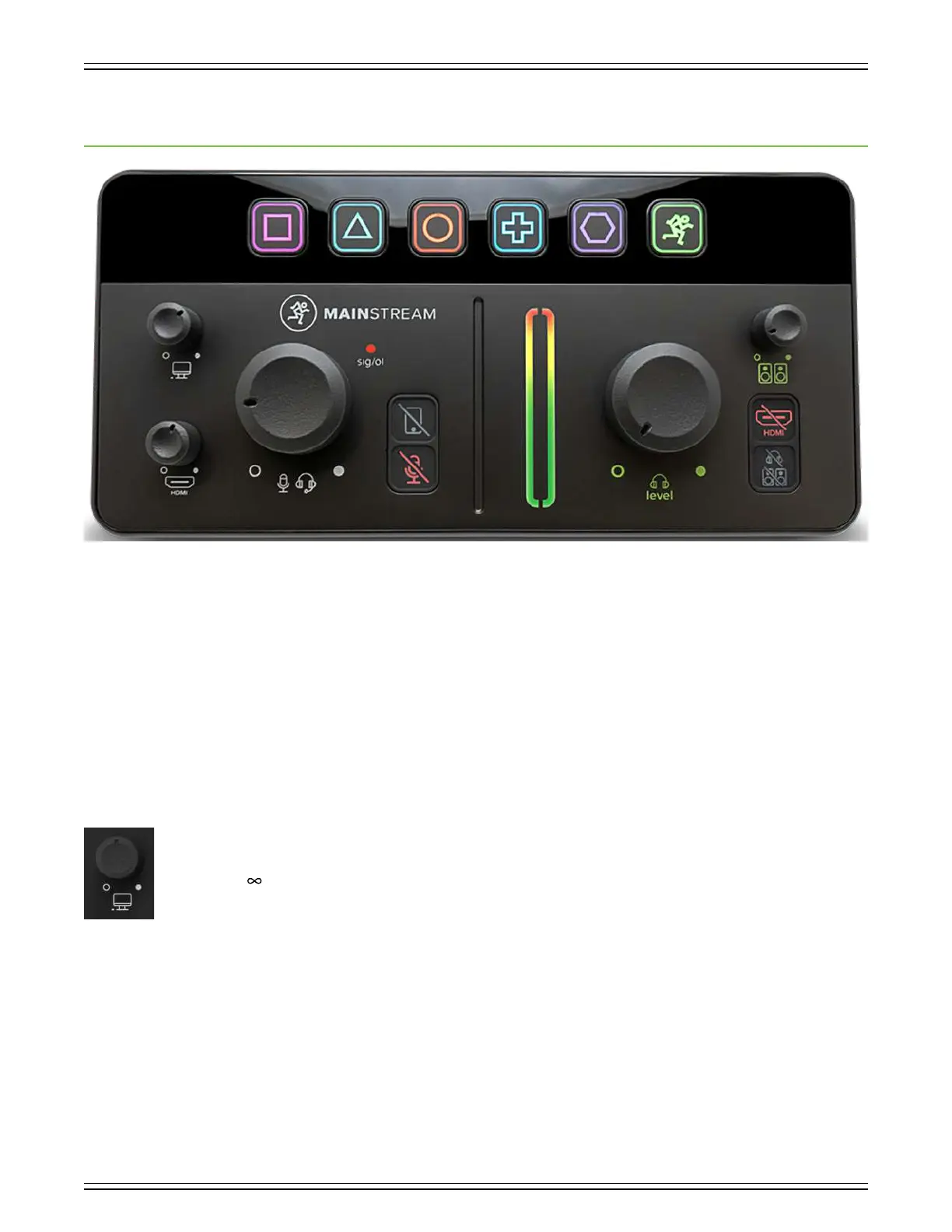
Chapter 3 : MainStream Top Panel Features
Introduction
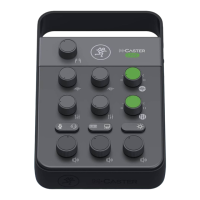
From top to bottom and lef to right, each MainStream is oufitted with a bunch of knobs, buttons, LEDs, and more.
So much more, in fact, that we will call out and describe each one, starting near the upper-lef corner with the PC audio
return level control knob.
PC Audio Return Level Control Knob
This knob is used to adjust the input volume of the audio return from the computer to the headphones, monitors, and mix minus.
For the proper setting, we suggest rotating this knob fully-clockwise, its max level. Then turn down if needed.
It ranges from (o) to maximum gain (max).



 To Next Page