Page 20 of 32
TROUBLESHOOTING GUIDE
Problem Cause Remedy
Fluid will not flow
through meter
a) Foreign matter blocking rotors
b) Line strainer blocked
c) Damaged rotors
d) Meter connections over tightened
e) Fluid is too viscous
a) Dismantle meter, clean rotors (strainer must be fitted in
line)
b) Clean strainer
c) Replace rotors (Strainer must be fitted in line)
d) Re-adjust connections
e) See specifications for maximum viscosity
Reduced flow
through meter
a) Strainer is partially blocked
b) Fluid is too viscous
a) Clean strainer
b) See specifications for maximum viscosity
Meter reading
inaccurate
a) Fluid flow rate is too high or too low
b) Air in fluid
c) Excess wear caused by incorrect instal-
lation
a) See specifications for minimum and maximum flow rates
b) Bleed air from system
c) Check meter body and rotors. Replace as required. Refer
to installation instructions
LCD register not
working
a) Battery not connected properly
b) Battery flat
c) Faulty wiring connections
d) Faulty LC Display
e) Faulty connection from LC Display
Contact Macnaught
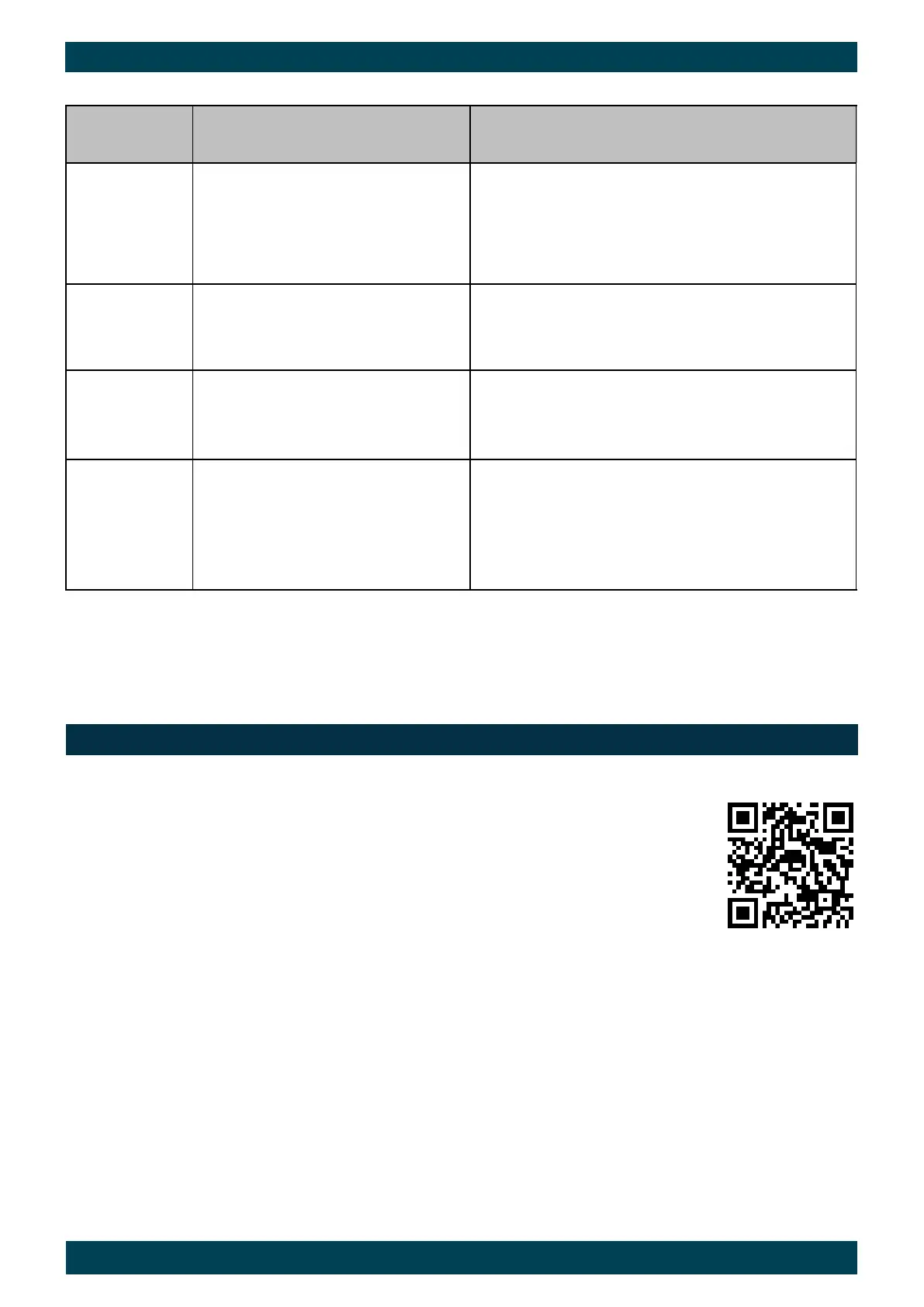
Macnaught provides an comprehensive set of ‘Maintenance Videos’ to assist the end user in
all aspects of service and / or repair of the flow meter range.
This web based resource can be accessed by scanning the QR.
MAINTAINENCE VIDEOS


 To Next Page