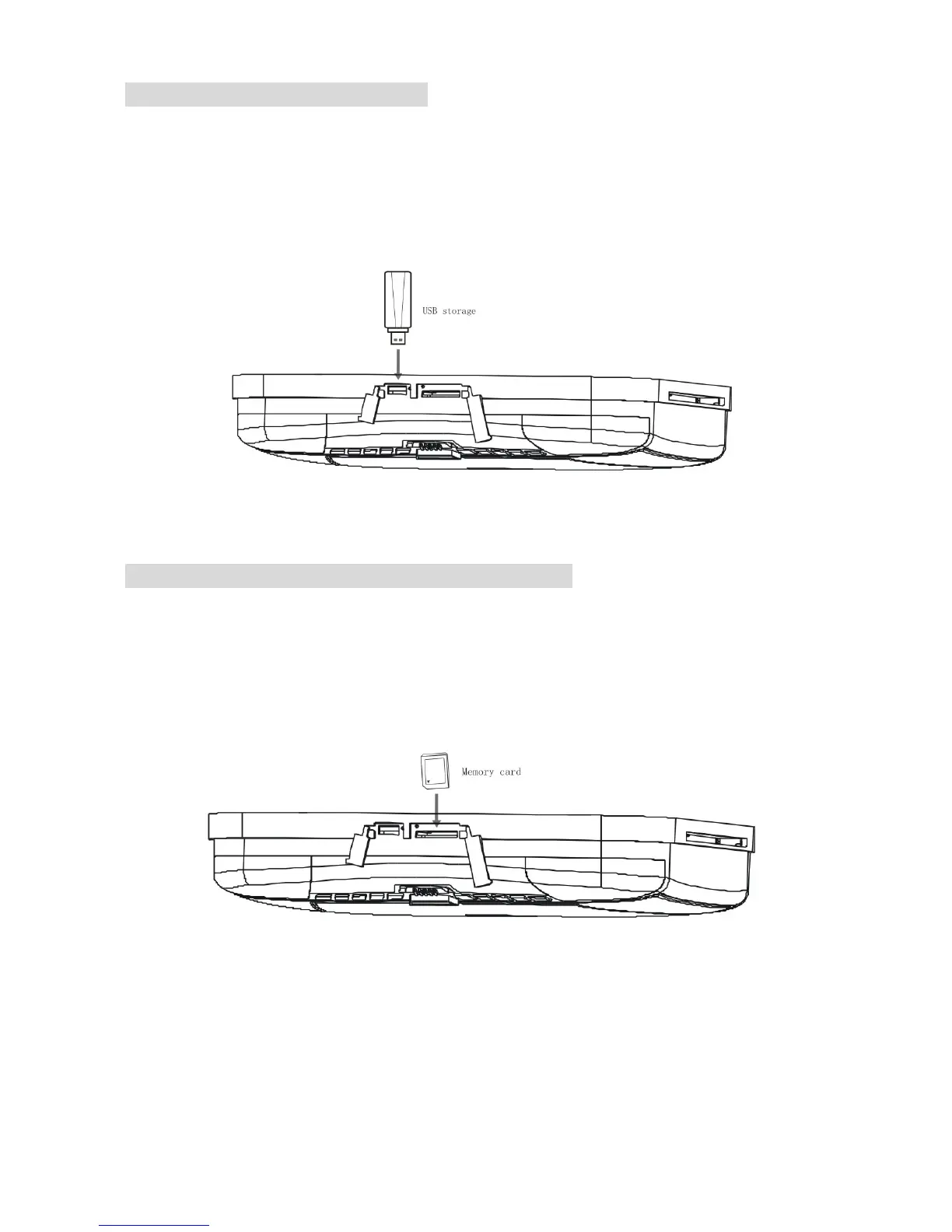
Connecting to the USB storage
1. Inserting the USB storage into the USB socket of the main unit.
2. When the unit sets in DVD mode, pressing SRC on the remote control for
more than one second to change the mode from DVD to USB, then the main
unit will read the contents of USB storage automatically.
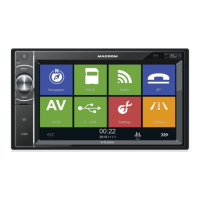
Connecting to the memory card (SD/MMC/MS)
1. Inserting the memory card into the memory socket of the main unit.
2. When the unit sets in DVD mode, pressing SRC on the remote control for
more than one second to change the mode from DVD to memory card, then
the main unit will read the contents of memory card automatically.
22



 To Next Page