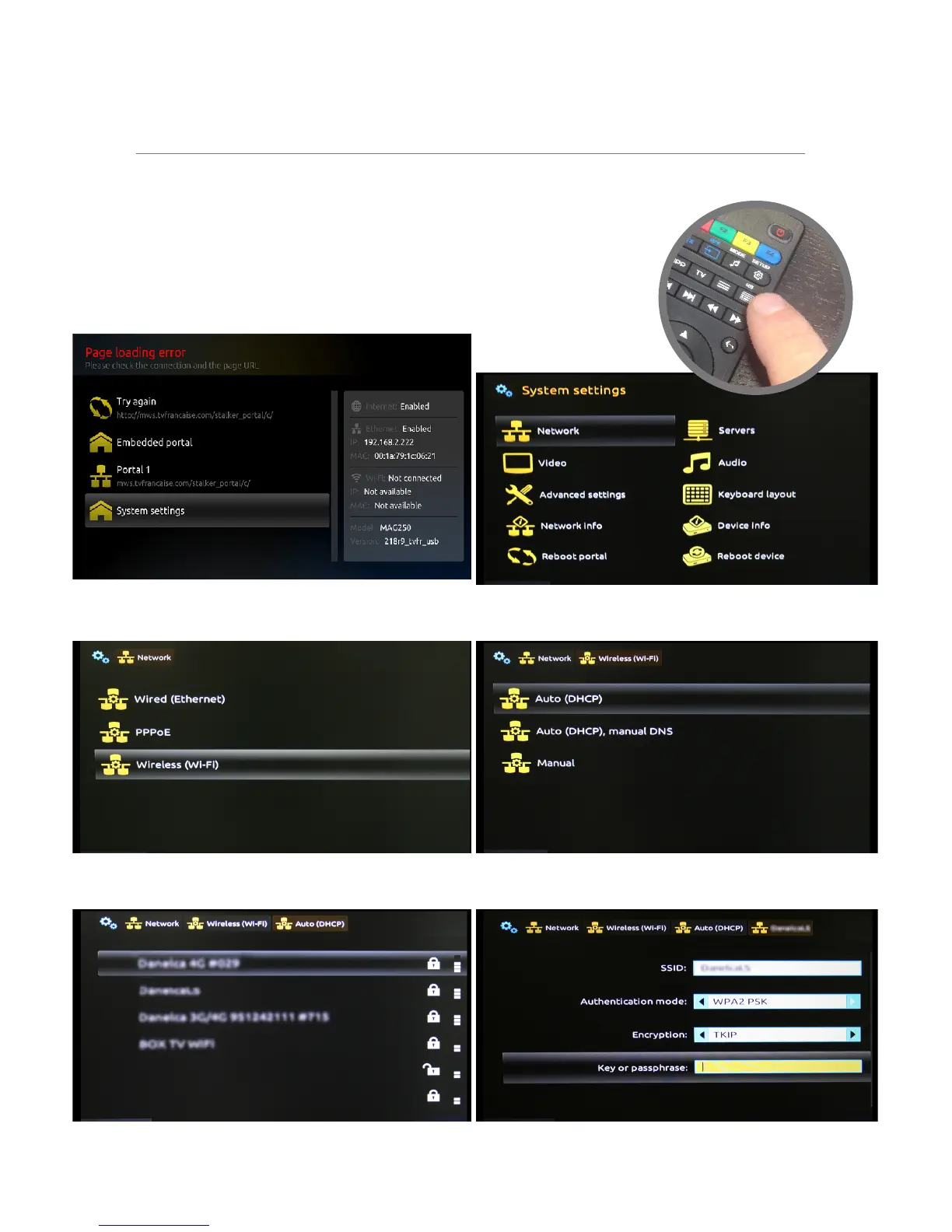
WIFI SETUP
Please note that this setup is only needed if you are NOT connected to your receiver with a network
cable!
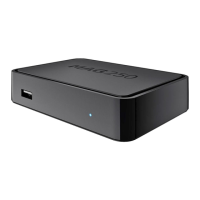
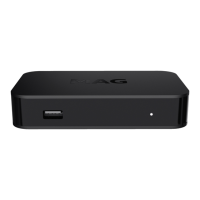
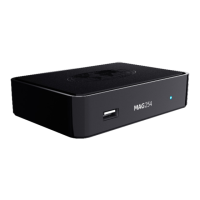
To connect your MAG receiver to WiFi, you need a USB WiFi adapter which can
be purchased separately.
For this setup you will need the Keyboard button (KB) to enter text.
STEP 1: Go to System settings...
STEP 3: Choose Wireless (Wi-Fi)...
STEP 5: Choose your network from the list...
STEP 2: Choose Network...
STEP 4: Choose Auto (DHCP)...
STEP 6: Type key or passphrase.
WiFi Setup - MAG | 3


 To Next Page