24 User Guide
Message Center
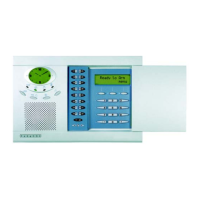
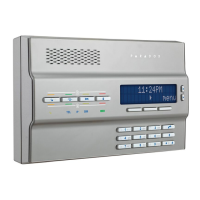
The Magellan console comes with a message center that allows you to record a voice message that can be played at a later time.
This message center is useful when you need to leave a message for another member of your family or even for yourself.
Recording a Message
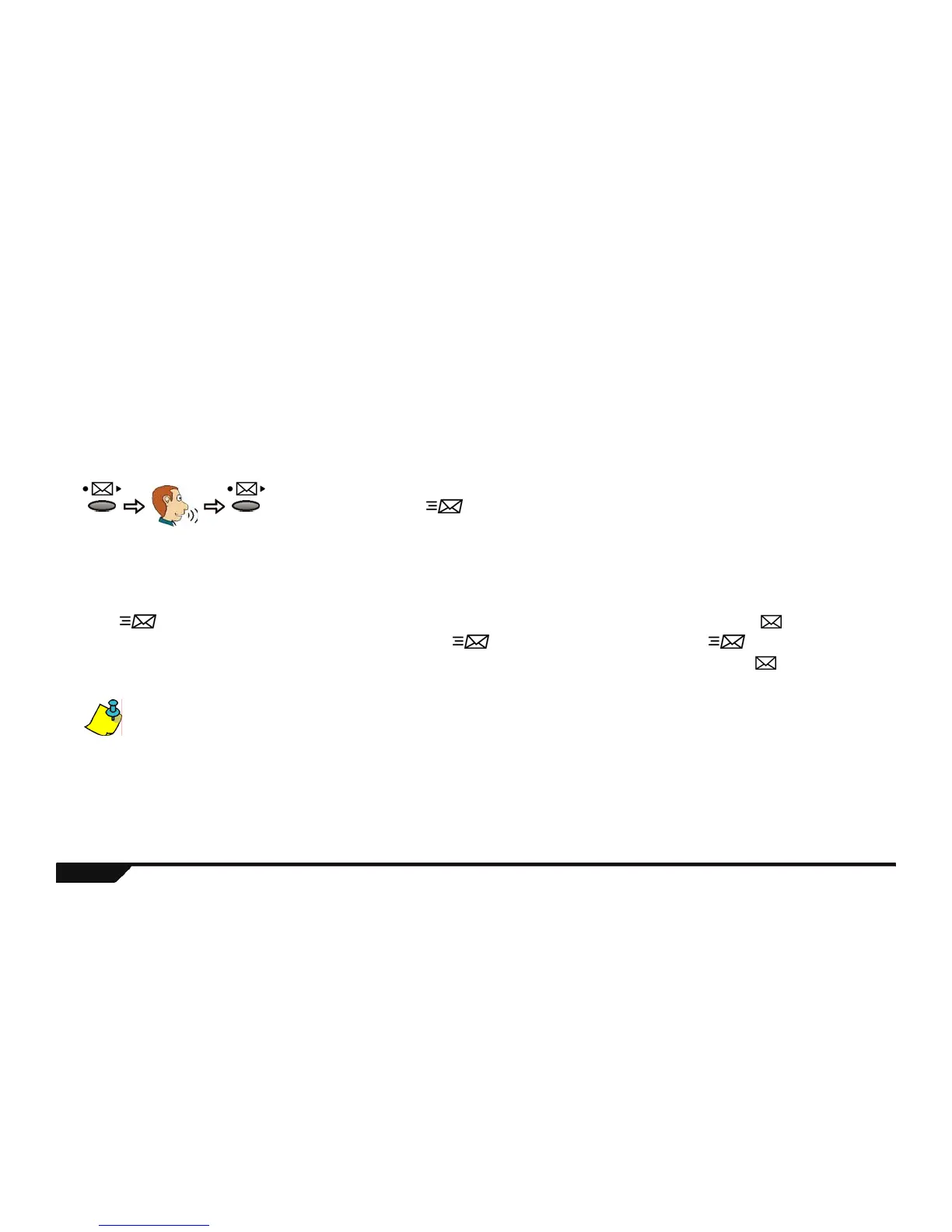
Perform the following to record a message:
Playing a Recorded Message
If the light is flashing, that means that there is a message recorded in the Magellan console. Press the key to play the
message. After the message is played for the first time, the light will stop flashing. Though the light has stopped
flashing, the recorded message is still there. The message can be played at any time simply by pressing the key. To record
another message, please refer to Recording a Message above.
If you wish to record another message, the Magellan console will replace the old message with the new message. Only one message can be
recorded at a time.
Record
your
message
After recording a message, the light will begin to flash.
Press
& hold
for 3
secs.
Technical Manuals Online! - http://www.tech-man.comTechnical Manuals Online! - http://www.tech-man.com


 To Next Page