15
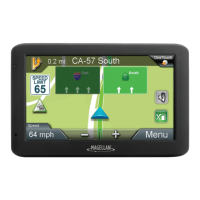
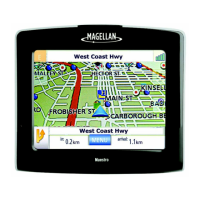
4. The Magellan RoadMate receiver recalculates the route and the Map screen returns.
Volume
The volume can be adjusted or muted from the Map screen. (The volume can also be adjusted from Settings >
Sound.)
Changing the Volume from the Map Screen
1. Tap the speaker icon . Additional controls appear.
2. Tap on the Mute button to mute the volume, or tap the '+' or '-' icons to change the volume levels.
3. Tap .







 To Next Page