Programming Page 13
* In order to use the “Flexible PGM deactivation” option (option [8]), the “PGM
deactivation after option” (option [1]) must be On.
PGM Deactivation
PGM Number Event
Group
Feature
Group
Start # End
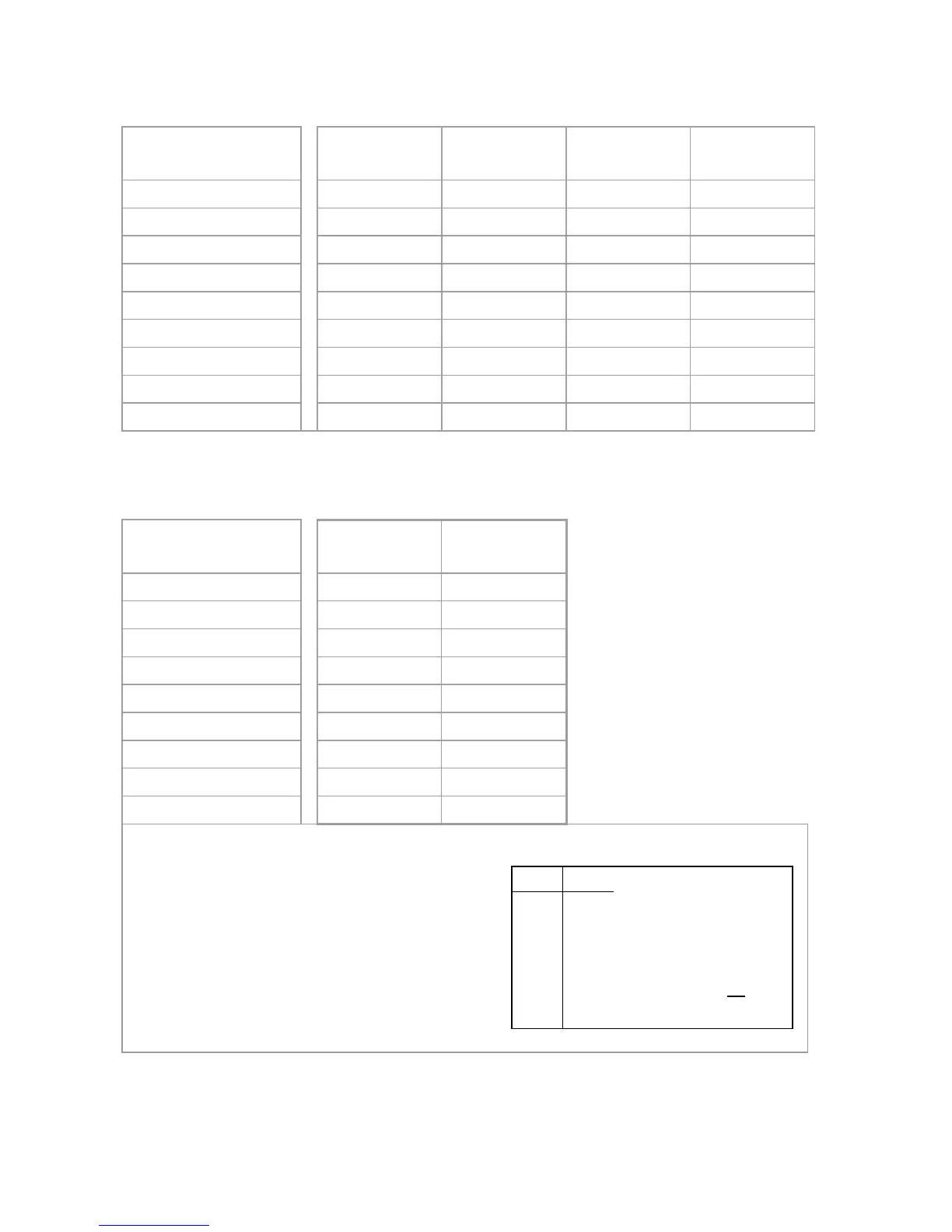
PGM1 [914] [915] [916] [917]
PGM2 [924] [925] [926] [927]
PGM3 [934] [935] [936] [937]
PGM4 [944] [945] [946] [947]
PGM5 [954] [955] [956] [957]
PGM6 [964] [965] [966] [967]
PGM7 [974] [975] [976] [977]
PGM8 [984] [985] [986] [987]
Default Data 000 000 000 000
NOTE: For a complete list of events, refer to the PGM programming section
of your Digiplex or Digiplex EVO control panel’s Programming Guide.
PGM Delay
PGM Number Delay
(000 to 255)
Options
PGM1 [918] [919]
PGM2 [928] [929]
PGM3 [938] [939]
PGM4 [948] [949]
PGM5 [958] [959]
PGM6 [968] [969]
PGM7 [978] [979]
PGM8 [988] [989]
Default Data 005 Off
The following options apply to sections [919], [929]... [989]:
Option [1]: PGM deactivation after:
See table on right
Option [2]: PGM base time:
On = Minutes
Off = Seconds (default)
Option [8]: Flexible PGM deactivation*:
See table on right


 To Next Page