Page 14 Programming
RTX3 Remote Programming for EVO
- Without a K641/K641R Keypad
Section Feature Details
[040] to
[043]
View or delete
used remotes
[040] = remotes 1 to 8
[043] = remotes 25 to 32
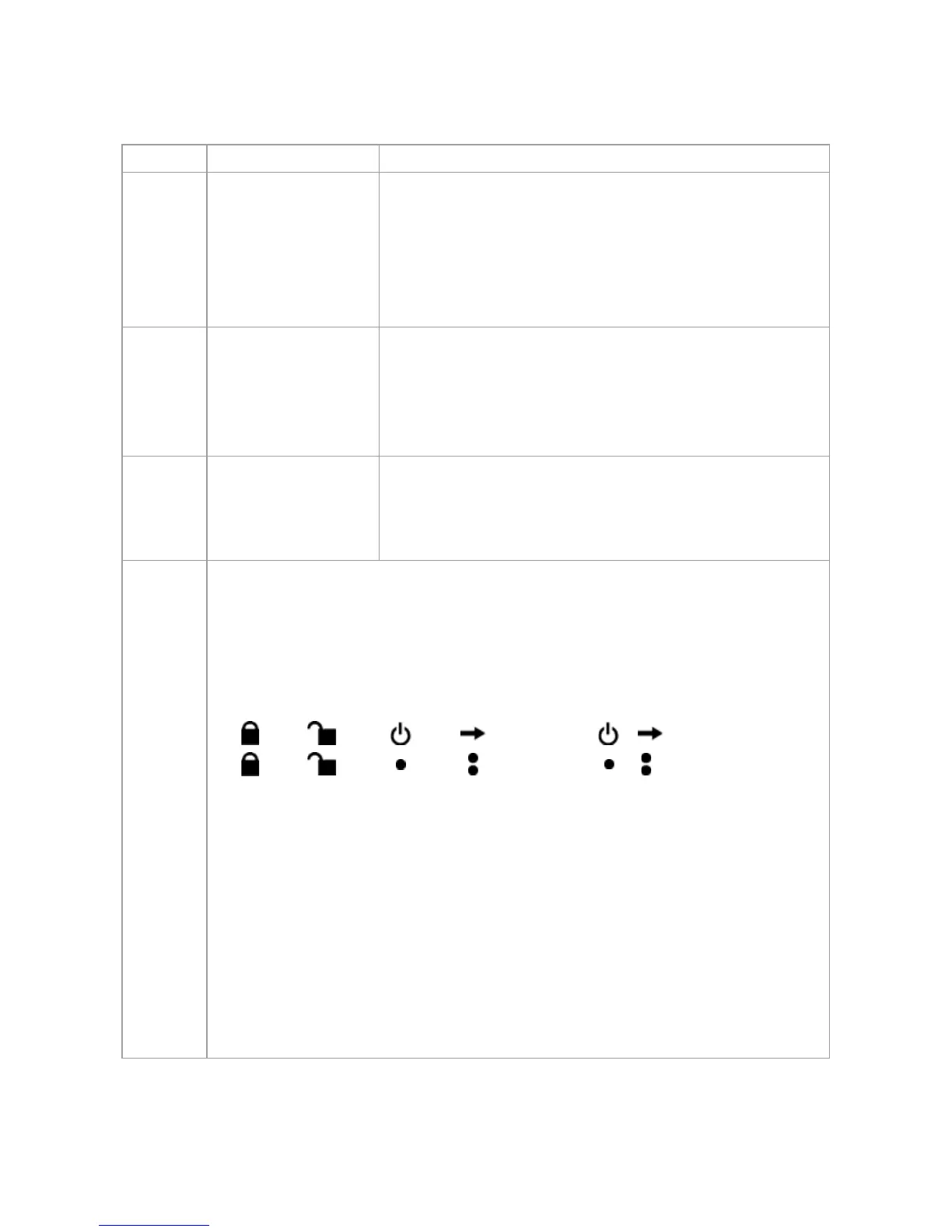
After entering the section, select which of the
eight remote positions you wish to delete. Any
remote position displaying “ ” will be deleted
when [
ENTER] is pressed.
[201] to
[232]
Assign remote
controls to the
system
[201] = remote 01
[232] = remote 32
Enter the desired section and then press and
hold a button on the remote control until you hear
a confirmation beep.
[301] to
[332]
Assign remotes
controls to users
Assign the remote controls to users by entering a
user number (001 to 255) in the appropriate
section (Users 001 to 255, section [301] = remote
01, section [332] = remote 32.)
[401] to
[432]
Program or delete remote
[401] = remote 01
[432] = remote 32
_____ / _____ / _____ / _____ / _____ / _____ / _____ / _____
(default: 15000000)
[0] = Button disabled [8] = Panic 2 (non-
medical)
[1] = Regular arm [9] = Panic 3 (fire)
[2] = Stay arm [
STAY]= Smoke reset
[3] = Instant arm [
FORCE] = Utility key 1
[4] = Force arm [
ARM] = Utility key 2
[5] = Disarm [
DISARM]= Utility key 3
[6] = Stay / instant disarm [
BYP] = Utility key 4
[7] = Panic 1 (Police) [
MEM] = Utility key 5
[
CLEAR] = Exit without saving [ENTER] = Save data


 To Next Page