17
1. Touch POTATO pad up to 3 times to
select number of servings (about 7~9
oz per serving).
2. Press START pad.
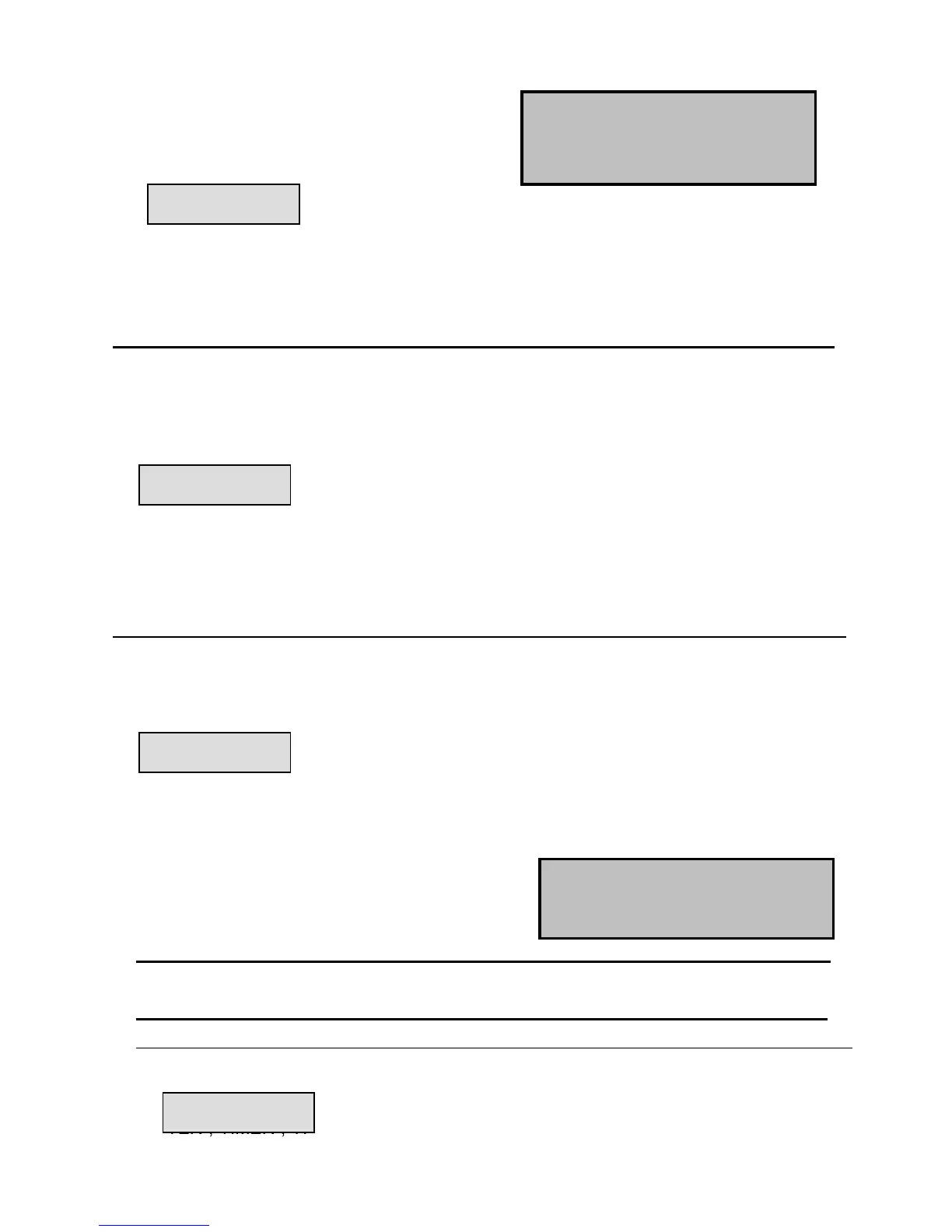
“CODE”,”COOK”,”MICRO” indicators light
and cooking time is displayed
BEVERAGE
1. Touch BEVERAGE pad up to 3 times to
select the number of servings (7~9 oz
per serving)
2. Touch START pad.
“CODE”,”COOK”,”MICRO” indicators light
and cooking time is displayed.
REHEAT
1.Press REHEAT pad once or up to 7
times to select weight (7~28oz).
2. Press START pad.
“ENTER”,”ATM” indicators light and
selected preprogrammed weight is
displayed.
“CODE”,”COOK”,”MICRO” indicators
light and cooking time is displayed.
OTHER CONVENIENT FEATURES
MINUTE TIMER
The timer works independently as a reminder and the time countdown ends in beeping.
1. Press TIMER pad.
“ENTER”,”TIMER”,”TIME” indicators light
and “:” will be displayed.
2. Use the numeric pads to enter the
time to be counted down.



 To Next Page