EasyManua.ls Logo

Magic Chef MCLVSRT - User Manual

Magic Chef MCLVSRT
40 pages
Print Icon
To Next Page IconTo Next Page
Loading...
1
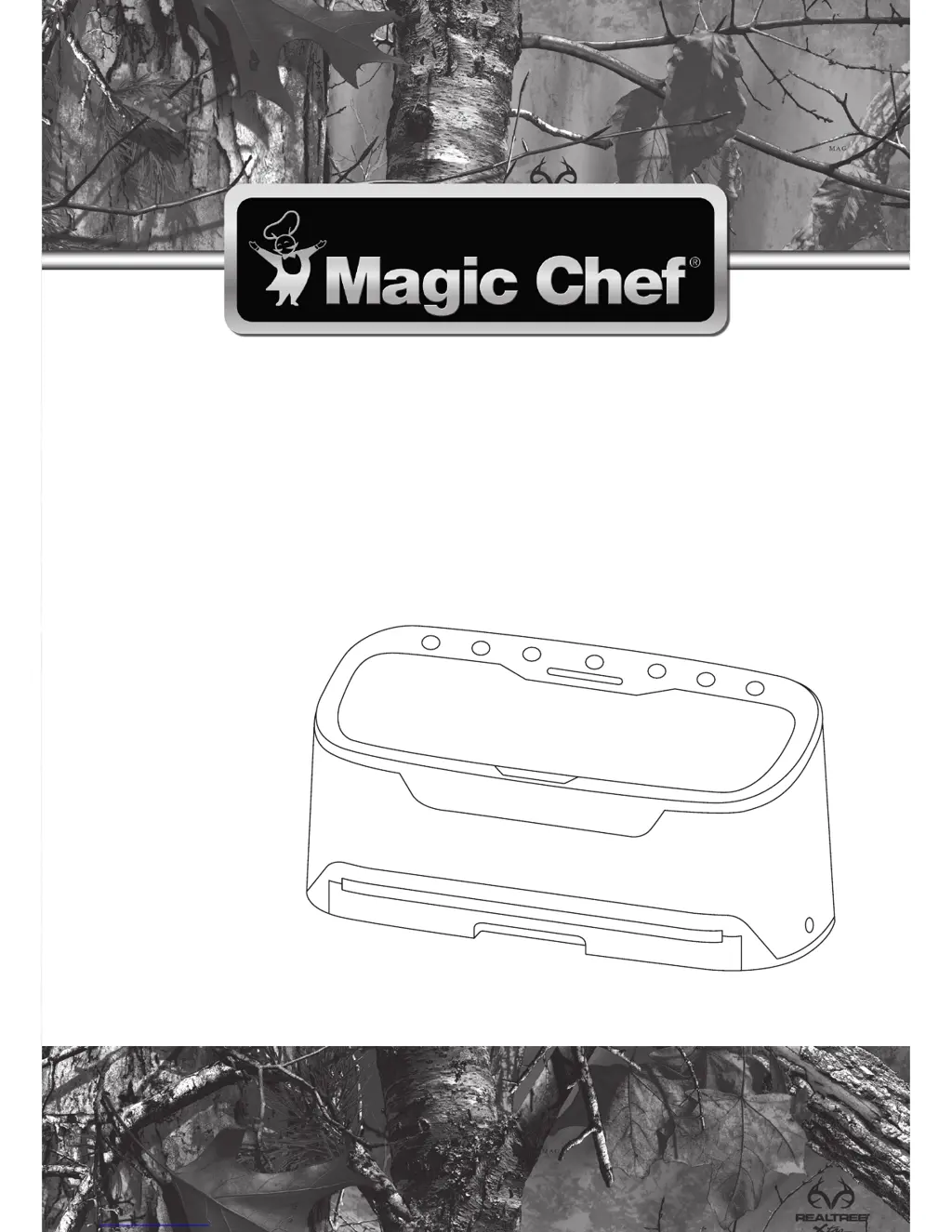
PLEASE READ THIS MANUAL CAREFULLY BEFORE USING YOUR VACUUM
SEALER AND KEEP IT FOR FUTURE REFERENCE.
Model MCLVSRT
Vacuum Sealer
User’s Manual

Questions and Answers

  • J
    Justin ChangAug 10, 2025
    Why is air seeping back into the bag after sealing with my Magic Chef MCLVSRT Food Saver?
    • R
      riverathomasAug 10, 2025
      Air may seep back into the bag after sealing due to several reasons: * There might be a hole or wrinkle in the seal. Try cutting open the bag and carefully resealing it, or use a new bag. * Moisture or liquid could be present in the sealed area. Cut open the bag, reseal carefully, and use a new bag if necessary. For liquids or wet food items, partially freeze them before sealing. * Food with sharp or pointed edges may have made a hole in the bag. Smooth or cover the sharp edge and reseal in a new bag. * Ensure that the sealing area is dry and free of any liquids. * The sealing gaskets might be loose, worn, or damaged. Check the gaskets to ensure they are properly seated and not worn or damaged.
  • R
    Robert KingAug 16, 2025
    What to do if nothing happens when I press the Vacuum button on my Magic Chef MCLVSRT Food Saver?
    • N
      Natalie WebsterAug 16, 2025
      If nothing happens when you press the Vacuum button, it could be due to a few reasons: * The unit might not be getting power. Ensure the unit is turned on, the power cord is plugged in correctly, and the outlet is working. Also, verify the power cord isn't damaged; if it is, contact customer service. * The bag may not be properly inserted into the vacuum chamber. Make sure the end of the bag is inserted straight into the vacuum chamber. * The unit may be too hot. Allow the sealer to cool for 20 minutes.
  • A
    adamscherylAug 21, 2025
    Why is my Magic Chef Food Saver bag not sealing?
    • T
      Tamara SmithAug 21, 2025
      If your bag is not sealing, it could be due to these reasons: * The pre-sealed edge may have holes, gaps, or wrinkles. Ensure the sealed edge is smooth and fully sealed. Reseal or use a new bag as needed. * Moisture or liquid may be present in the sealed area. Wipe the area dry before sealing. * The closed end of the bag may not be correctly sealed. Ensure the closed side of the bag is properly sealed.
  • A
    Amanda ThomasAug 28, 2025
    Why is air not being vacuumed from the bag by my Magic Chef MCLVSRT?
    • S
      Steven RodriguezAug 28, 2025
      If air is not being vacuumed from the bag, consider the following: * The bag may have gaps, holes, wrinkles, or folds. Ensure the bag has no holes and is smooth. * The sealing gaskets may be loose, worn, or damaged. Check the gaskets to ensure they are not worn or damaged and are properly seated. * Liquid may be touching the sealing area of the bag. Ensure the area being sealed is dry and free of any liquids. * The bag may not be properly inserted in the vacuum chamber. Ensure the end of the bag is being inserted straight into the vacuum chamber. * The closed end of the bag may not be correctly sealed. Ensure the closed side of the bag is correctly sealed.
  • S
    Scott CaldwellSep 3, 2025
    Why is my Magic Chef MCLVSRT vacuum bag melting?
    • S
      stanley41Sep 4, 2025
      If your vacuum bag is melting, it's likely because the vacuum sealer is too hot. If sealing multiple bags, allow at least 20 seconds between each sealing cycle. If bags are still melting, let the unit cool off for 25 minutes.

Summary

Product Registration

Important Safety Instructions

General Safety Precautions

Lists critical safety warnings and precautions for operating the vacuum sealer to prevent injury or damage.

Specifications

Parts and Features

Control Panel Buttons and Indicators

Details the functions of buttons like Speed, Food, Vacuum, Cancel, Seal, Canister, and Marinate.

Key Components of the Sealer

Identifies and describes essential parts like the Vacuum Chamber, Lid, Cutter, Sealing Foam Ring, Silicon Seal, and Removable Tray.

Before Use

Food Storage and Safety Guidelines

Explains how vacuum sealing extends food life and safety considerations for perishable items.

Food Preparation Tips for Vacuum Sealing

Provides specific instructions for preparing various foods like meat, fish, cheese, vegetables, powders, and liquids.

Operating Instructions

Vacuum Sealing with Bags

Step-by-step guide for sealing items using pre-cut or custom-sized vacuum bags.

Making Custom Sized Bags

Instructions on how to create custom-sized bags from a roll using the embedded cutter.

Using Vacuum Canisters and Marinating

Explains how to use vacuum canisters and the marinate function for food preparation.

Care and Maintenance

Troubleshooting

Unit Not Getting Power or Vacuuming

Addresses issues like the unit not powering on or air not being vacuumed from the bag.

Sealing and Air Leakage Problems

Covers problems like vacuum bag melting, air seeping back, and the bag not sealing properly.

Limited Warranty

Magic Chef MCLVSRT Specifications

General IconGeneral
BrandMagic Chef
ModelMCLVSRT
CategoryFood Saver
LanguageEnglish