ACCESSORY COMPARTMENT
STORING THE MACHINE
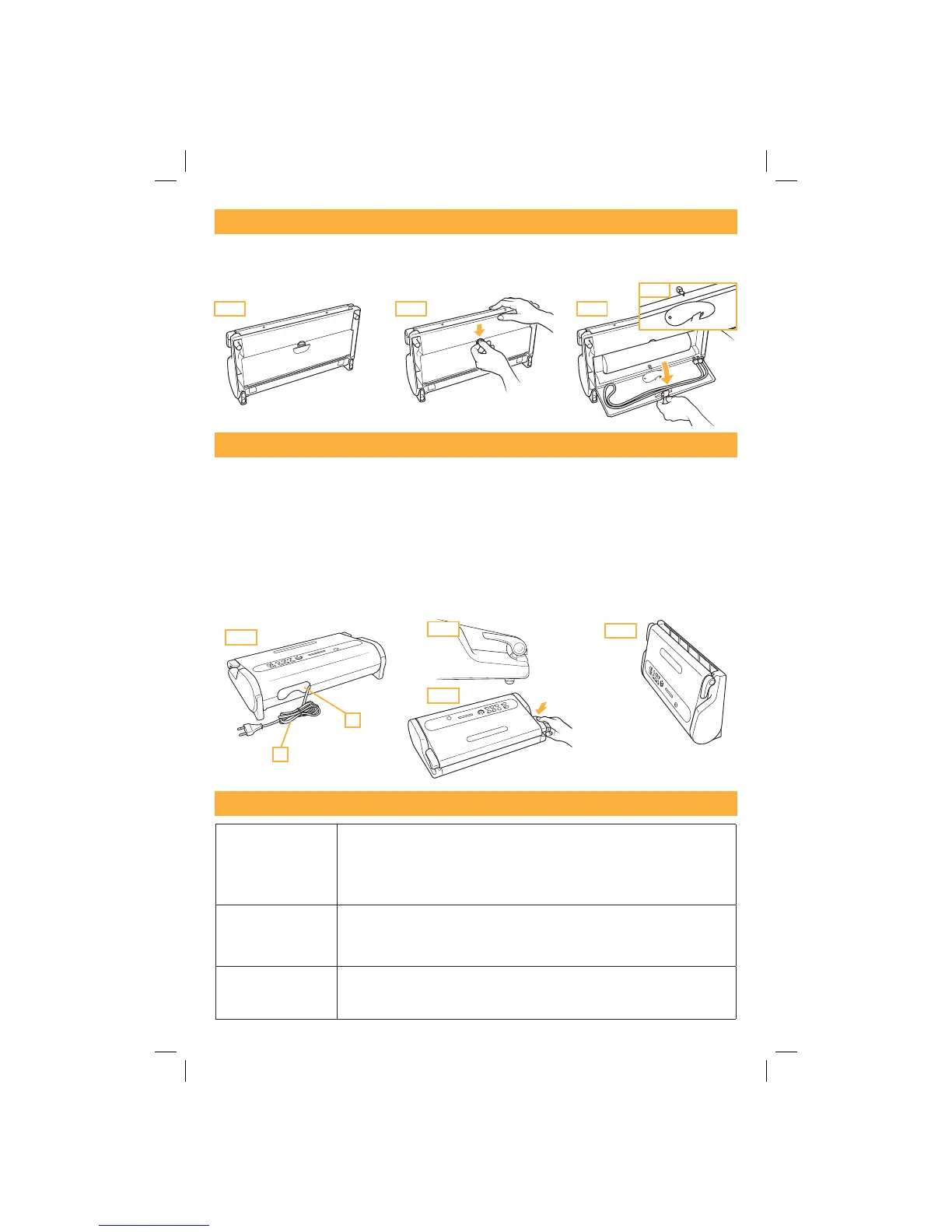
In the upper part of the machine there is a convenient Accessory Compartment (15) where you can
keep the Canister Tube (16) (fig. X3) and the Bag Cutter, manual MAGIC Cutter (where applicable)
(fig. X4).
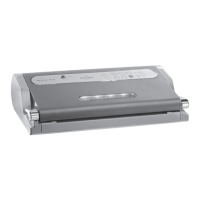
When you are not using the machine, you can place it in a vertical position to reduce space.
Proceed as follows:
a) Insert the Power Cable (17) in the Cable Compartment (18) on the back of the machine (fig. W1).
b) Close the machine by rotating the Handles (1) to the STORAGE position (fig. W2 and W3).
ATTENTION: do not turn the Handles (1) to the START position because complete closure of the
machine when it is inactive for a long period of time could damage the Airtight Seal (7) causing a
leak in the Vacuum Chamber (8) and subsequent failure of the machine to work properly.
c) Place the machine in a vertical position far from heat sources (fig. W4).
TROUBLESHOOTING
MAGIC VAC
®
does not
work
s-AKESURETHEPOWERCABLEONTHE-!')#6!#
®
is fully inserted in the machine
and in the electrical outlet. Check the electrical outlet by trying another device in
the same outlet.
s -AKE SURE THE POWER CABLE ANDOR PLUG IS NOT DEFECTIVE )F SO DO NOT USE THE
machine.
MAGIC VAC
®
does not
perform the first seal on
the piece of cut roll.
s Check that the piece of cut roll is correctly positioned as described in the
paragraph: “5 - Making bags from MAGIC VAC
®
rolls”. Check the position and
integrity of the Sealing Gasket
MAGIC VAC
®
does not
completely vacuum-
pack the bags
s)NORDERTOCORRECTLYSEALTHEBAGSTHEOPENENDMUSTBEENTIRELYINSIDETHE6ACUUM
Chamber (8). Check the correct position through the Lit WINDOW (3).
39
fig. X1 fig. X2 fig. X3
fig. X4
fig. W1
fig. W3
fig. W2
fig. W4
17
18


 To Next Page