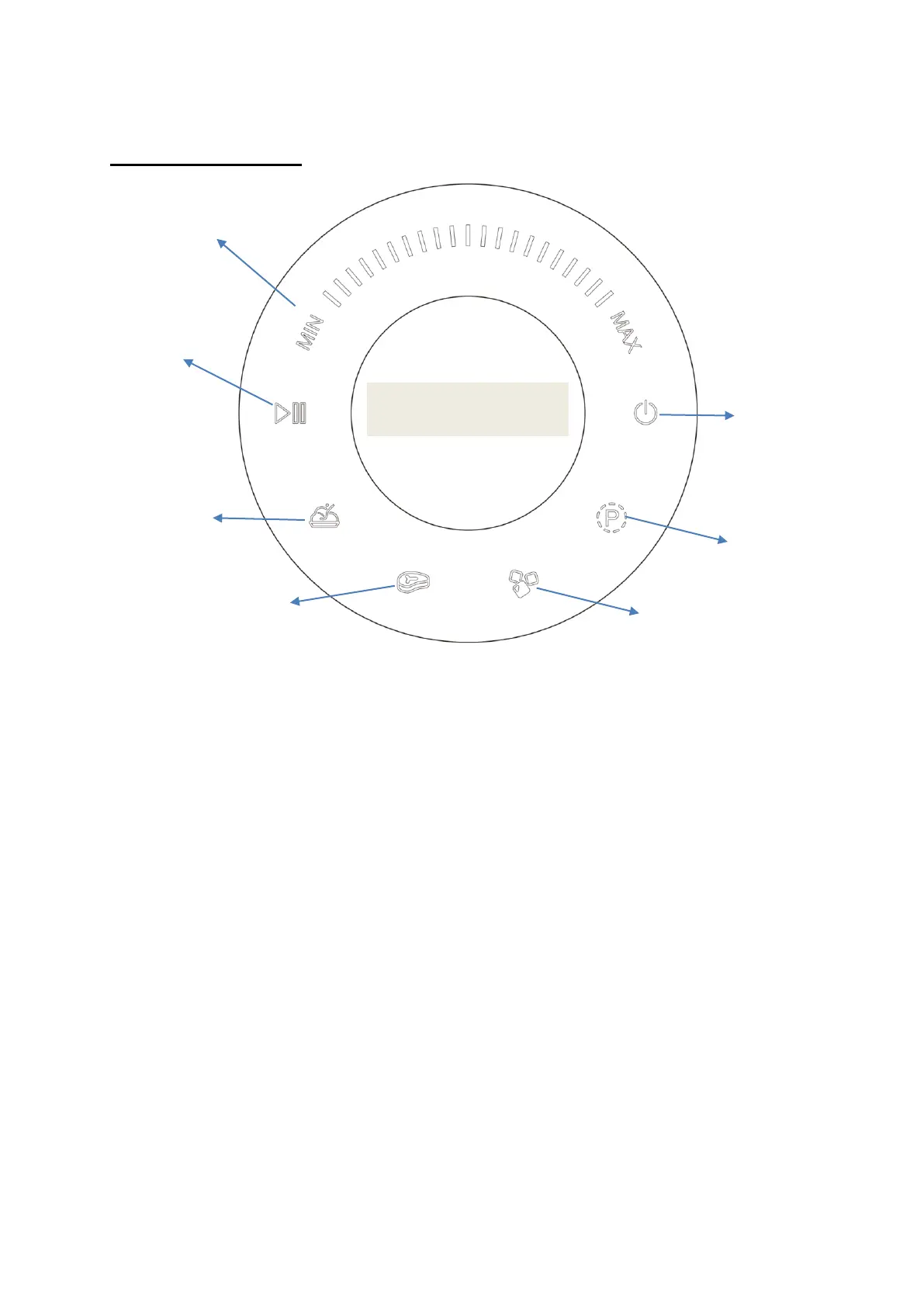
SWITCH PANEL
The touch buttons are on /off, pulse, Ice crushing, meat chopping, Smoothie,
start and pause
You can also select speed manually by turning the knob button switch if you
do not choose the auto mode functions.
Manual mode:
Press on / off button then choose the related speed by rotating the knob
button switch, 7 speeds can be used from min to max, LED indication lights
can show the related speeds. Once the speed is confirmed please press start
button to start the program. Press off button to stop the program and turn off
the machine.
Auto mode (Ice crush, smoothie, meat chopping):
Turn on the machine by press on /off button, then choose the related button
of the programs. The blinking icon shows the function is selected and, once


 To Next Page