MAGMA
12 Chapter 4 Install 3rd Party PCI Cards
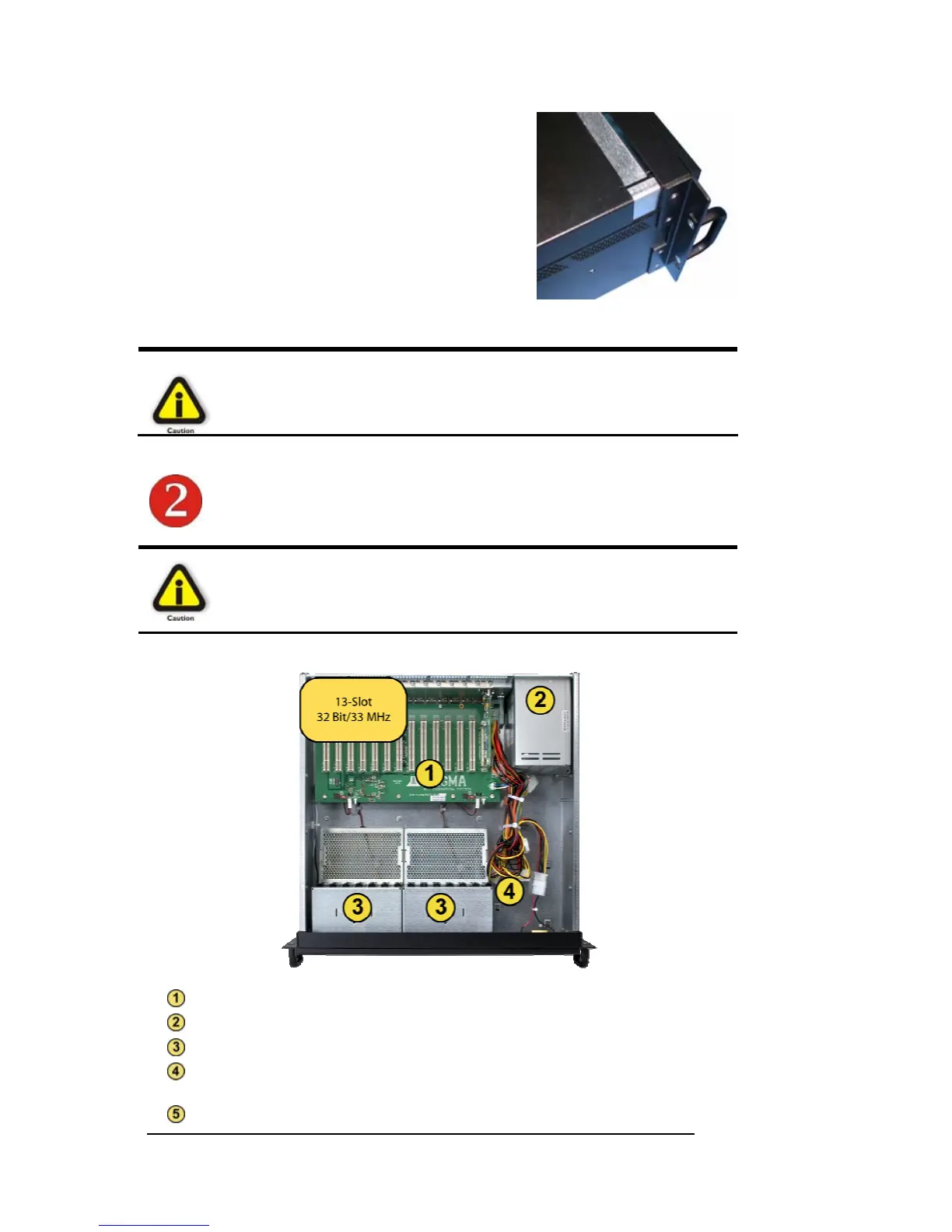
Next, slide the enclosure cover backwards,
disengaging it from the guides at the front of
the enclosure, by firmly grasping the rear
cover lip over the card I/O area and pulling
the cover backward about ½” and then lifting
the cover off.
CAUTION
When replacing the enclosure cover, be sure that the front edge
guides on the cover engage the inner lip of the enclosure.
Install PCI Cards in PCI Expansion Chassis
CAUTION
When installing PCI cards or hard drives, please ensure that the input
current rating specified on the AC input label is not exceeded.
PCI slots
Power Supply
Fan assembly with slot holders for full-length cards
Drive bay – used to mount up to eight (8) 3.5” internal hard drives
using 1 or 2 optional Disk Drive Cages (PN: RDRIVECAGE)
5V load resistor – to be removed if optional hard drives are installed


 To Next Page