MAGMA
Chapter 7 How to Get More Help 29
Magma Debug Utility
Occasionally, Magma Technical Support may request Windows users to
produce and email a Magma debug log file to help them resolve your
problem. This file should be included as an attachment when submitting
a request at
www.magma.com/support.
1. Locate a file called dbgview.exe on the Magma CDROM.
2. Double-click on the file dbgview.exe
3. While the dbgview screen is open, locate and double-click on
a file called dump.exe on the Magma CDROM.
4. Switch back to the dbgview screen, which is now filled with
data.
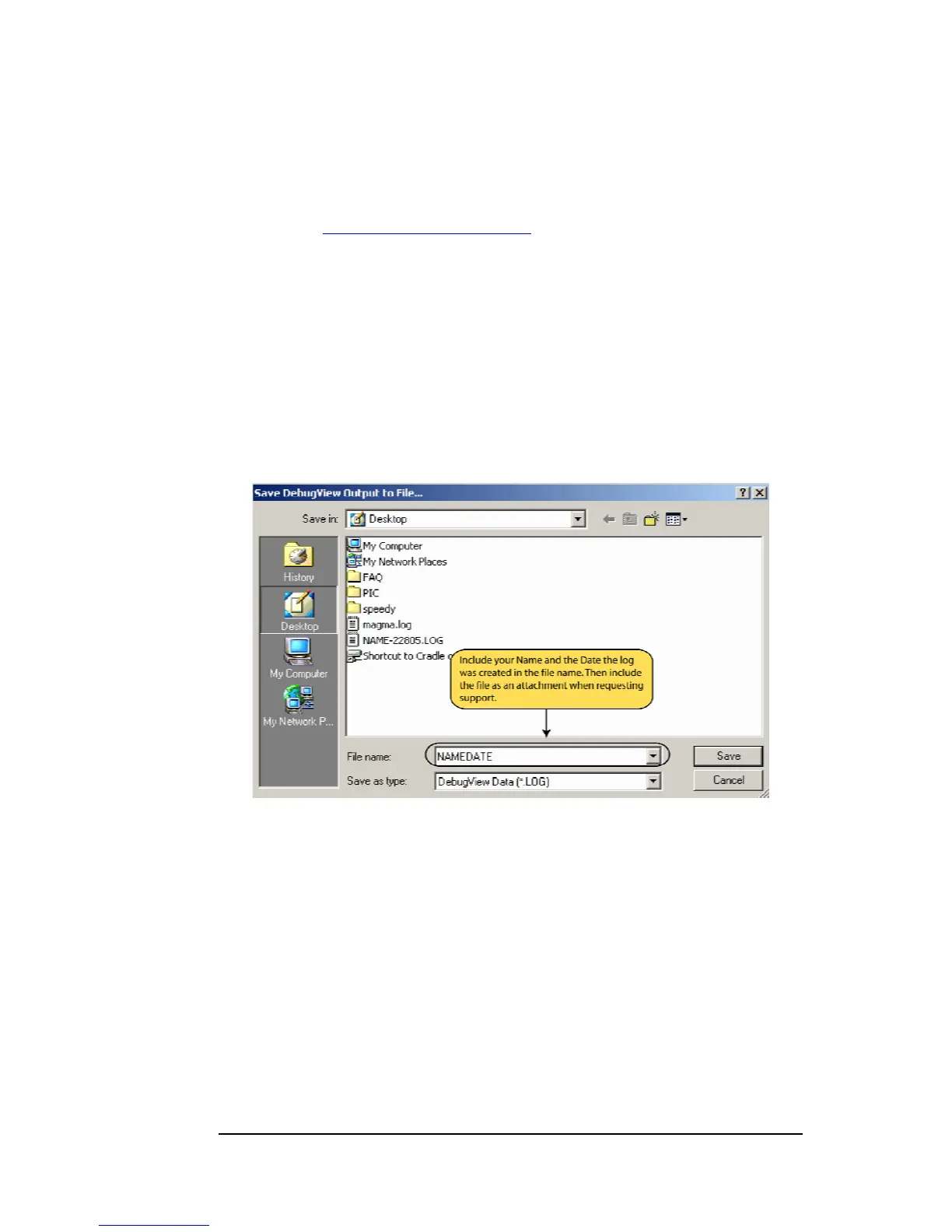
5. Save this file and submit it as an attachment when submitting a
Technical Support request.
Use the “Save As Type” drop-down arrow to select a file type of
(*.LOG).


 To Next Page