MAGMA
Chapter 6 Maintenance 27
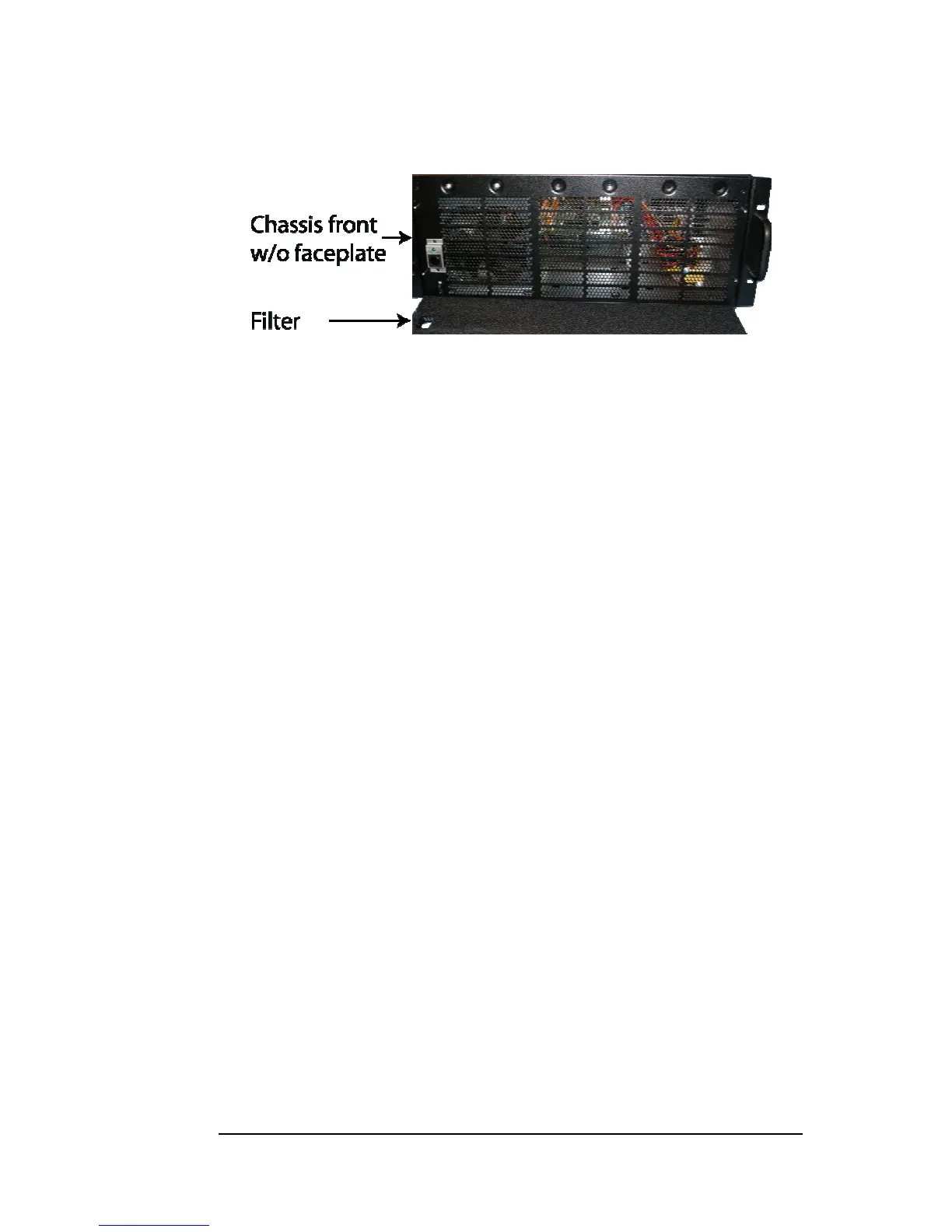
Next, open the faceplate and remove the foam filter, located behind the
faceplate, and clean it with a solution of warm water and mild dish soap.
Finally, replace the filter and faceplate. Secure faceplate with four
Phillips screws. Tighten screws until snug. Turn on power to the
chassis.


 To Next Page