2 - How to Set Up the Swipe Reader Control Panel
Dynamag, DynaMAX, eDynamo, mDynamo, tDynamo, DynaWave, and iDynamo 6| Secure Card Reader Authenticators | Programmer’s
Reference (Java and Java Applet)
Page 16
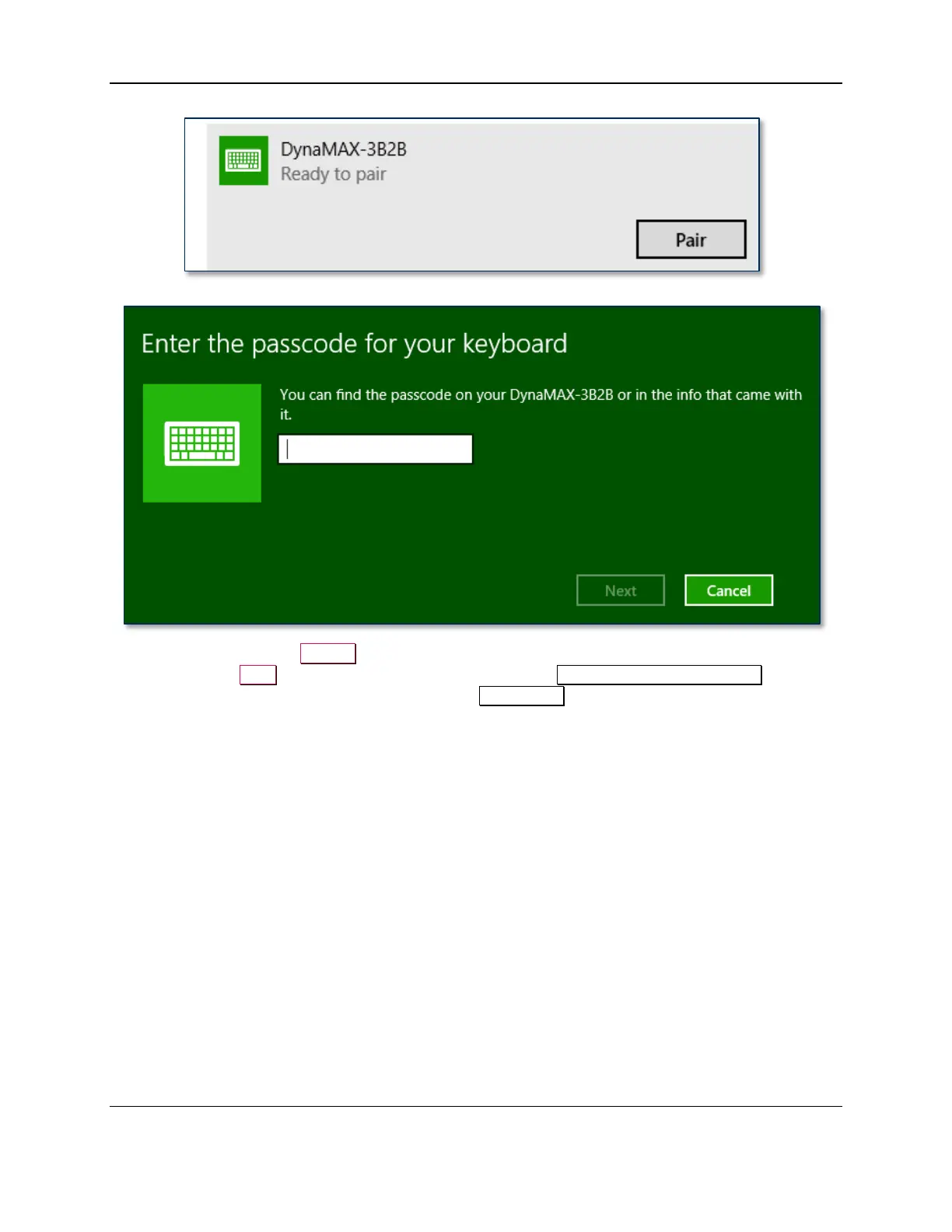
12) Enter default passcode 000000 (or the device’s actual password if it has been configured differently),
then press the Next button. Windows will return you to the Manage Bluetooth devices page.
After a short period of time, you will see the text Connected below the device you are pairing with.
After a few seconds the device will disconnect, which is normal power-saving behavior.



 To Next Page