Appendix B - Applet Troubleshooting
Dynamag, DynaMAX, eDynamo, mDynamo, tDynamo, DynaWave, and iDynamo 6| Secure Card Reader Authenticators | Programmer’s
Reference (Java and Java Applet)
Page 48
Appendix B Applet Troubleshooting
B.1 How to Clean Out Previous Applet Versions
If the Java applet is not launching from the web site correctly (such as “Unable to launch application”
error messages or silent failures during applet load), follow these steps to completely remove any
previously installed versions:
1) If you are using Windows 8, switch to Desktop mode.
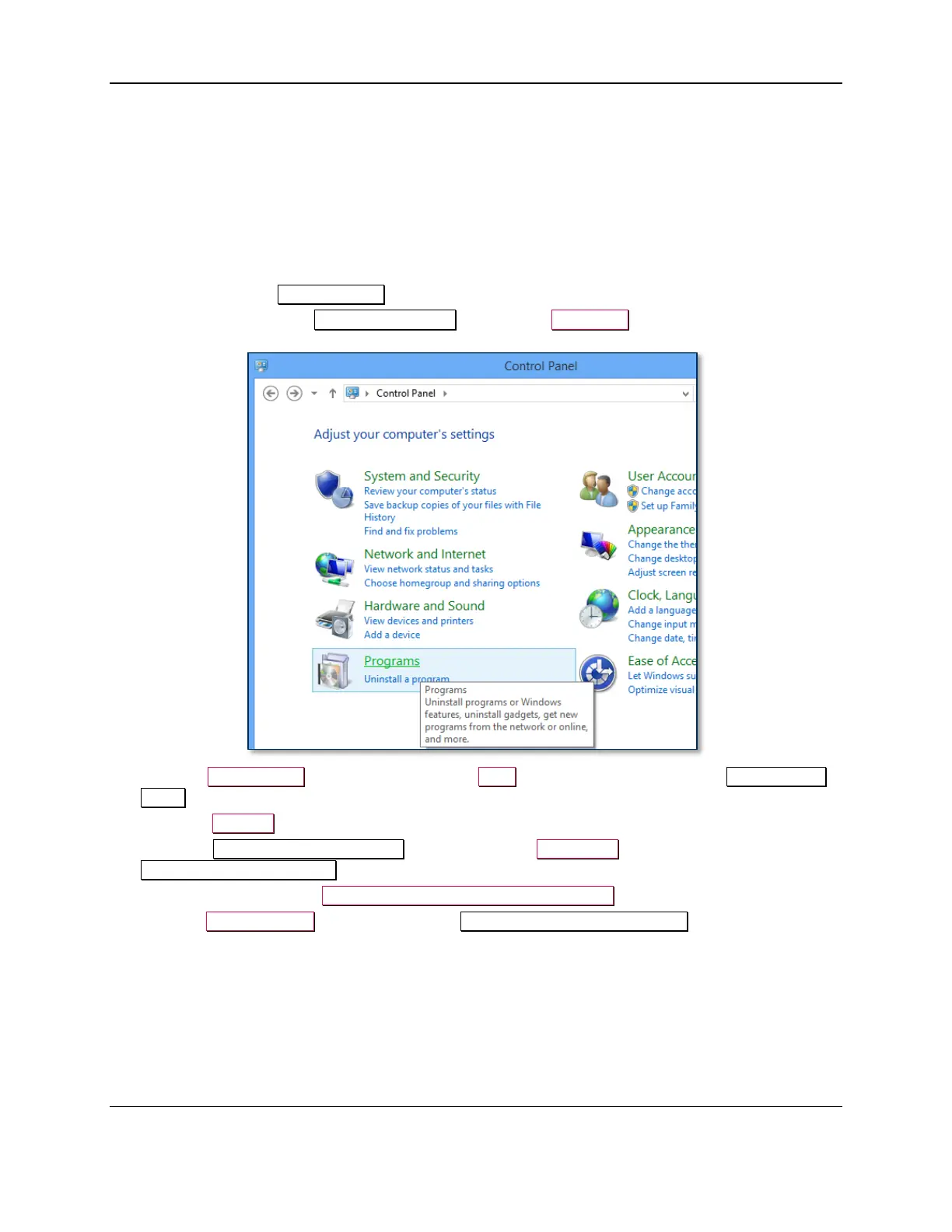
2) Open the Windows Control Panel.
3) If the Control Panel is in View by: Category mode, select Programs.
4) Click the Java (32-bit) link (Windows 8) or the Java link (Windows 7) to open the Java Control
Panel window.
5) Select the General tab.
6) Under the Temporary Internet Files heading, press the Settings… button to launch the
Temporary Files Settings window.
7) Turn off the checkbox for Keep temporary files on my computer.
8) Press the Delete Files… button to launch the Delete Files and Applications window.



 To Next Page