2 - How to Set Up the Swipe Reader Control Panel
Dynamag, DynaMAX, eDynamo, mDynamo, tDynamo, DynaWave, and iDynamo 6| Secure Card Reader Authenticators | Programmer’s
Reference (Java and Java Applet)
Page 23
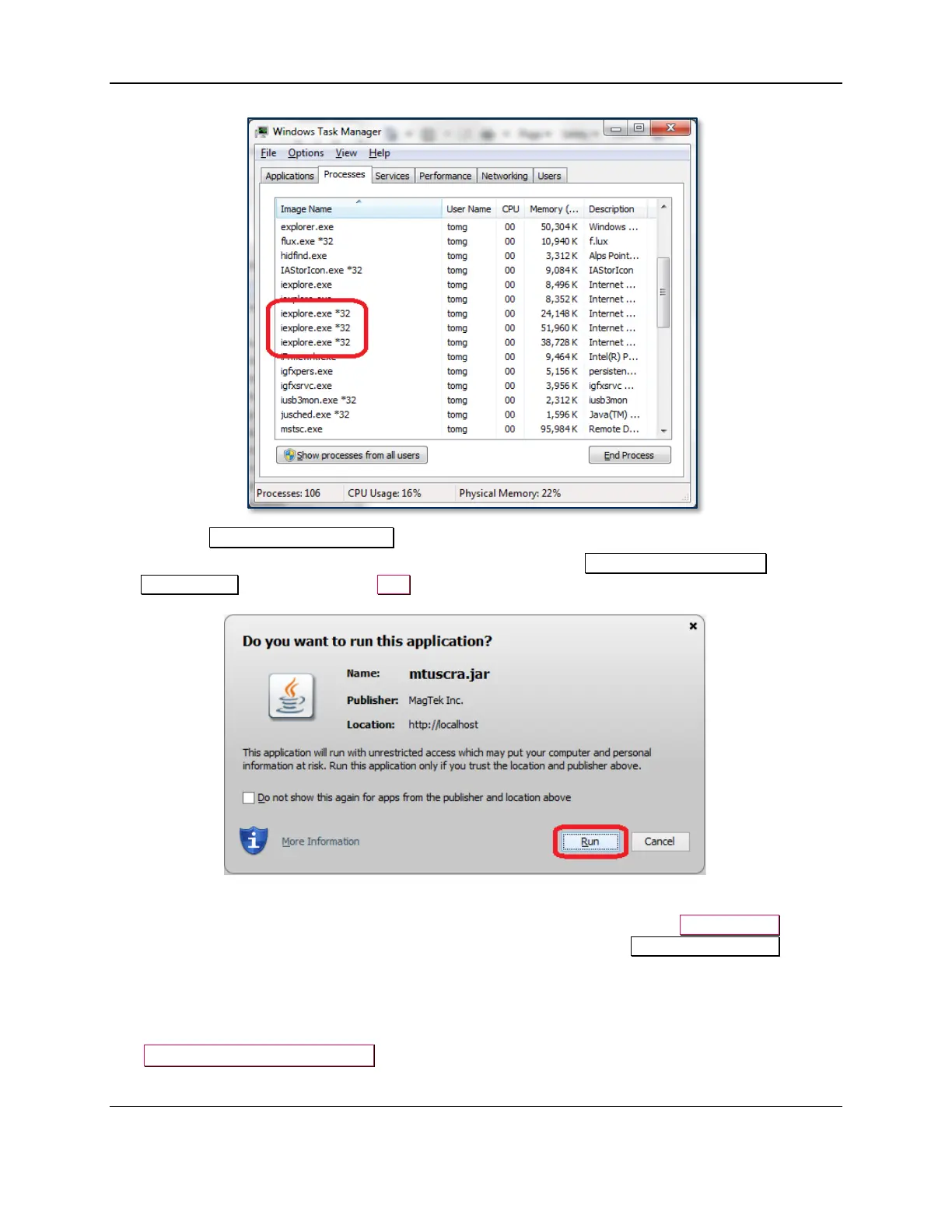
18) Close the Windows Task Manager window.
19) Internet Explorer will display a welcome page and will pop up a Do you want to run this
application? window. Press the Run button to run the Java applet.
20) On the Read & Parse Card Data page, select the device to open, then press the Open Device button.
Command/Response/Status text box in the browser will display the text Reader Connected.
21) Use the buttons and fields on the welcome page to test the connection to the device.
2.6 How to Modify Manifest
The Caller-Allowable-Codebase attribute is used to identify the domains from which JavaScript
code can make calls to your RIA without security prompts. Set this attribute to the domain that hosts the



 To Next Page