2 - How to Set Up the Swipe Reader Control Panel
Dynamag, DynaMAX, eDynamo, mDynamo, tDynamo, DynaWave, and iDynamo 6| Secure Card Reader Authenticators | Programmer’s
Reference (Java and Java Applet)
Page 22
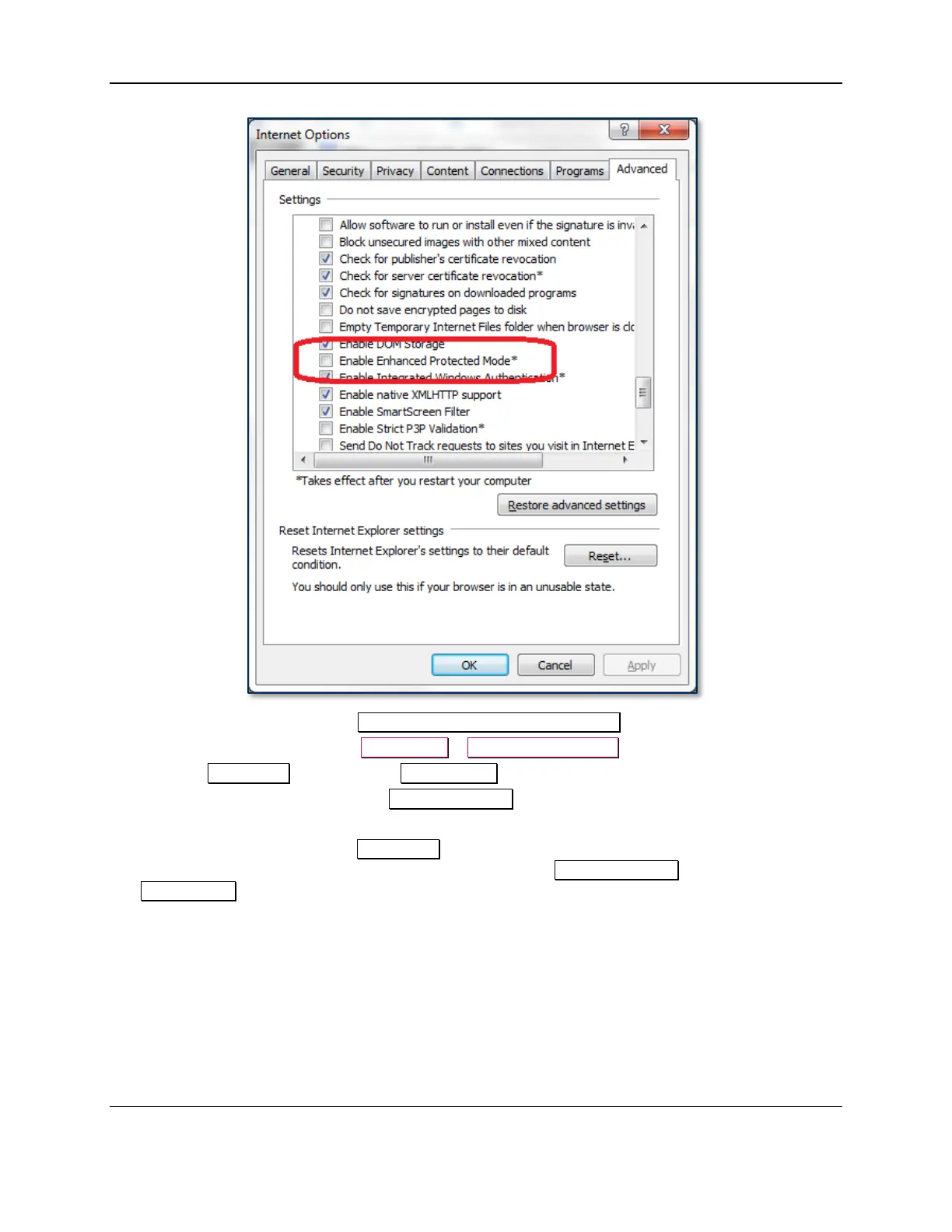
12) If you changed the value of the Enable Enhanced Protected Mode checkbox, restart Windows.
13) Open Windows Task Manager (Ctrl-Alt-Del > Start Task Manager).
14) Open the Processes tab and sort by Image Name.
15) Note the number and location of all iexplore.exe *32 processes.
16) In Internet Explorer, navigate to http://localhost/MTSCRA/mtjmsr.html.
17) In the Windows Task Manager Processes tab, find the new process for the Internet Explorer tab
you just opened and make sure it is running in 32-bit mode (iexplore.exe *32 instead of
iexplore.exe).



 To Next Page