20
14
15
19
16
René Panel Controls (cont’d)
Interface:
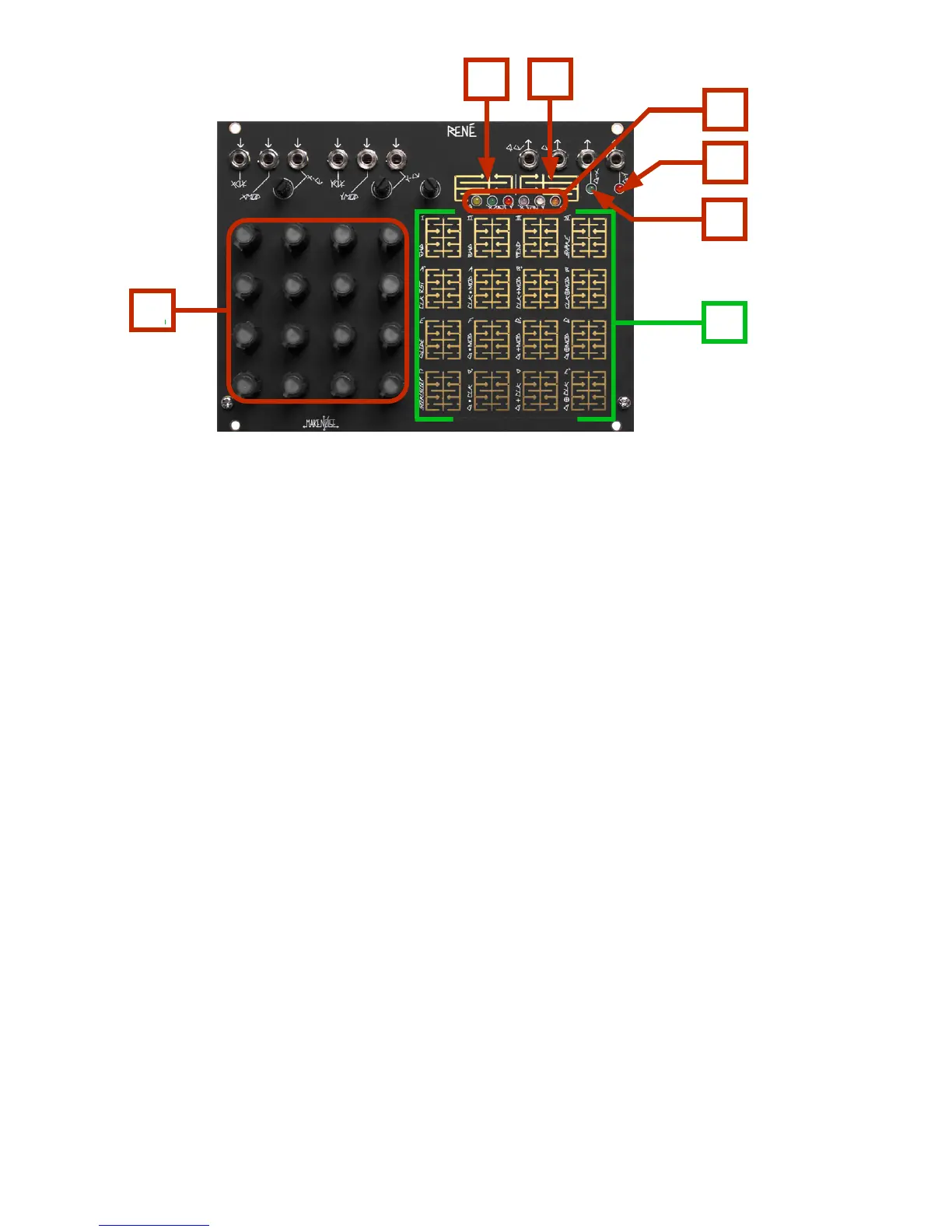
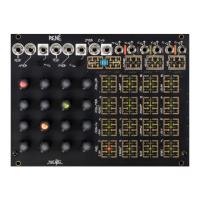
14. CV ProGraMming Grid: Potentiometers used for ProGraMing. Contain Location LED’s to indicate
currently active Location(s).
17. PGM 1: [PRESS] to cycle through the ProGraM Pages
18. PGM 2: When in a ProGraM Page, [PRESS] to return to Play Mode. While in Play Mode, [PRESS] to latch
currently-held Locations.
20. Touch Grid: Used to select Locations for ProGraMming and latching.
Indicators:
15. G-Y LED: [FLASHES] to indicate Gate activity at the G-Y Output.
16. G-X LED: [FLASHES] to indicate Gate activity at the G-X Output.
19. ProGraM Page LED’s: Light when associated ProGraM Page is being accessed. All ProGraM LED’s will
[FLASH] to indicate storage is taking place.
17
18


 To Next Page