Calibration (cont.)
33
Patch your VCO’s square or sawtooth output (if it does not have these waveforms, use the simplest waveform
output) to René's X-CLK input, regardless of which channel you are calibrating.
Patch the René channel’s CV output to the 1v/oct input of your VCO.
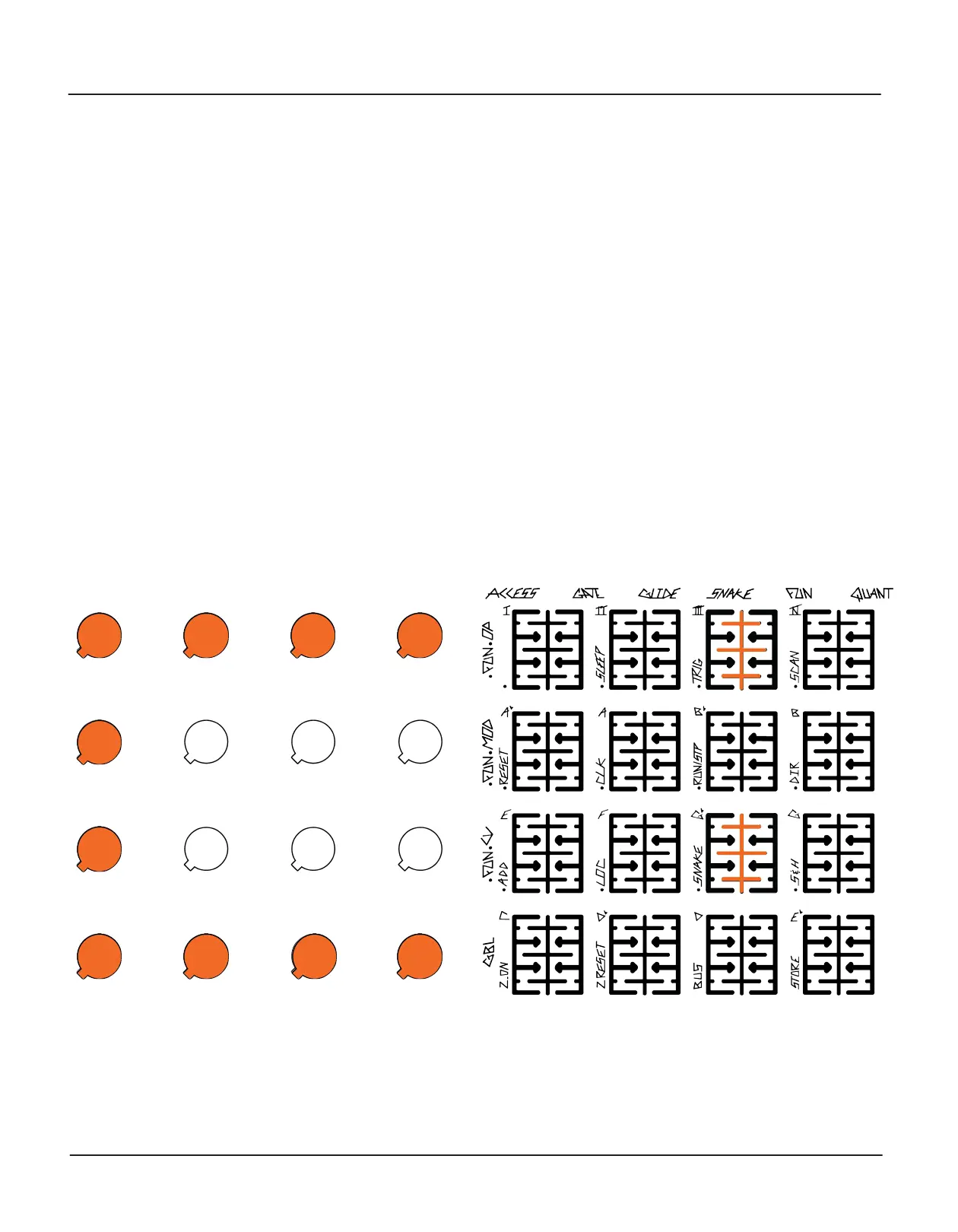
Adjust the VCO until the second row of buttons from the bottom is lit as in the diagram above. If the pitch is too
low, the first row will be lit. If the pitch is too high, the second row will be lit. Be patient and use a delicate touch.
Once the second row is lit and has stayed lit for a few seconds, press the lit top row button (13 for X, 14 for Y, 15
for C) again. Calibration will begin (if the VCO is not tuned to the right frequency, you will be returned to the
Global page). The knobs will display a large “C”, and the button grid will display a gradually rising pitch as René
adjusts its output voltage to account for VCO inconsistencies. (Several seconds may pass between motions.)
If you want to cancel the calibration, press the lit top row button again.
When the channel's calibration is finished (2-3 minutes) and you have checked and are satisfied with it, perform
a Store command on the Global page in order to write it into René’s memory. If you do not do this, the new
calibration table will be lost when you turn off your system.
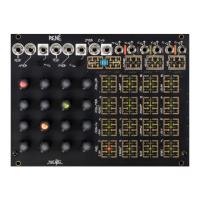
Display during C-CV Calibration


 To Previous Page