support.makeblock.com
22
23
Default gameplay
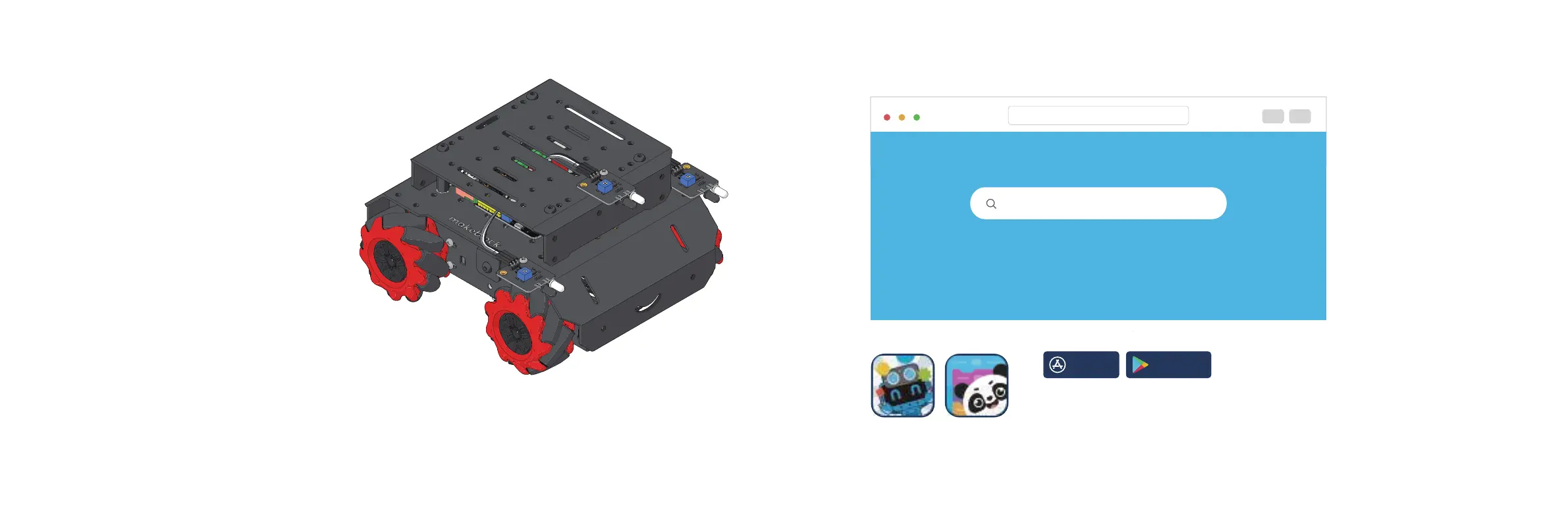
"Makeblock" & "mBlock" app
App Store Google Play
A smart device like iPhone or iPad is required but not included.
Search for "Makeblock" & "mBlock” in App Store
or Google Play to download it.
https://support.makeblock.com
Search for "mBot Mega" to view the online document at
service@makeblock.com
mBot Mega
Function switching:
Press the impact switch until the color of the RGB LEDs changes.
- Green: gesture recognition
- Blue: line following
- Yellow: automatic obstacle avoidance
Gesture recognition:
- When you swing left and right in front of mBot Mega, it moves left or right.
- When you block the left and right IR proximity sensors at the same time, mBot Mega moves backwards.
Line following:
Place the line follower sensor on a black line wider than 18 mm.
Automatic obstacle avoidance:
mBot Mega starts to avoid obstacles automatically.



 To Next Page