28
S
o
u
n
d
S
e
n
s
o
r
R
G
B
L
E
D
Sound Sensor
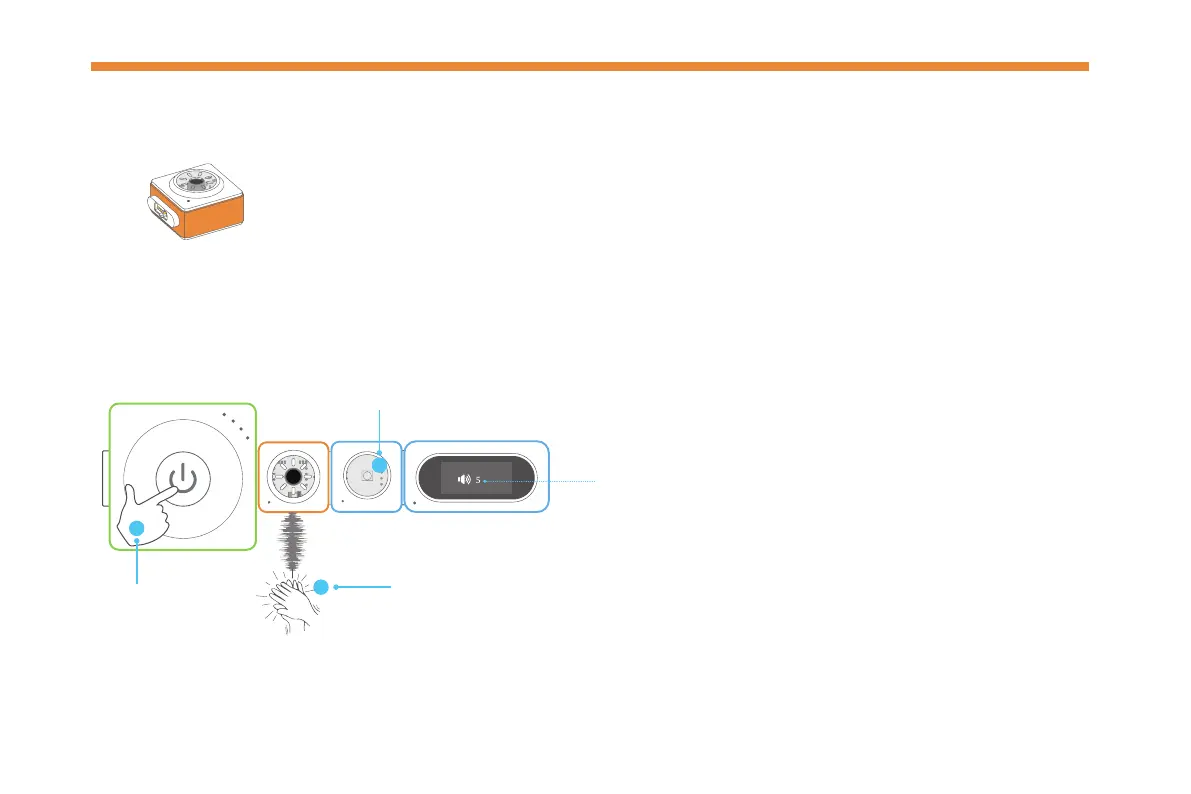
The sound sensor can detect the sound intensity of the surrounding area.
The louder sound it receives, the stronger signal it sends out.
Try it now!
S
o
u
n
d
S
e
n
s
o
r
Make a sound near the sensor.
The value ranges from 0 to 100. The larger the
value, the stronger the sound intensity.
Press
1
2
Watch the RGB LED light up and read the sound
intensity value on the display block.
Display
P
o
w
e
r
3



 To Next Page