8
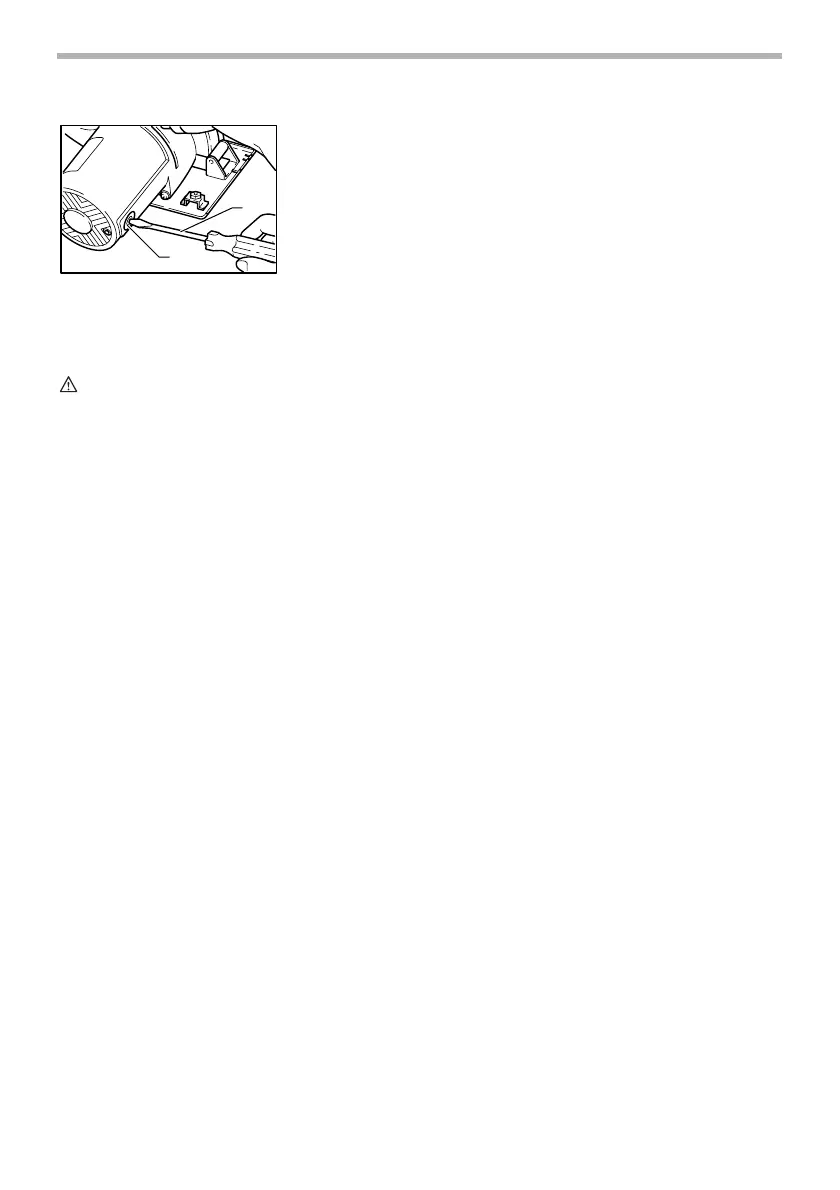
Use a screwdriver to remove the brush holder caps. Take out the worn carbon
brushes, insert the new ones and secure the brush holder caps.
To maintain product SAFETY and RELIABILITY, repairs, any other mainte-
nance or adjustment should be performed by Makita Authorized Service Cent-
ers, always using Makita replacement parts.
ACCESSORIES
CAUTION:
• These accessories or attachments are recommended for use with your Makita tool specified in this manual. The
use of any other accessories or attachments might present a risk of injury to persons. Only use accessory or
attachment for its stated purpose.
If you need any assistance for more details regarding these accessories, ask your local Makita service center.
1. Screwdriver
2. Brush holder cap
1
2
005163
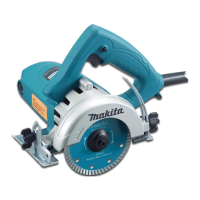
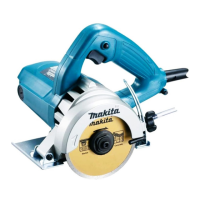
• Diamond wheels (Dry type)
• Hex wrench 5
• Wrench 22
• Rip fence (Guide rule)
• Safety goggles


 To Next Page
 Loading...