EasyManua.ls Logo

Makita AS001GZ - User Manual

Makita AS001GZ
160 pages
Print Icon
To Next Page IconTo Next Page
Loading...
AS001G
EN
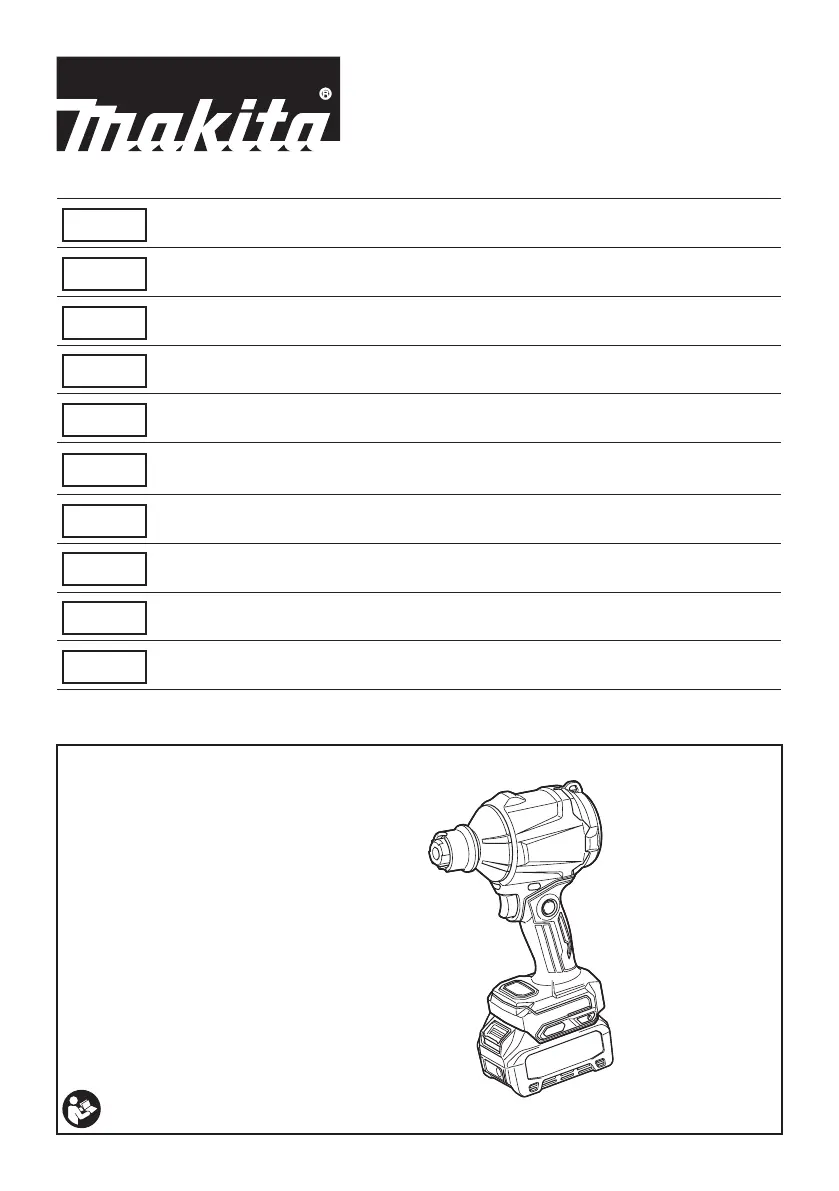
Cordless Dust Blower INSTRUCTION MANUAL 9
FR
󰀪 MANUEL D’INSTRUCTIONS 23
DE
Akku Gebläse BETRIEBSANLEITUNG 38
IT
󰀩 ISTRUZIONI PER L’USO 53
NL
 GEBRUIKSAANWIJZING 69
ES

MANUAL DE
INSTRUCCIONES
84
PT
 MANUAL DE INSTRUÇÕES 99
DA
 BRUGSANVISNING 114
EL
  128
TR
 KULLANMA KILAVUZU 144

Questions and Answers

  • S
    shawnawallaceJul 29, 2025
    What to do if Makita AS001GZ motor stops after short use?
    • M
      Margaret MataJul 29, 2025
      If your Makita Blower stops shortly after starting, the battery charge level may be low, so try recharging the battery or replacing it if recharging isn't effective. Alternatively, the blower might be overheating; stop using it and allow it to cool down.
  • P
    Philip ClaytonAug 4, 2025
    Why won't my Makita AS001GZ Blower motor run?
    • E
      Elizabeth BlakeAug 4, 2025
      If the Makita Blower motor isn't running, it could be due to several reasons. First, ensure the battery cartridge is properly installed. If it is, the battery might be low or faulty; try recharging it, and if that doesn't work, replace the battery. If neither of these steps resolves the issue, the drive system may not be working correctly, and you should seek repair at an authorized service center.
  • T
    Theresa LittleAug 10, 2025
    Why Makita AS001GZ doesn't reach maximum air volume?
    • M
      martinezstephanieAug 10, 2025
      If your Makita Blower isn't reaching maximum air volume, there are a few potential causes. First, check that the battery is correctly installed as described in the manual. If the installation is correct, the battery power may be dropping, so try recharging or replacing the battery. If the issue persists, the drive system may be malfunctioning, requiring repair by an authorized service center.
  • D
    Douglas RodriguezAug 16, 2025
    What to do if Makita AS001GZ motor cannot stop?
    • T
      Tiffany GibsonAug 16, 2025
      If the Makita Blower motor won't stop, immediately remove the battery. This indicates an electric or electronic malfunction, and you should ask your local authorized service center for repair.
  • E
    Edgar LoveAug 21, 2025
    How to fix abnormal vibration in Makita AS001GZ?
    • J
      Joshua EvansAug 21, 2025
      If your Makita Blower is vibrating abnormally, stop using it immediately. This could be caused by the drive system not working correctly, and it requires repair by an authorized service center.

Summary

Specifications

Applicable Battery Cartridge and Charger

Lists compatible battery cartridges and chargers for the tool.

Applicable Nozzles and Attachments

Nozzle and Attachment Details

Details various nozzles, attachments, their applications, and diameters.

Product Information and Safety

Symbols and Intended Use

Explains symbols and the tool's intended applications.

Technical Data and Warnings

Details noise/vibration levels, EC declaration, and general safety warnings.

Cordless Dust Blower Safety Instructions

Training and Preparation

Covers essential training, preparation, and PPE.

Operation Safety Guidelines

Outlines safe practices for general, blowing, and inflating/deflating operations.

Battery and Electrical Safety

Critical safety guidelines for battery and electrical components.

Service and Maintenance Safety

Precautions for tool maintenance and service procedures.

ASSEMBLY

Installing and Removing Nozzles

Step-by-step guide for attaching and detaching nozzles.

Dust Cap Management

Instructions for removing and installing the dust cap.

Long Nozzle Installation and Removal

Guide for attaching and detaching extended nozzles.

Deflating Attachment Installation

Instructions for using attachments for deflating inflatable items.

Optional Filter Installation

Steps to install an optional filter for dusty environments.

Tips for Maintaining Maximum Battery Life

Maximizing Battery Performance

Advice on charging and maintaining battery for optimal lifespan.

FUNCTIONAL DESCRIPTION

Battery Installation and Status

Procedures for inserting/removing battery and checking charge level.

Tool and Battery Protection System

Explains automatic power cutoff features for tool and battery protection.

Switch and Trigger Operation

Details on operating the switch trigger and lock functions.

Trigger-Lock Button Functionality

How to use the trigger-lock button for safe operation.

Air Volume and Lamp Operation

Guide to selecting air volume modes and activating the LED lamp.

Hanging and Hook Installation

Methods for hanging the tool and installing an optional hook.

OPERATION

Blowing Operations

Guidance for blowing in general use, confined spaces, filters, and wide areas.

Inflating Plastic Inflatables

Procedures for inflating plastic items like toys and mattresses.

Blowing in Narrow Spots and Holes

Using nozzles for cleaning dust in small holes and tight spots.

Deflating Plastic Inflatables

Instructions for deflating inflatable items using appropriate attachments.

MAINTENANCE

Cleaning and Filter Management

Procedures for cleaning the tool body, nozzles, and managing the filter.

Filter Removal and Installation

Steps for cleaning and replacing the suction inlet filter.

TROUBLESHOOTING

Common Problems and Solutions

Lists common issues and their corresponding remedies for the dust blower.

OPTIONAL ACCESSORIES

Recommended Accessories List

Lists recommended accessories and attachments for the tool.

Makita AS001GZ Specifications

General IconGeneral
Airflow1.1 m³/min
Product colorBlack, Blue
Battery voltage40 V
Power source typeBattery
Product typeCordless dust blower
Uncertainty K3 dB
Air flow speed (max)0.2 km/h
Sound pressure level79 dB
Weight and Dimensions IconWeight and Dimensions
Depth94 mm
Width181 mm
Height308 mm
Weight800 g
Weight (including battery)1500 g

Related product manuals