EasyManua.ls Logo

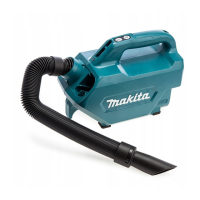
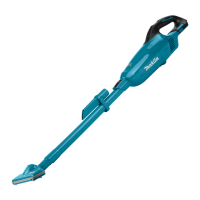
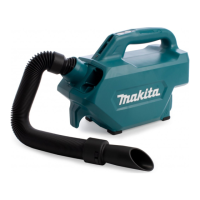
Makita CL121DZ - User Manual

Makita CL121DZ
84 pages
Print Icon
To Next Page IconTo Next Page
Loading...
CL121D
EN
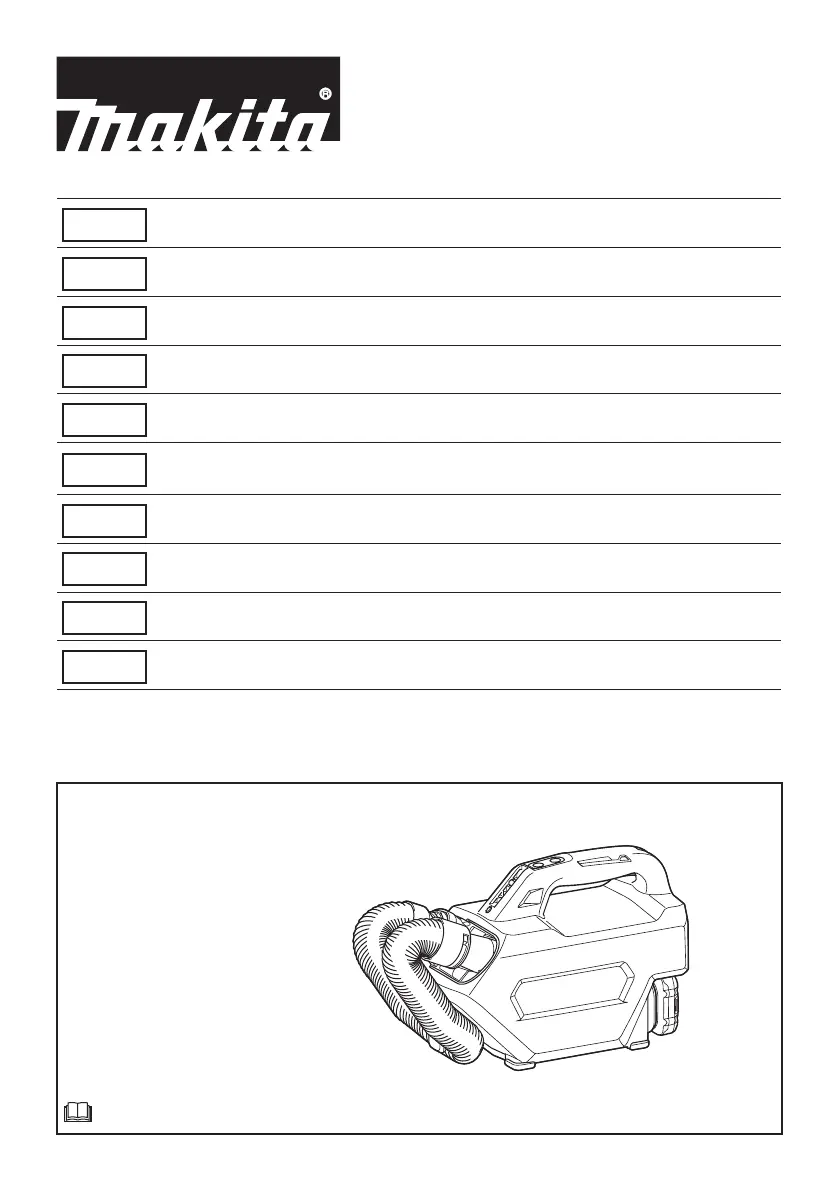
Cordless Cleaner INSTRUCTION MANUAL 8
FR
Aspirateur sans Fil MANUEL D’INSTRUCTIONS 15
DE
Akku-Staubsauger BETRIEBSANLEITUNG 23
IT
Aspiratore a batteria ISTRUZIONI PER L’USO 31
NL
Accustofzuiger GEBRUIKSAANWIJZING 39
ES
Aspiradora Inalámbrica
MANUAL DE
INSTRUCCIONES
47
PT
Aspirador de pó a bateria MANUAL DE INSTRUÇÕES 55
DA
Akku støvsuger BRUGSANVISNING 62
EL
Φορητή σκούπα ΕΓΧΕΙΡΙΔΙΟ ΟΔΗΓΙΩΝ 69
TR
Akülü Süpürge KULLANMA KILAVUZU 77

Questions and Answers

Summary

WARNING

SPECIFICATIONS

Applicable Battery Cartridge and Charger

Symbols

Intended Use

SAFETY WARNINGS

Cordless Cleaner Safety Warnings

Important safety instructions and warnings before using the cleaner. Failure to follow may result in injury.

ADDITIONAL SAFETY RULES

General Household Safety Rules

Safety rules for household use, including materials not to pick up and immediate action for abnormalities.

Important Safety Instructions for Battery Cartridge

Battery Safety Instructions

Handling and Storage Precautions

Instructions on preventing short circuits, storage temperature, and avoiding damage to the battery.

Disposal and Usage Guidelines

Regulations for transport, disposal, and using batteries with specified Makita products.

Tips for Maintaining Maximum Battery Life

FUNCTIONAL DESCRIPTION

Installing or Removing Battery Cartridge

Step-by-step guide for safely installing and removing the battery pack from the tool.

Tool;Battery Protection System

Explanation of the system that automatically cuts off power to protect the tool and battery.

Overload Protection

Details on how overload protection functions and what to do when it activates.

Overheat Protection

How the tool stops automatically when overheated and the battery indicator behavior.

Overdischarge Protection

How the tool stops when battery capacity is low and indicator behavior.

Indicating Remaining Battery Capacity

Using indicator lamps on the battery cartridge to check remaining power.

Switch Action

Instructions on how to start, stop, and change the speed modes of the cleaner.

ASSEMBLY

Dust Bag and Paper Filter Installation

General instructions for installing either a dust bag or paper filter using the dust stopper.

Installing the Dust Bag

Detailed steps for correctly attaching the dust bag to the dust stopper and cleaner.

Installing the Paper Filter

Steps to install the paper filter using the dust stopper, ensuring correct orientation.

Installing the Shoulder Strap

Instructions on how to attach and use the shoulder strap for carrying the cleaner.

OPERATION

Using as a Vacuum Cleaner

Instructions for vacuum cleaning, including removing blower attachment for better suction.

Installing or Removing Cleaner Attachments

Guide on how to connect and disconnect various nozzles and accessories to the hose.

Vacuum Cleaning Nozzles

Details on specific nozzles like rubber, soft brush, seat, and mat nozzles for different cleaning tasks.

Cleaning Without a Nozzle

Information on performing vacuum cleaning directly without attaching any nozzle.

Disposing of Dust

Emptying the Dust Bag

Procedure for emptying the dust bag and handling the dust stopper.

Disposing of the Paper Filter

Procedure for disposing of the used paper filter and handling the dust stopper.

Using as a Blower

Blower Operation Safety

Safety precautions when using the cleaner as a blower, including ventilation and protective gear.

Installing or Removing the Blower Attachment

Steps to attach and detach the blower attachment to the cleaner.

MAINTENANCE

General Maintenance Precautions

Safety note for maintenance and advice on using authorized service centers for repairs.

Cleaning the Cleaner Body

Instructions for cleaning the outside of the cleaner, suction opening, and dust stopper.

Cleaning the Dust Bag

Guidance on washing and drying the dust bag when it becomes clogged.

Cleaning the Sponge Filter

Instructions for removing, cleaning, and drying the sponge filter.

Storage

Battery and Charger Storage Warnings

Warnings against storing battery/charger in a car or blocking charger vents.

Hose Storage

Recommendation for storing the hose to prevent tripping hazards.

Troubleshooting

Troubleshooting Common Issues

Guide to diagnose and fix common problems like weak suction or the unit not working.

OPTIONAL ACCESSORIES

Accessory Usage Recommendations

Advice on using recommended accessories and the risk of injury from non-specified ones.

Makita CL121DZ Specifications

General IconGeneral
BrandMakita
ModelCL121DZ
CategoryUltrasonic Jewelry Cleaner
LanguageEnglish

Related product manuals