EasyManua.ls Logo

Makita GRU01 - User Manual

Makita GRU01
40 pages
Print Icon
To Next Page IconTo Next Page
Loading...
INSTRUCTION MANUAL
MANUAL DE INSTRUCCIONES
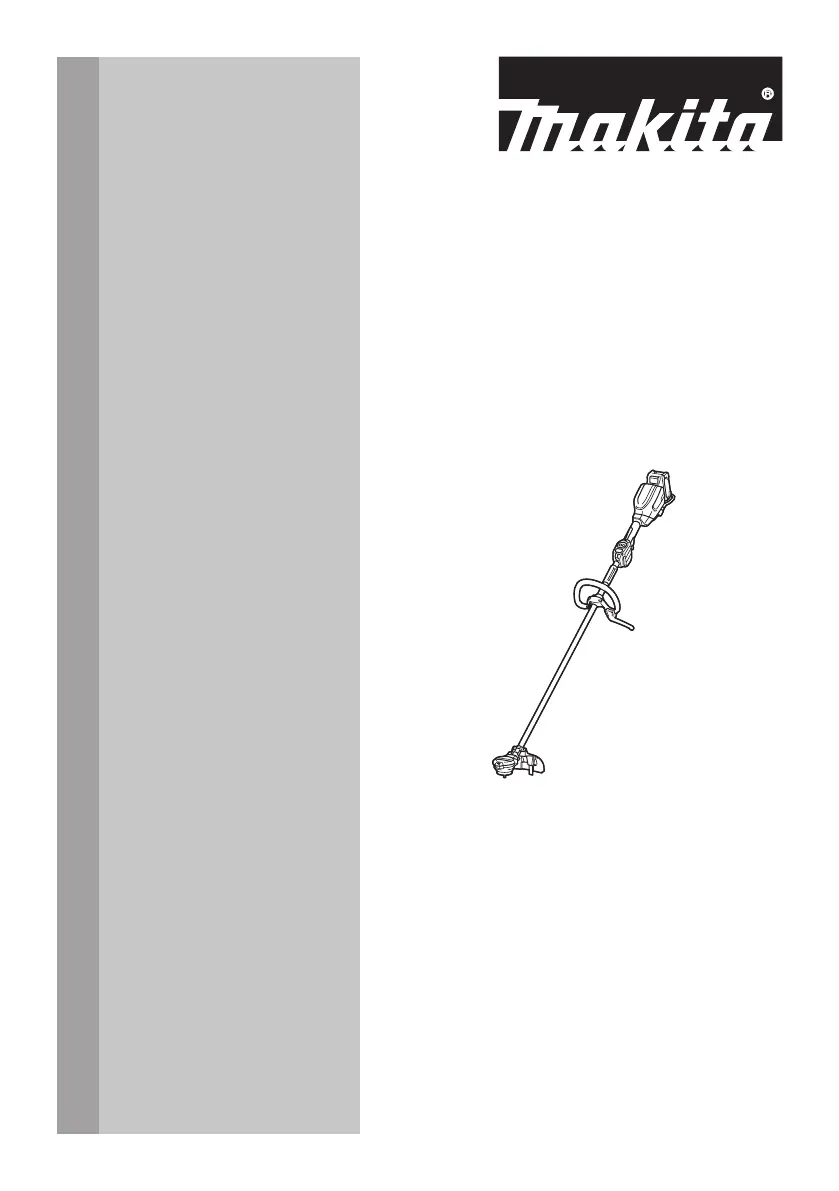
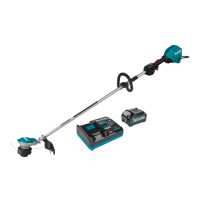
Cordless Grass Trimmer
Cortador Inalámbrico de Pasto
GRU01
IMPORTANT: Read Before Using.
IMPORTANTE: Lea antes de usar.

Questions and Answers

  • G
    Grant HawkinsAug 4, 2025
    What to do if my Makita GRU01 Trimmer motor does not run?
    • R
      randolphsusanAug 5, 2025
      If the motor of your Makita Trimmer doesn't start, possible causes include: the battery cartridge might not be installed—ensure it is properly installed. The battery may be under voltage—try recharging it, and if that doesn't work, replace the battery. If these steps don't resolve the issue, the drive system may not be working correctly.
  • J
    Joseph KennedyAug 10, 2025
    Why does my Makita GRU01 motor stop running after a little use?
    • G
      gcruzAug 10, 2025
      If your Makita Trimmer motor stops shortly after starting, it could be due to a low battery charge—recharge the battery, and replace it if recharging isn't effective. Another cause might be overheating—stop using the tool and allow it to cool down.
  • K
    Kenneth NicholsAug 14, 2025
    What to do if cutting tool does not rotate on Makita GRU01 Trimmer?
    • A
      angela99Aug 14, 2025
      If the cutting tool on your Makita Trimmer isn't rotating, stop the machine immediately! A foreign object, like a branch, may be jammed between the guard and the cutting tool. If so, remove the foreign object.
  • J
    James SpencerAug 19, 2025
    What to do if cutting tool and motor cannot stop on Makita GRU01 Trimmer?
    • K
      Katherine TurnerAug 20, 2025
      If the cutting tool and motor of your Makita Trimmer won't stop, immediately remove the battery. This issue may indicate an electric or electronic malfunction.
  • E
    Eric OliverAug 25, 2025
    Why Makita GRU01 does not reach maximum RPM?
    • B
      Brittany SanchezAug 25, 2025
      If your Makita Trimmer isn't reaching its maximum RPM, check if the battery is installed properly according to the manual. Also, the battery power might be dropping, so try recharging or replacing the battery. If the issue persists, the drive system may not be functioning correctly.
  • B
    baileytimothyAug 30, 2025
    What to do if Makita GRU01 Trimmer has abnormal vibration?
    • M
      Mary BensonAug 30, 2025
      If your Makita Trimmer is vibrating abnormally, stop the machine immediately! This could be because one end of the nylon cord has broken. To fix this, tap the nylon cutting head against the ground while it is rotating to feed the cord.

Summary

SAFETY WARNINGS

Important safety instructions

Basic safety precautions for electric gardening appliances to reduce risks of fire, shock, and injury.

General instructions

Instructions for safe operation, including user condition, attentiveness, and avoiding hazards.

FUNCTIONAL DESCRIPTION

Installing or removing battery cartridge

Step-by-step guide for safely attaching and detaching the battery pack from the tool.

Tool; battery protection system

Explanation of the system that cuts power to extend tool/battery life under certain conditions.

Overload protection

Details on overload conditions and how the caution lamp indicates them.

Overheat protection for tool or battery

Information on tool/battery overheating and indicator lights.

Overdischarge protection

Explanation of low battery capacity indicators and actions.

Indicating the remaining battery capacity

How to check the remaining battery charge using indicator lamps.

Electronic function

Constant speed control

Maintains constant rotation speed regardless of load conditions for consistent performance.

Soft start feature

Provides smooth startup with suppressed initial shock for better control.

ASSEMBLY

Installing the handle

Instructions for attaching the handle to the tool, including clamp and bolt placement.

Hex wrench storage

Guidance on storing the hex wrench to prevent loss and ensure safety.

Attaching the barrier

Steps to attach the protective barrier to the handle for safety.

Correct combination of the cutting tool and the protector

Information on matching cutting tools with protectors for safety and performance.

OPERATION

Attaching the shoulder harness

Instructions on how to properly wear and attach the shoulder harness for comfort and safety.

Installing the protector

Steps for securely attaching the protector to the tool for safety.

Installing the cutting tool

Procedure for installing the cutting tool, ensuring proper fit and security.

MAINTENANCE

Correct handling of the tool

Guidelines for safe positioning, control, and operation of the tool.

When using a nylon cutting head (bump & feed type)

Explanation of how to use the bump & feed mechanism for nylon cord feeding.

Makita GRU01 Specifications

General IconGeneral
BrandMakita
ModelGRU01
CategoryTrimmer
LanguageEnglish

Related product manuals