MENU
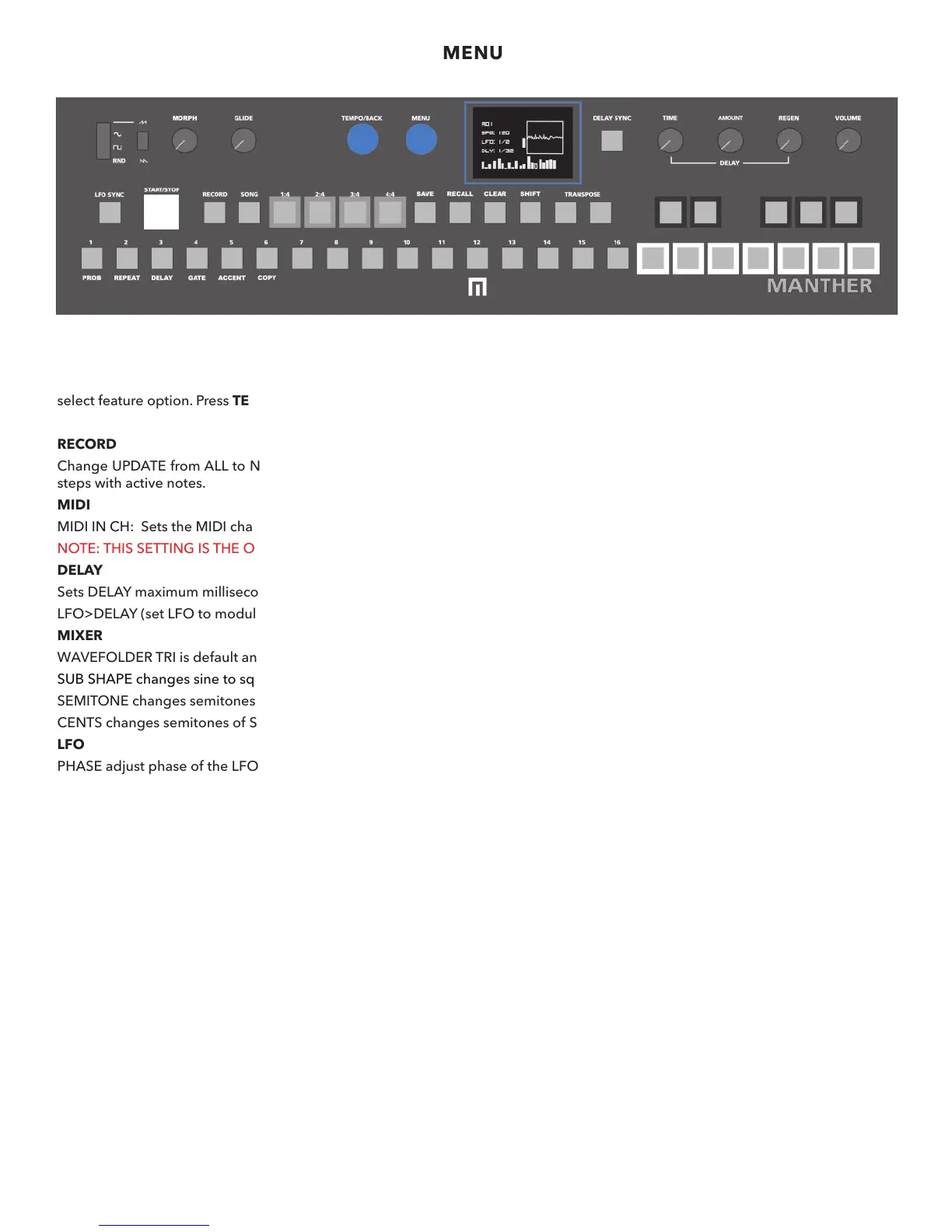
OLED / MENU
Press the MENU encoder to enter main MENU. Turn the MENU encoder to scroll through the menu list. Press the MENU encoder to
select feature option. Press TEMPO/BACK to exit the menu or go back to a previous screen or option.
RECORD
Change UPDATE from ALL to NOTE specifically (default is set to ALL). This will switch automation recording from every step to just
steps with active notes.
MIDI
MIDI IN CH: Sets the MIDI channel in from 1-16
NOTE: THIS SETTING IS THE ONLY MENU SETTING NOT SAVED WITHIN PRESETS.
DELAY
Sets DELAY maximum milliseconds.
LFO>DELAY (set LFO to modulate delay time).
MIXER
WAVEFOLDER TRI is default and can be changed to VCF where wavefolder folds signal after VCF (fold all).
SUB SHAPE changes sine to square. 0 (sine) to 100 (square).
SEMITONE changes semitones of SUB OSC.
CENTS changes semitones of SUB OSC in cents (fine tuning).
LFO
PHASE adjust phase of the LFO.
KEY SYNC change key sync of LFO to ON. OFF is default.
SEQUENCE
SEQUENCE LENGTH: Change from 1-64 steps.
DIRECTION: Sequence direction options are FWD, REVERSE, PENDULUM and RANDOM.
DIVIDE: Divide sequence time.
MULTIPLY: Multiply sequence time.
RECALL: You can set a preset of sequences to recall NOW (instant) or by BAR (recalled preset will play after the current preset
sequence ends).
CLOCK
Change clock from INT (Interal) default, to MIDI CLOCK, ANA (Analog).
ABOUT
Manther Firmware Version
4


 To Next Page