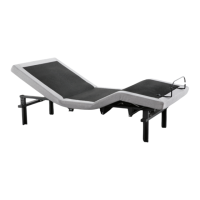
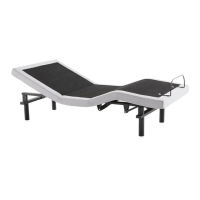
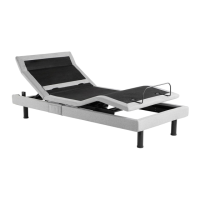
SYNCHRONIZING
TWOBASES
(for Twin XL and
Split sizes only)
25 26
OWNER’S MANUAL
OPTIONWIRELESS
PairSingleRemotetoOperate
TwoBasesSimultaneously
Step
PlugBaseAandBaseBinto
youroutlet
Step
WithRemoteApairedtoBaseAand
RemoteBtoBaseBmakesureeach
remotemoveswithitsrespectivebase
Ifnotpairbothremotesbyfollowing
theinstructionsonpagesand
Step
PairRemoteAtoBasesAandBby
pressingandholdingtheHeadUpand
FootUpbuttonsonRemoteAThen
pressthebluePairingbuttononthepower
cordforBaseBYoushouldheartwobeeps
Step
EnsureRemoteAmovesbothbasesby
pressinganybuttonontheremotecontrol
PairSecondRemotetoOperate
TwoBasesSimultaneously
Step
OnRemoteBpressandholdtheHeadDown
andFootDownbuttonsatthesametime
WithinfivesecondspressandholdtheHead
UpandFootUpbuttonsonRemoteAAer
twosecondsreleasethebuttonsonRemoteA
thenRemoteB
Step
EnsureeachremotemovesBaseAandBaseB
Ifanyofthesestepsdidn’tworkunplugboth
basesandremovethebatteries
fromeachremoteAerfive
minutesreconnectBaseAandBase
Btothepowersourceandreturn
thebatteriestoRemoteAand
RemoteBThenrepeatsteps
NOTETooperatethebeds
separatelyagainpresstheHead
UpandFootDownbuttons
simultaneouslyonRemoteBFollow
theinstructionsonpagesand
topairyourremotewiththedesired
base
A
B


 To Next Page