KEYLESS 042
KEYLESS 042
Programming and Installation Instructions
Programming and Installation Instructions
MULTIPLE Door Mode Programming Instructions
Allows for a multiple doors (max. of 4) to be operated by the Keypad.
Multiple Door Setting Pairing Testing
1. Enter the PIN [ ? ? ? ? ],
Then press the following sequence
of buttons [ * ] [ 9 ] [ # ]
1. Press and HOLD the LEARN
button on the On-Board Radio
Receiver for approx. 2 sec. or until
the WHITE LED on the Receiver
flashes.
2. Enter the PIN [ ? ? ? ? ]
Then press the [ # ] button
Then the [ DOOR Number ] (1 to 4)
3. Repeat the procedure above for
the remaining doors.
To operate DOOR 1:
Enter the PIN [ ? ? ? ? ]
Then press the following sequence
of buttons [ # ] [ 1 ]
To operate DOOR 2:
Enter the PIN [ ? ? ? ? ]
Then press the following sequence
of buttons [ # ] [ 2 ]
To operate DOOR 3:
Enter the PIN [ ? ? ? ? ]
Then press the following sequence
of buttons [ # ] [ 3 ]
To operate DOOR 4:
Enter the PIN [ ? ? ? ? ]
Then press the following sequence
of buttons [ # ] [ 4 ]
► The Keypad will emit 3 beeps as
confirmation.
► After each door is programmed,
the Keypad will emit 3 beeps as
confirmation.
► The Keypad will emit 3 beeps as
confirmation and the appropriate
door operator will activate.
Mounting Instructions:
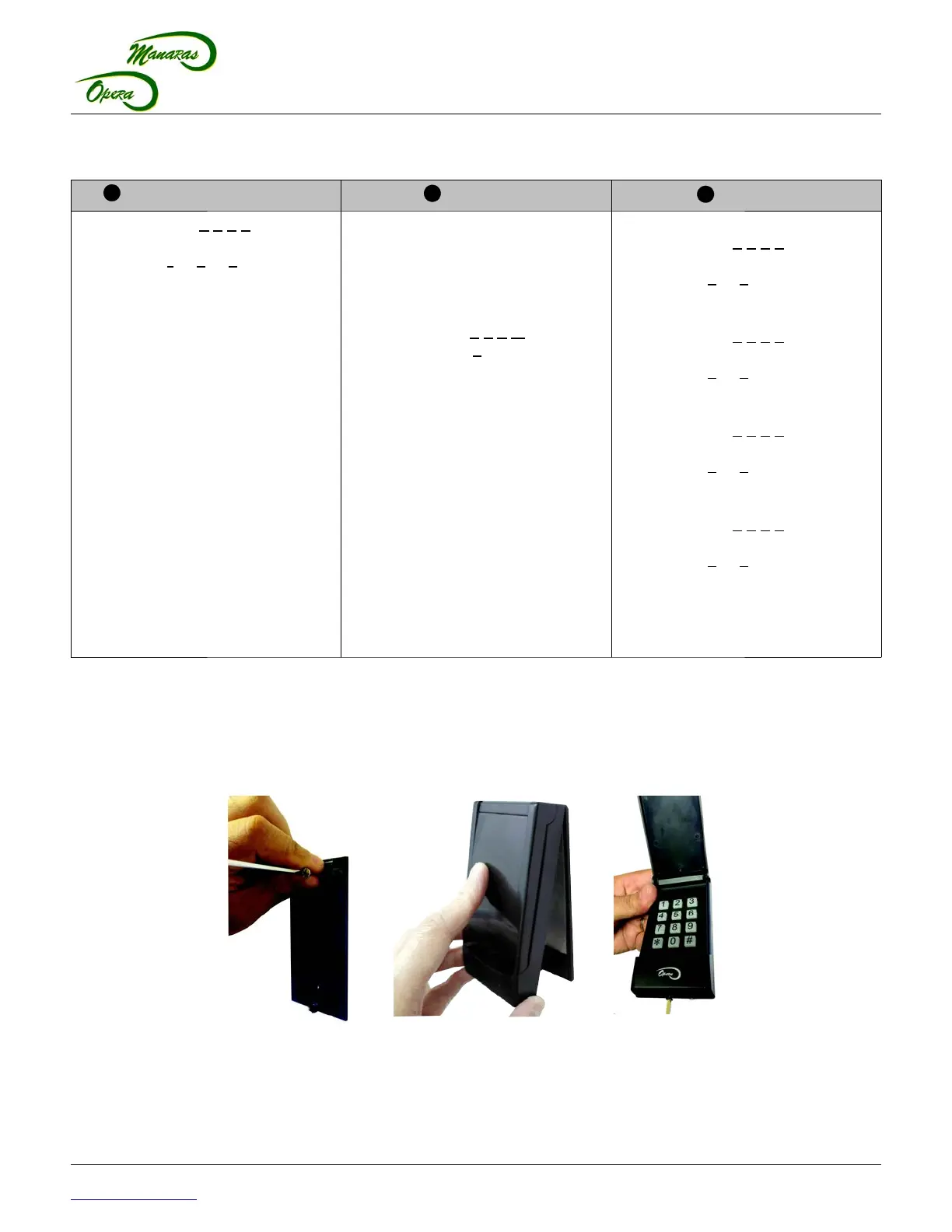
1. Select a desired location to mount the Keypad at a minimum height of 5 feet (1.5 m).
2. Secure the back cover at the desired location with the two anchors and screws provided, refer to Figure 3.
3. Re-install the keypad unit to the back cover.
4. Gently tighten the screw at the bottom of the case.
1-800-361-2260
www.manaras.com 3 TN1025 REV 4 - 2016/04/11
Figure 3 - Mounting KEYLESS042



 To Next Page
 Loading...