KEYLESS 042
KEYLESS 042
Programming and Installation Instructions
Programming and Installation Instructions
Troubleshooting:
Change an Existing PIN
1. Enter the programmed PIN [ ? ? ? ? ] that you want to change on the Keypad
Then press the [ * ] button
2. Enter a new PIN (2 to 8 digits) of your choice [ ? ? ? ? ]
Then press the [ * ] button
3. Re-enter the new PIN [ ? ? ? ? ] to confirm
Then press the [ * ] button
► The new PIN is confirmed once the Keypad's backlit LED
flashes 3 times and the unit emits a long beep.
Reset Keypad to Factory Default Settings
(when PIN is unknown or forgotten)
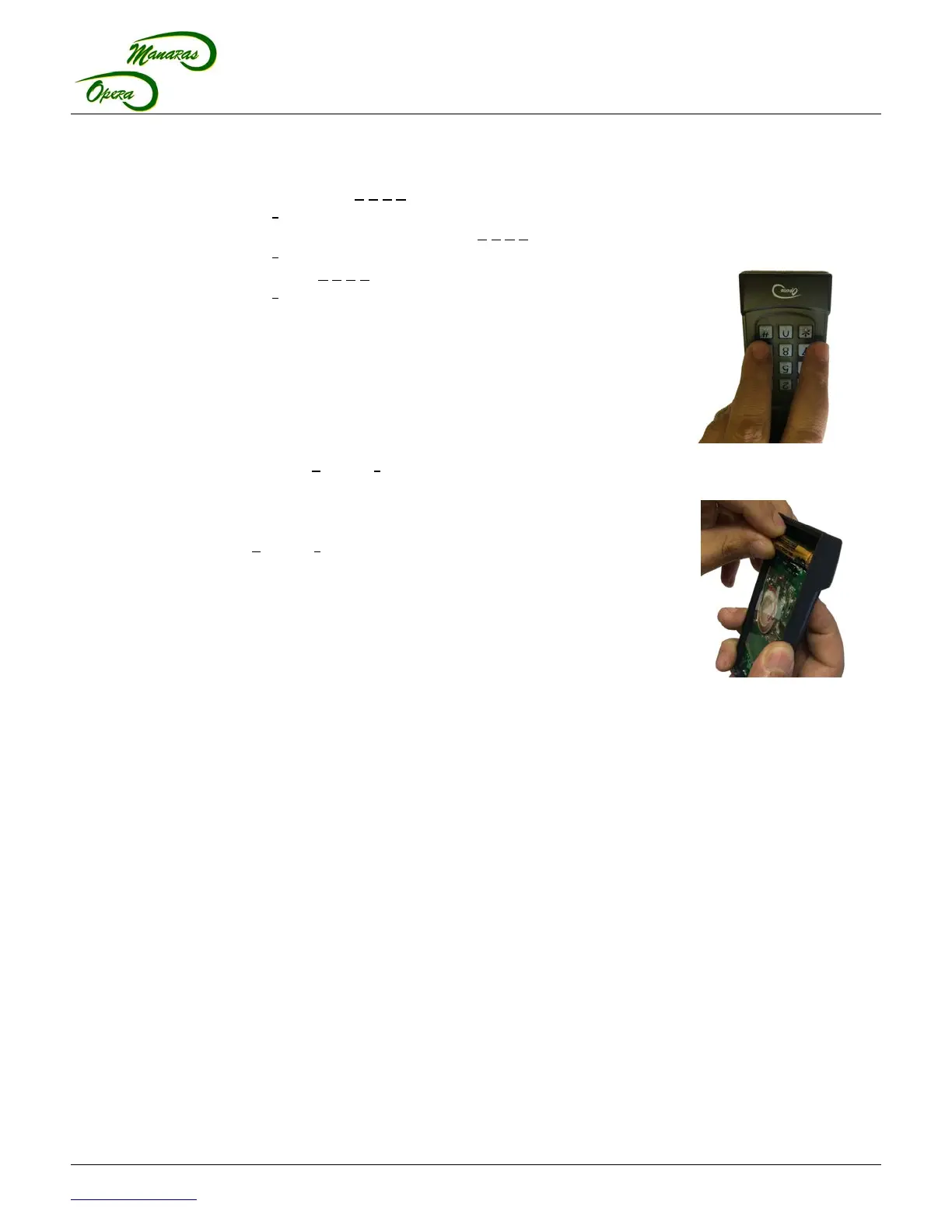
1. Remove the AAA battery from the Keypad, refer to Figure 2,
p.4 .
2. Press and HOLD the [ # ] and [ * ] buttons simultaneously,
while inserting the AAA battery in the Keypad, refer to
Figure 4 and Figure 5.
► The Keypad will emit a long beep.
3. Release the [ # ] and [ * ] buttons.
► The beep will stop after several seconds.
► The PIN has been reset to the factory default PIN [ 0 0 0 0 ]
and pairing between the On-Board Radio Receiver and the
Keypad is lost.
4. Refer to the instruction on how to Program an Initial PIN on
p.2 and the Keypad Pairing / Programming Instructions on p.2.
DELETE On-Board Radio Receiver Memory
1. Press and HOLD the Receiver's LEARN button on the On-Board Radio Receiver for approx. 10 sec. or
until the WHITE LED on the Receiver flashes quickly.
► This will clear the pairing of all transmitters (radio remotes and keypads) with the On-Board Radio
Receiver.
For further information, please consult the operator's Installation & Instruction Manual or contact our Technical
Support Department at 1-800-361-2260.
1-800-361-2260
www.manaras.com 4 TN1025 REV 4 - 2016/04/11
Figure 4 - Reset Keypad
to Default Settings
Figure 5 - Insert Battery



 To Previous Page
 Loading...