3
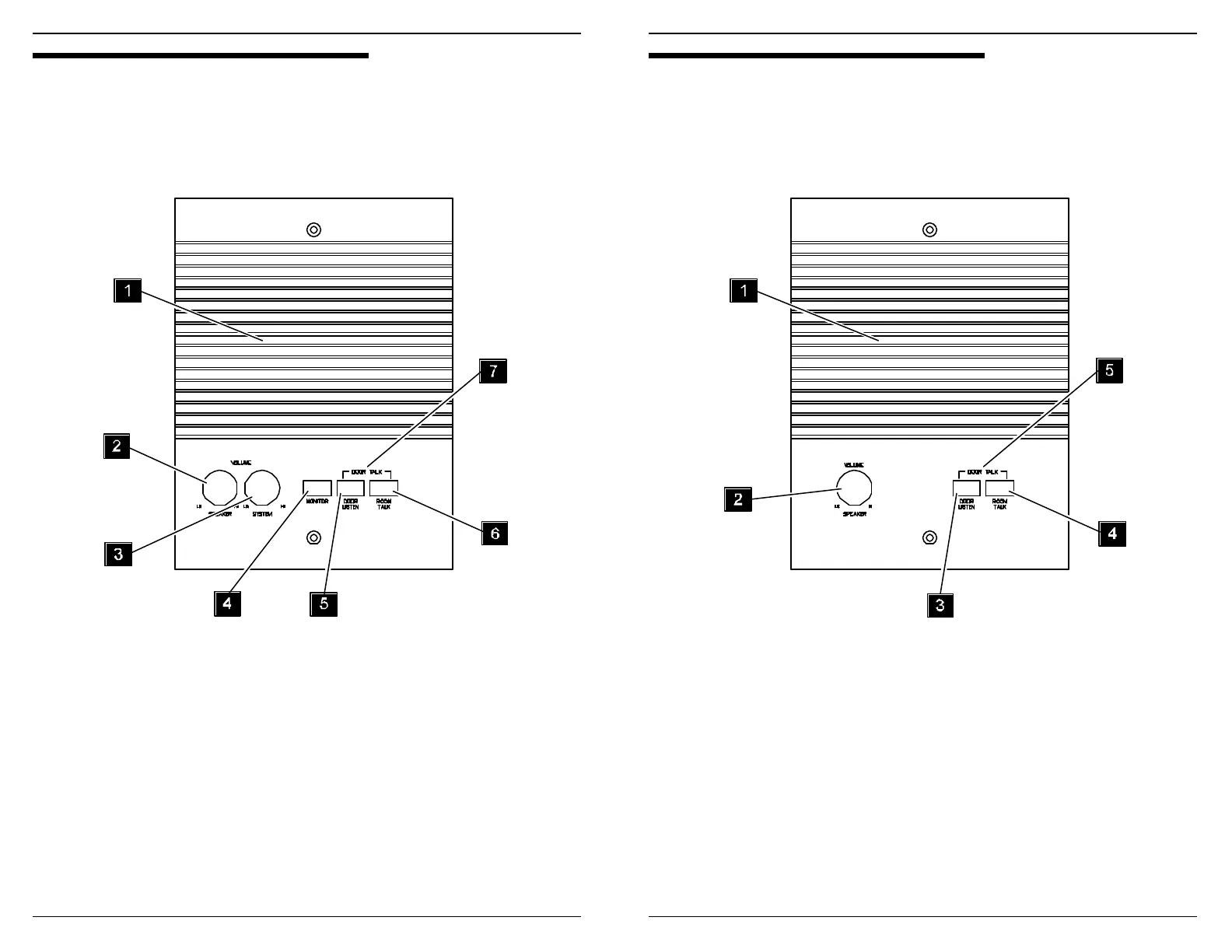
MASTER UNIT CONTROLS AND FEATURES
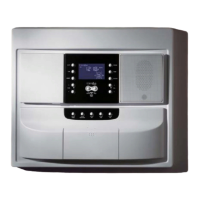
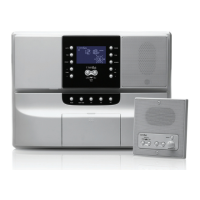
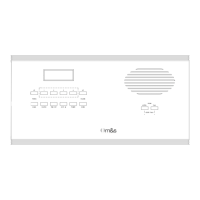
The illustration below shows the controls and features used to operate the MC111M or
MC111DM Master Units.
1. Speaker/Microphone 5. Door Listen Switch
2. Speaker Volume 6. Room Talk Switch
3. System Volume 7. Door Talk (Press both buttons)
4. Monitor Switch (Door Release on MC111DM)
4
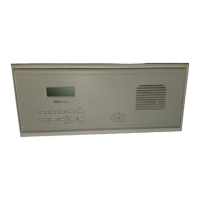
REMOTE STATION CONTROLS AND FEATURES
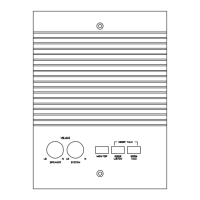
The illustration below shows the controls and features used to operate the N35 or N35D
remote station models.
1. Speaker/Microphone
2. Speaker Volume (Door Release N35D only)
3. Door listen
4. Room talk
5. Door talk (Press both buttons)


 To Next Page