3
bASic SeTup & offline (unATTAcheD)
operATion
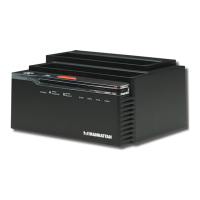
Before using the SATA Quick Clone Dock, note the following features and
requirements to ensure smooth and successful operation.
• Bay A is where you insert the source (master) hard-disk drive (HDD)
• Bay B is where you insert the target (slave) hard-disk drive
• The capacity of the target HDD must be greater than that of the source HDD;
otherwise, the cloning can not be properly completed. NOTE: Equal capacity is
not adequate.
• Be sure there is no data on the target HDD before you begin, as it will be deleted
during the cloning process.
• Once the dock is connected to the computer through the USB or eSATA
interface, the ofine clone function will be disabled.
1. Use the included power adapter to connect the DC Input jack to an AC power
outlet.
Rear view: connections


 To Next Page
 Loading...