7
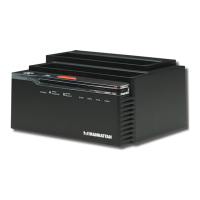
7. Insert the source HDD in Bay A and the target HDD in Bay B. NOTE: The
capacity of the target (slave) HDD must be greater than the capacity of the
source (master) HDD; otherwise, the cloning can not be properly completed.
8. When the A and B LEDs light, toggle the Power switch (on the rear panel) to On.
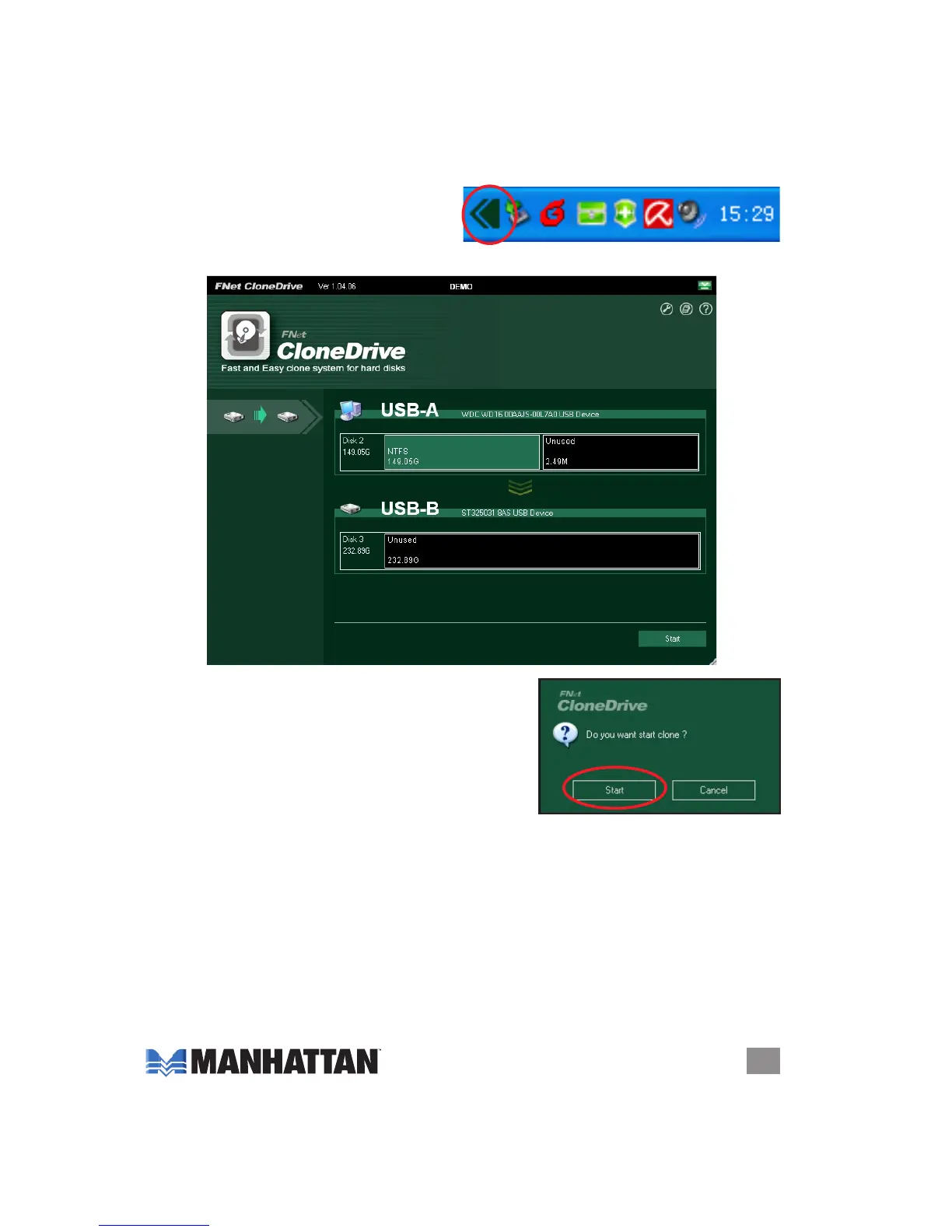
9. When the clone icon appears in your
system tray, double-click it to start the
program.
10. When the initial clone activation screen displays, click “Start.”
11. When the second prompt appears, click
“Start” again.


 To Next Page
 Loading...