EasyManua.ls Logo

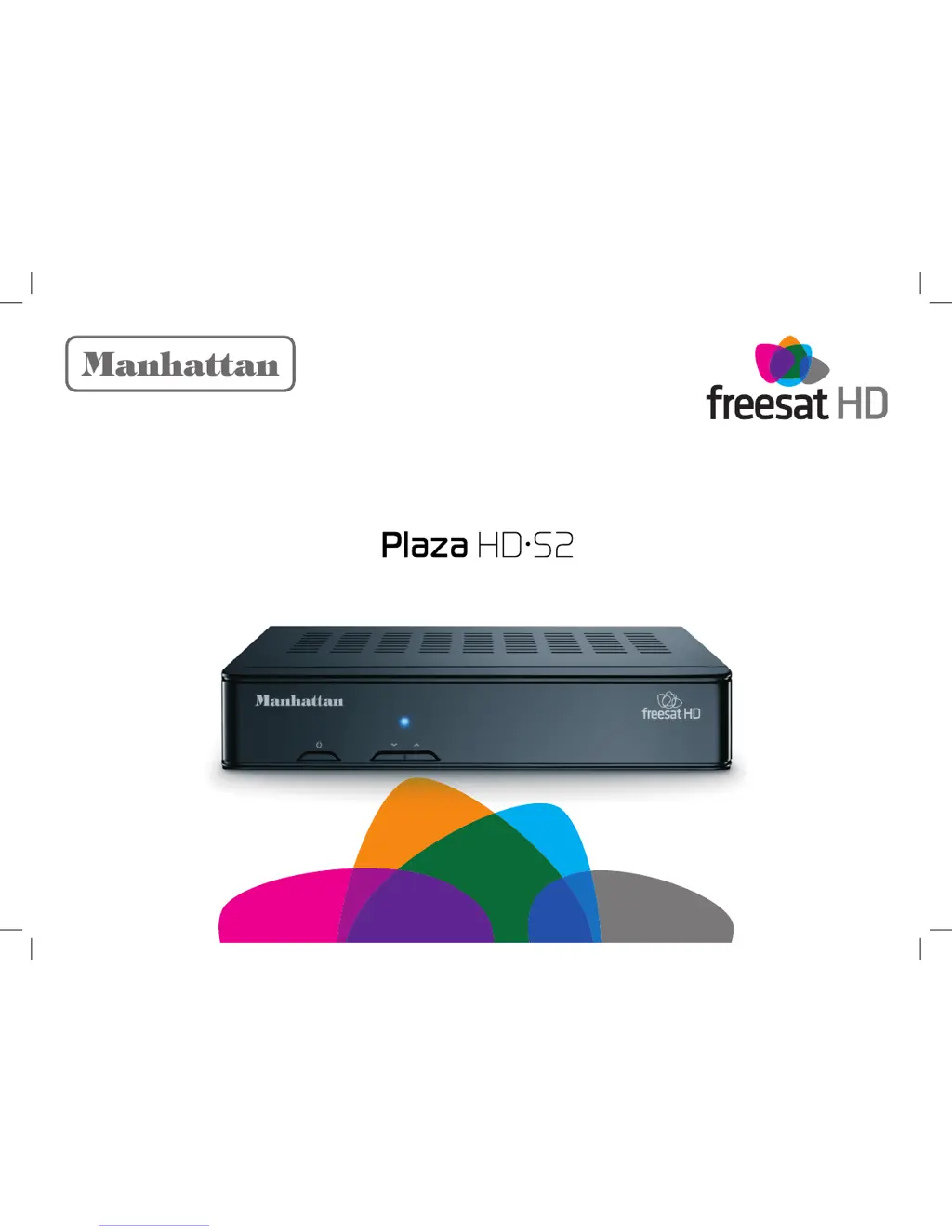
Manhattan Plaza HD•S2 - User Manual

Manhattan Plaza HD•S2
44 pages
Print Icon
To Next Page IconTo Next Page
Loading...
User Guide
freesat HD Receiver with On Demand TV

Other manuals for Manhattan Plaza HD•S2

Questions and Answers

  • A
    adkinsdanaAug 19, 2025
    What to do if my Manhattan Plaza HD•S2 Receiver has a ‘No signal’ message?
    • M
      Melissa DillonAug 19, 2025
      If you're seeing a 'No signal' message, the cable from the satellite dish might be disconnected. Check the cable connections at both the receiver and the dish. Also, inspect the dish for any damage or if it's out of position.
  • R
    Ronald JensenAug 21, 2025
    How to fix signal lock failed on Manhattan Receiver?
    • D
      Dana AdamsAug 21, 2025
      If the signal lock has failed, the cable from the satellite dish might be disconnected. Check the cable connections at the receiver and dish. Another cause may be that the dish is in the wrong position, so reinstall the dish.
  • J
    Jesus JohnsAug 25, 2025
    What to do if my Manhattan Plaza HD•S2 Receiver remote control is not responding?
    • N
      Nancy MayAug 25, 2025
      If your remote control isn't working, first ensure the receiver is switched on and not in standby mode. Then, aim the remote control directly at the receiver. Also, check for any obstructions blocking the remote sensor on the front of the receiver.
  • A
    Ashley SmithAug 26, 2025
    How to fix no picture via HDMI on Manhattan Plaza HD•S2 Receiver?
    • S
      Scott JonesAug 26, 2025
      If you have no picture via HDMI, it could be due to an incompatible HDMI resolution. Many TVs don’t support 1080p or 1080i, but only 720p. While the receiver is on, press and hold the button for 10 seconds to change the resolution to 720p.
  • G
    Grace CalhounAug 28, 2025
    What to do if Manhattan Plaza HD•S2 is not accepting postcode?
    • S
      Sara HamiltonAug 28, 2025
      If your receiver isn't accepting the postcode, it might be due to a broadcast error where the postcode tables are not being transmitted. Activate default tuning by using the green Default Channels button.
  • L
    Lisa WadeAug 30, 2025
    Why does my Manhattan Plaza HD•S2 Receiver switch off after 3 hours?
    • F
      Frank MunozAug 30, 2025
      If your receiver switches off after 3 hours, the Auto Standby feature is likely enabled. You can turn off the Auto Standby in the Time menu.
  • J
    Justin FosterSep 1, 2025
    How to fix full picture not visible on Manhattan Plaza HD•S2 Receiver?
    • R
      Roger ReidSep 1, 2025
      If the full picture is not visible, it's likely due to a mismatched screen format. Choose the correct screen size to suit your TV.
  • D
    danielle70Sep 3, 2025
    Why is my Manhattan Plaza HD•S2 TV picture not HD?
    • E
      elizabethgreenSep 3, 2025
      If your TV picture isn't in HD, you might be tuned to an SD channel, so tune to an HD channel. Your TV may not be capable of HD, so connect the receiver to an HD-Ready TV. Also, if your TV is connected by SCART, connect the TV with the HDMI lead.
  • R
    Robert GraySep 5, 2025
    Why is there no set up screen on my Manhattan Plaza HD•S2?
    • P
      Pamela RodriguezSep 6, 2025
      If there is no set up screen, the receiver may not be switched on. Check the mains adapter is plugged in and the mains socket is turned on, then turn on the receiver. Also, the HDMI/SCART cable might be disconnected, so check the HDMI/SCART cable connection to the receiver and television. Finally, the television may not be switched to the HDMI/SCART input, so select the television’s HDMI/SCART input.
  • K
    kimheatherSep 7, 2025
    Why is there no BBC iPlayer on my Manhattan Receiver?
    • B
      bruce65Sep 7, 2025
      If there is no BBC iPlayer, there may be no connection to the Internet. Check your broadband connection and network configuration in the system menu.

Summary

Congratulations

Further Information

Freesat and Manhattan Information

Contact details and website resources for Freesat and Manhattan.

In The Box

Receiver and Accessories

Listing of items included in the receiver package.

Preparation

Initial Setup and Connection

Guide to connecting the receiver, satellite dish, and power.

Initial Channel Tuning

Steps for scanning and tuning channels after first setup.

Postcode for Regional Settings

Entering postcode to configure regional channel variations.

Creating a Lock PIN

Setting up a PIN for parental controls and channel locking.

Everyday Use

Basic Operation

Turning the receiver on/off, changing channels, and volume.

Information and Browsing Bars

Understanding channel information and browsing features.

Accessibility Features

Enabling subtitles and audio description for enhanced viewing.

Channel List and Search

Navigating, searching, and managing the channel list.

Programme Guide Navigation

Using the guide to view schedules and set reminders.

Interactive and Digital Services

Accessing news, weather, and other interactive content.

Advanced Use

Favourites Lists Management

Creating and using custom channel lists for quick access.

PIN and Display Settings

Managing PINs, display modes, and SCART/TV switching.

Navigating Setup Menus

Accessing and configuring receiver settings.

Audio and Picture Settings

Configuring subtitles, HDCP, and picture menu options.

Display and Output Settings

Adjusting screen type, HDMI, and SCART output configurations.

Sound and Audio Options

Adjusting volume, audio description, Dolby Digital, and lip-sync.

Time and Power Management

Setting timers, auto standby, and auto turn on/off features.

System Configuration and Updates

Managing system settings, installation, network, and parental controls.

Security, Updates, and Reset

Locking content, updating software, and restoring factory defaults.

Online TV Services

Setting Up Online TV Services

Configuring the receiver for internet connectivity and online TV.

Accessing Online Content

How to find and watch content from online TV services.

Non-Freesat Channels

Tuning and Watching Non-Freesat

Adding and viewing channels not provided by freesat.

Safety Information

General Safety Precautions

Essential safety guidelines for power, cables, and environment.

Electrical Safety and Environment

Detailed electrical safety, plug, fuse, and recycling advice.

Troubleshooting

Common Troubleshooting Issues

Solutions for problems like no signal, no picture/sound, or connection errors.

Advanced Troubleshooting

Resolving remote, recording, iPlayer, and guide information issues.

Specifications

Notes

Manhattan Plaza HD•S2 Specifications

General IconGeneral
Tuner TypeDVB-S2
HD SupportYes
Video DecodingMPEG-2, MPEG-4, H.264
USB Port1 x USB 2.0
EthernetNo
TypeSatellite Receiver
Audio DecodingMPEG-1 Layer I/II
Video OutputHDMI
Audio OutputRCA
Supported Resolution1080p, 720p, 576p, 576i
DiSEqC Support1.0, 1.1, 1.2, USALS
Power Supply12V DC
ConnectorsHDMI, USB

Related product manuals