37
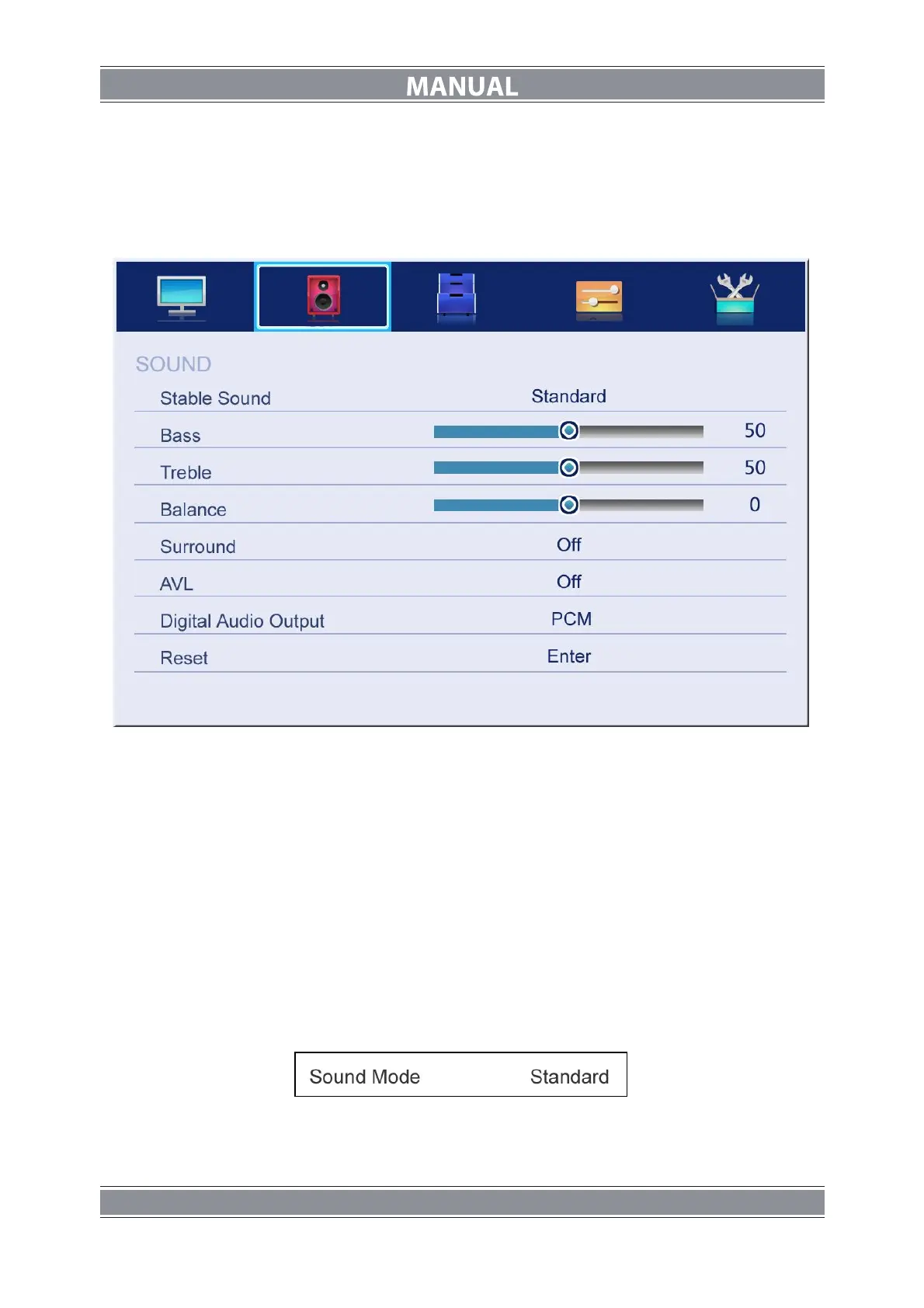
SOUND Menu
The picture is for a reference only; the actual item is the standard.
Press MENU button to display the main menu.
Press ▲/▼ button to select Sound in the main menu, and then press ENTER button or ►
button to enter.
1. Press ▲/▼ button to select the option that you want to adjust in the Sound menu, then
press ENTER button to enter.
2. press ◄/► button to adjust or press ▲/▼ to select, and press ENTER button to select
submenu.
3. After finishing your adjustment, Press MENU button to save and return back to the
previous menu, or press EXIT button to exit the entire menu.
Sound mode
Press ▲/▼ button to select Sound mode, and then press ENTER button to enter. And then
press ◄/► button to select. (Available Sound mode: User, Standard, Music, Movie).
You can change the value of bass and treble, Balance and EQ, when the sound is in User
mode.
TIPS: You can press S-MODE button on the remote control to change the Sound Mode
directly.
Bass
Press ▲/▼ button to select Bass, then press ENTER or ► button to enter and press ◄/►
button to adjust. It can only be adjusted under user mode.Then press MENU button to return



 To Next Page