EasyManua.ls Logo

Manta LED1905 - User Manual

Manta LED1905
52 pages
Go to English
Print Icon
To Next Page IconTo Next Page
Loading...
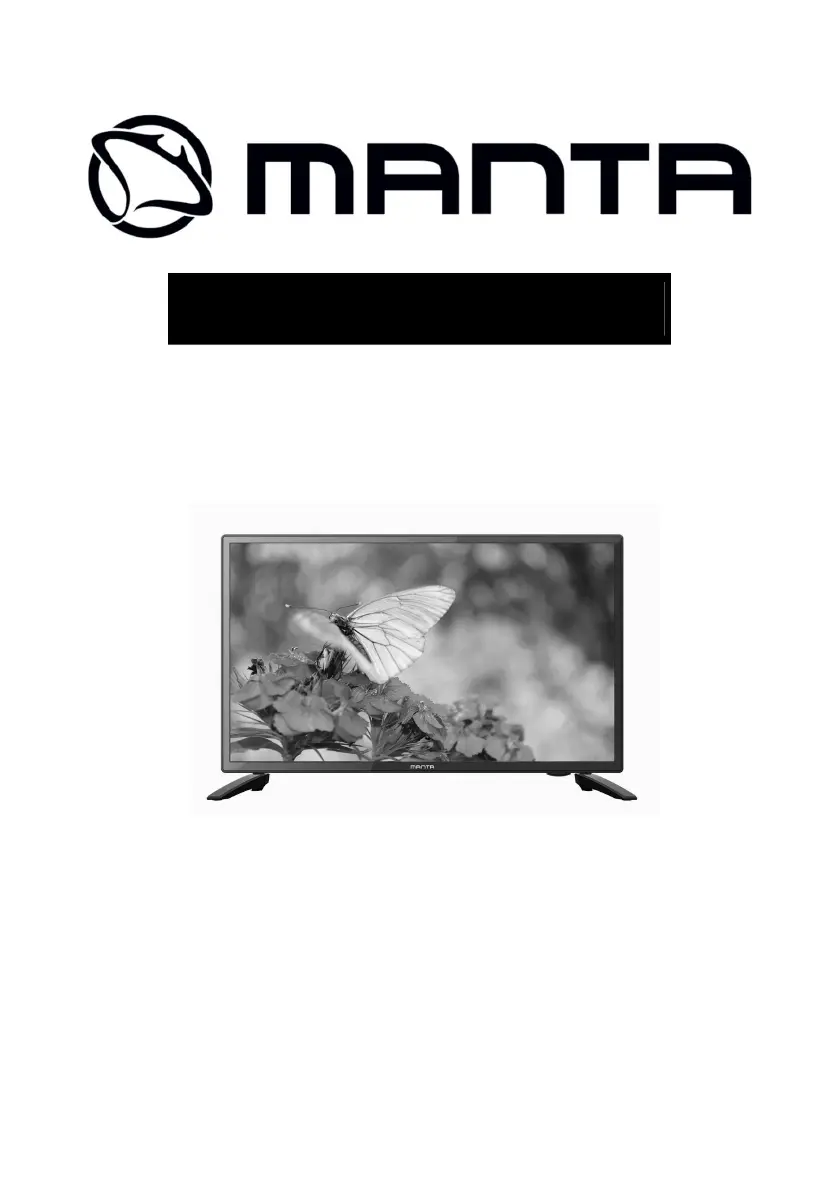
LED TV 19
LED1905
Instrukcja Obsługi
User’s Manual

Questions and Answers

  • S
    Susan LopezAug 10, 2025
    How to fix Manta LED1905 LED TV if it will not turn on?
    • C
      Cory NashAug 10, 2025
      If your Manta LED TV won't turn on, first ensure that the power cord is securely plugged into the outlet. Then, check the remote control batteries and replace them if they are exhausted.
  • D
    Danielle SmithAug 19, 2025
    What to do if my Manta LED1905 has no picture and no sound?
    • K
      Kristina MartinezAug 20, 2025
      If your Manta LED TV has no picture and no sound, start by checking the cable connection between the TV and the antenna or any external AV device. Also, ensure that you press the power button on the remote. Finally, press the SOURCE button on the remote, then use the “?/?” button to select the correct TV source.
  • M
    Miranda WilsonAug 31, 2025
    How to eliminate audio noise on Manta LED TV?
    • S
      snowjonathanAug 31, 2025
      If you are experiencing audio noise with your Manta LED TV, try moving any infrared equipment away from the TV.

Manta LED1905 Specifications

General IconGeneral
Screen Size19 inches
Display TypeLED
Aspect Ratio16:9
Brightness200 cd/m²
Contrast Ratio1000:1
Response Time5 ms
HDMI Ports1
USB Ports1
Sound Output2 x 3W
Resolution1366 x 768
Input PortsHDMI, USB, VGA, AV
Viewing Angle170/160 degrees

Related product manuals