Favorite List
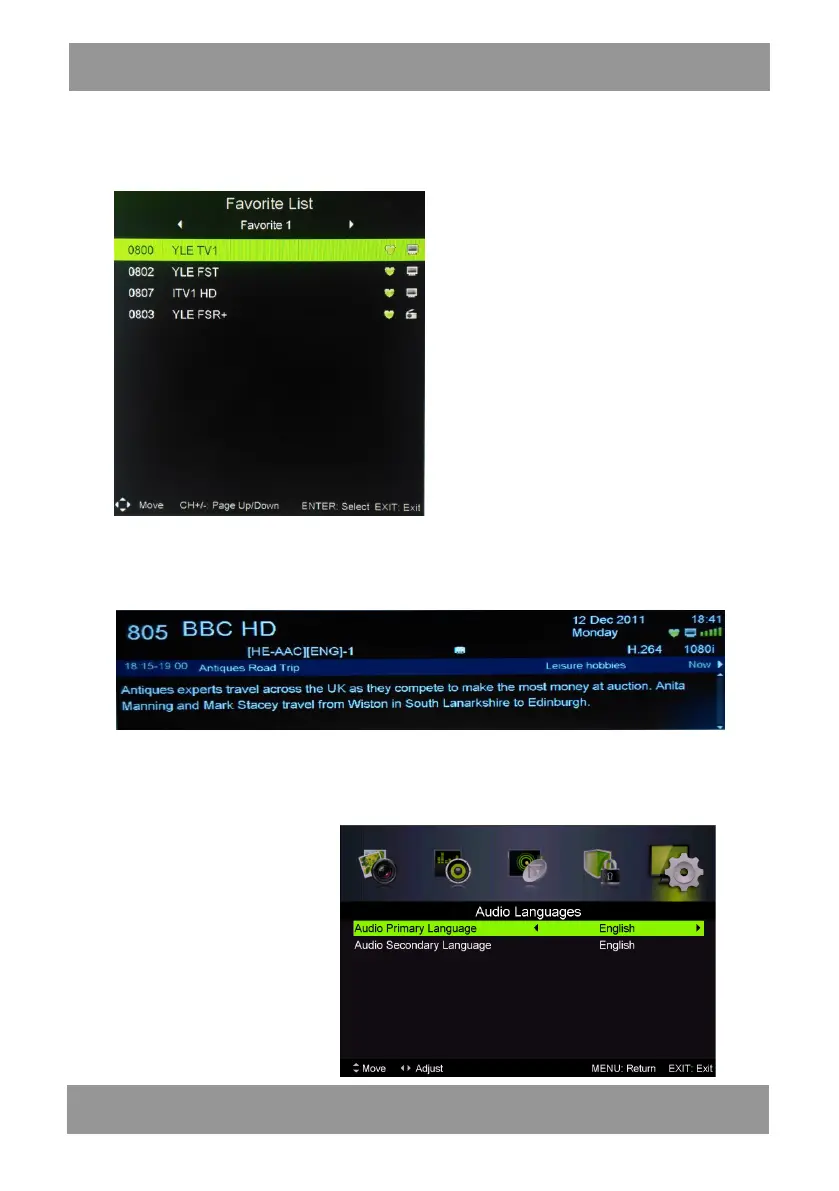
When the source is selected as DTV, users can enter Favorite List by pressing “FAV” button.
The “Favorite List” window is illustrated as follows:
You can press the “/” button to select the favorite list number
Program Information
When the source is selected as DTV, you can press “display” button to display the channel’s
information. The program information window is illustrated as follows:
Audio
When the source is selected as DTV, users can enter the Setup menu to enter the “Audio
Language” menu . The “audio language” window is illustrated, and press “/” button to select the
“audio language” menu .
ENLED1905



 To Next Page