Control Panel Button Function
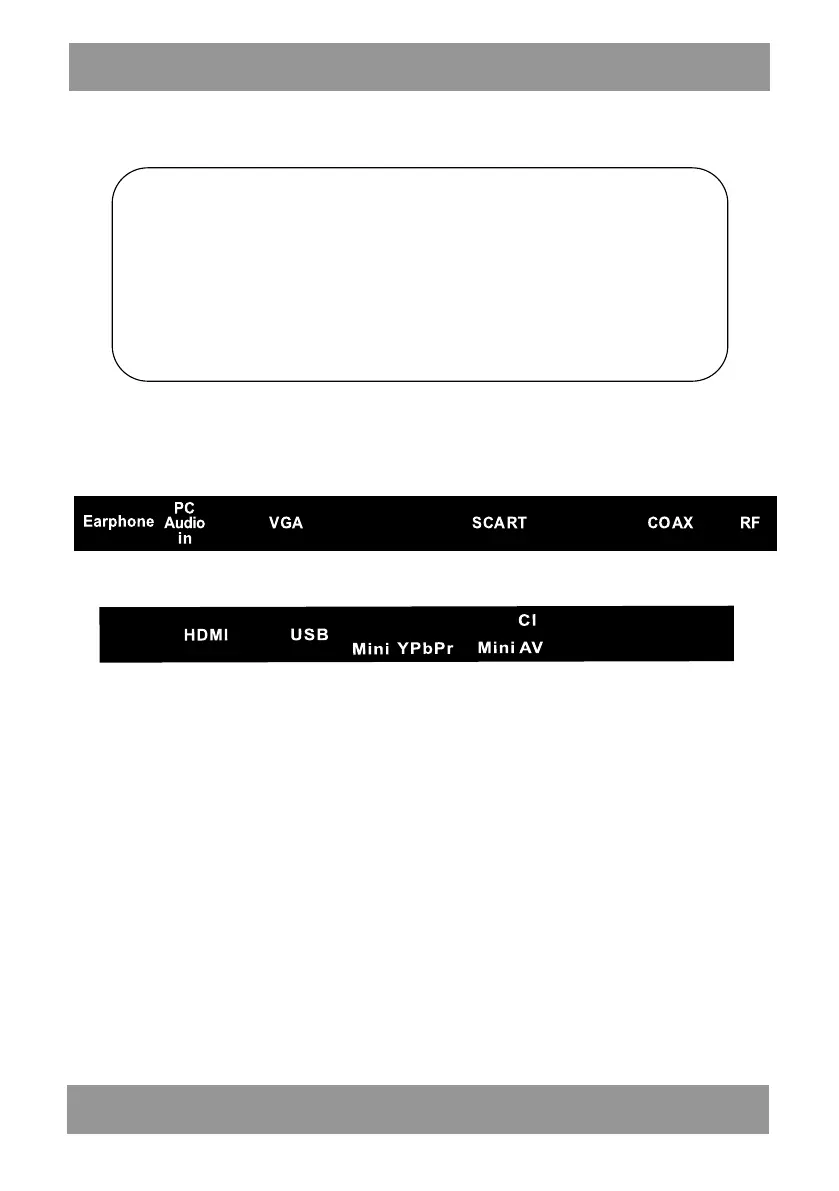
TV Terminal Connections
1. HEADPHONE output terminal.
2. SCART input terminal.
3. PC AUDIO input terminal.
4. VGA input terminal.
5. COAX output terminal.
6. TV antenna.
7. HDMI 1 input terminal.
8. USB input terminal.
9. Mini-AV&AUDIO input terminal.
10. Mini-YPBPR input terminal.
11. CI slot
VOL+ : Volume up.
VOL
-
: Volume down.
CH+: TV channel up.
CH- : TV channel down.
MENU : Press to select the main menu.
SOURCE : Select the input signal.
POWER
:
Turn the TV on or off.
ENLED1905



 To Next Page