EasyManua.ls Logo

Mar Cor Purification WRO 300 H - User Manual

Mar Cor Purification WRO 300 H
50 pages
Print Icon
To Next Page IconTo Next Page
Loading...
Mar Cor Purification
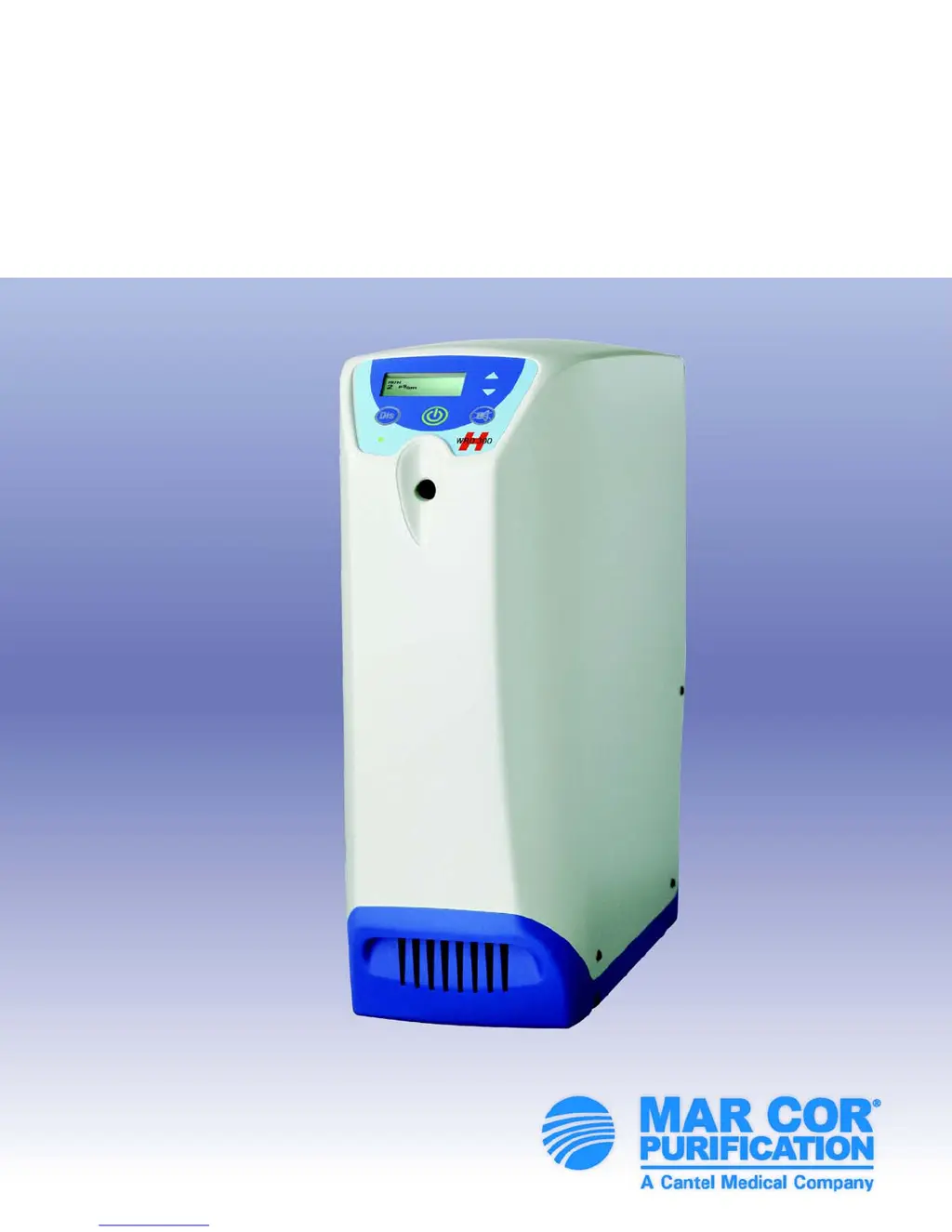
WRO 300 H
Operator’s Manual

Table of Contents

Other manuals for Mar Cor Purification WRO 300 H

Questions and Answers

  • M
    Mrs. Rebecca BullockSep 23, 2025
    What to do if internal error 1 on Mar Cor Purification WRO 300 H Water Filtration Systems?
    • D
      Douglas MartinezSep 23, 2025
      If your Mar Cor Purification Water Filtration System displays 'Internal Error 1' due to a control unit failure, first press the designated button to silence the buzzer. Then, restart the unit, or notify technical personnel.
  • H
    Henry OrozcoAug 27, 2025
    What to do if Mar Cor Purification WRO 300 H Water Filtration Systems reports insufficient water supply?
    • M
      matthew28Aug 27, 2025
      If the Mar Cor Purification Water Filtration Systems displays 'INSUFFICIENT WATER SUPPLY' because the inlet tank appears empty, take these steps: 1. Ensure the feed water supply meets the Technical Data specifications. If the message is intermittent, the feed water pressure might be insufficient. 2. Use the Internal Service Menu to check the function of the level sensors and the inlet valve. 3. Inspect the internal inlet constant flow valve for any particle blockages. Refer to component 3 in the Flow Diagrams on page 15. 4. If applicable, check the external constant flow valve for any particle blockages.
  • J
    Jonathan RichardsonAug 27, 2025
    What to do if the high level sensor doesn't detect water during filling of Mar Cor Purification Water Filtration Systems?
    • A
      Alan WrightAug 27, 2025
      If the high level sensor in the Mar Cor Purification Water Filtration Systems hasn't detected water within the expected time during filling, which is determined by preset S233, consider the following: 1. Replace optical level sensors with float level switches, if not already done. 2. Start the WRO unit in RUN mode and use logging in Internal service to verify the high level sensor's proper function. Replace the sensor if needed. 3. Adjust preset S233 if the WRO unit has a poor or highly variable water supply. 4. If the alarm persists, you can disable the overflow supervision system by setting preset S233 to zero (0). Caution: This will disable the overflow supervision function.
  • A
    Anthony McdonaldAug 28, 2025
    What to do if Mar Cor Purification Water Filtration Systems reports high conductivity rinse?
    • O
      ovasquezAug 28, 2025
      If the Mar Cor Purification Water Filtration Systems displays 'HIGH CONDUCTIVITY RINSE', indicating the conductivity is above the Conductivity Notification limit after a prolonged Rinse, follow these steps: 1. Perform a separate test to confirm there are no residual chemicals in the product water. 2. Verify the product water conductivity reading against an external conductivity reference instrument and calibrate if necessary. 3. If the product water conductivity cannot be calibrated, check the conductivity measurement system (probe and electrical connections). Replace the CPU board if necessary.
  • S
    Seth JonesSep 23, 2025
    What to do if load application failed on Mar Cor Purification WRO 300 H Water Filtration Systems?
    • S
      samantha96Sep 23, 2025
      If your Mar Cor Purification Water Filtration System displays 'Load Application Failed' due to software malfunction, notify technical personnel.
  • D
    danielbishopNov 23, 2025
    What to do if Mar Cor Purification Water Filtration Systems shows a conductivity notification?
    • A
      Amanda MasonNov 23, 2025
      If the conductivity value exceeds the notification limit for more than 30 seconds during operation, here’s what to do: 1. Start the WRO unit and let it run for at least 15 minutes to allow the water temperature to equalize. Verify both feed and product water conductivity against an external reference instrument and calibrate if necessary. 2. If the feed water conductivity has increased, the product water conductivity will also increase. Adjust the conductivity notification limit to correspond to the new situation. 3. If the feed water temperature has significantly increased since installation, this will affect the salt rejection ability of the reverse osmosis membrane, leading to higher product water conductivity. Adjust the conductivity notification limit to correspond to the new situ...
  • B
    brandonweaverSep 12, 2025
    What to do if rinse required on Mar Cor Purification Water Filtration Systems?
    • L
      lynnpaceSep 12, 2025
      If your Mar Cor Purification Water Filtration System displays 'Rinse Required' this indicates that the system is filled with chemicals. To resolve this, first, press the designated button to silence the buzzer and then perform a rinse by pressing the specified button until the rinse starts.
  • M
    miguelwilliamsSep 12, 2025
    What to do if insufficient heat on Mar Cor Purification WRO 300 H?
    • M
      millerbrittanySep 13, 2025
      If your Mar Cor Purification Water Filtration System displays an 'Insufficient Heat' message, likely due to a power failure, first press the designated button to silence the buzzer. Then, press the specified button until the light goes on. The system will either go to standby or an active cooldown.
  • M
    Megan GainesSep 5, 2025
    What to do if conductivity notification occurs on Mar Cor Purification WRO 300 H Water Filtration Systems?
    • M
      Mr. Daniel WalkerSep 5, 2025
      If the conductivity value of your Mar Cor Purification Water Filtration System has exceeded the notification limit for more than 30 consecutive seconds during the previous run period, start by pressing the designated button to silence the buzzer. Next, perform cleaning according to your local procedures. If the issue continues, notify technical personnel.
  • A
    ashley42Sep 3, 2025
    What to do if conductivity alarm occurs on Mar Cor Purification WRO 300 H Water Filtration Systems?
    • K
      Kaylee BestSep 3, 2025
      If the conductivity value of your Mar Cor Purification Water Filtration System exceeds the alarm limit for more than 30 seconds, take the following steps. Before treatment: press the designated button to silence the buzzer and note the conductivity value, then continue treatment. After treatment: inform the responsible medical staff according to local procedures and notify technical personnel for further actions.

Summary

Important User Information

Preface and Supporting Information

Other Manuals for WRO 300 H

Lists related manuals for the WRO 300 H water purification unit.

Definitions of Expressions in the Manual

Explains the meaning of specific terms and symbols used throughout the manual.

Safety Considerations

Highlights essential safety precautions and warnings for operating the WRO 300 H.

List of Symbols

Details the various symbols and their meanings used in the WRO 300 H manual.

Certification Marks

Information on the CSA(C-US) mark and its conformance to safety standards.

IPR - Intellectual Property Rights

Covers copyright, trademarks, and intellectual property information for the product.

Manufacturer Information

Provides contact details and address for Mar Cor Purification, Inc.

Introduction to the WRO 300 H

Intended Use

Defines the primary purpose and application of the WRO 300 H water purification unit.

General Product Overview

Provides a general description of the WRO 300 H and its key features.

Alarm Types and Indicators

Details the different alarm types, sounds, flashes, and message displays.

Conductivity Monitoring System

Explains the conductivity monitoring, its limits, and notifications.

Mains Power Switch Location

Describes the location and function of the mains power switch.

Operator Panel Controls

Details the buttons on the operator panel and their functions.

System Reminders

Information on preset reminders for user actions and their display.

Operational Data Display

Explains how to view operational data such as product water, feed water, and flow rates.

Operation Procedures

Starting the Unit

Instructions on how to start the WRO 300 H unit and initiate operation.

Stopping the Unit

Guidance on how to stop the WRO 300 H and put it into standby mode.

Regular Maintenance

Heat Disinfection

Information on the requirements and frequency of heat disinfection for microbiological control.

Chemical Disinfection

Procedures and guidelines for chemical disinfection of the WRO 300 H.

Cleaning Procedures

Details on warm acid cleaning, alkaline cleaning, and general cleaning procedures.

Long Term Storage and Preservation

Instructions for preserving the unit during extended periods of non-use.

Flushing Procedures

Covers manual and auto flush functions for water exchange.

Exterior Cleaning

Guidance on cleaning the exterior of the WRO 300 H unit.

Technical Data

Performance and Specifications

Details output flow, water loop length, pressure, and quality parameters.

Chemical Disinfection and Cleaning Agents

Lists approved disinfectants, cleaning agents, and preservation agents.

Physical Dimensions and Volume

Provides physical measurements like weight, height, depth, width, and internal volume.

Materials in Contact with Product Water

Lists materials used in components that contact product water.

Environmental and Storage Data

Specifies operating temperature, humidity, and storage conditions.

Electromagnetic Environment Compliance

Details emissions and immunity test results for electromagnetic compatibility.

Safety Standards Compliance

Lists the safety and EMC standards the machine complies with.

Troubleshooting Guide

Alarms and Notifications Overview

Provides definitions and actions for various alarms and notifications.

Boot Loader Error

Describes the alarm indicating corrupt software and the required action.

Maintenance Check List

Mar Cor Purification WRO 300 H Specifications

General IconGeneral
BrandMar Cor Purification
ModelWRO 300 H
CategoryWater Filtration Systems
LanguageEnglish

Related product manuals