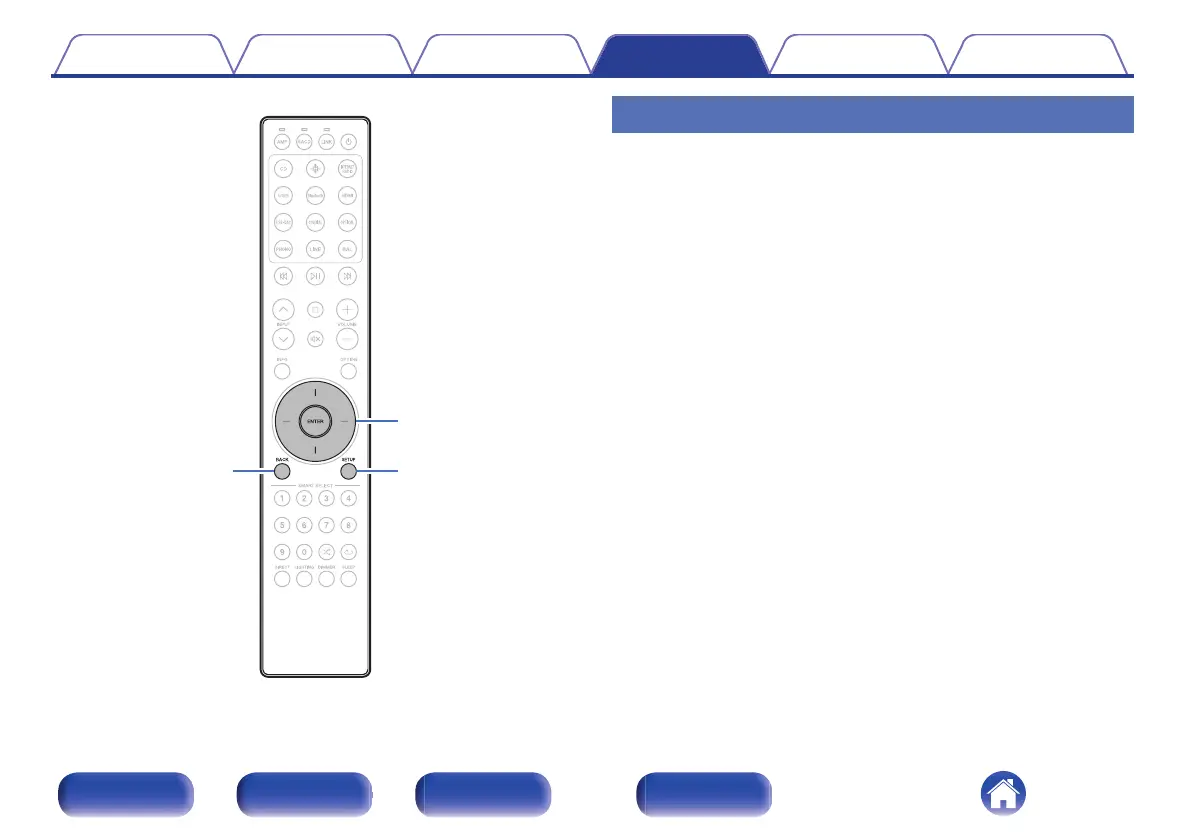
BACK
SETUP
ENTER
Cursor Up/Down
Menu operation
1
Press SETUP.
The setup menu is displayed on the display.
2
Use Cursor Up/Down buttons to select the menu to be
set or operated, then press ENTER.
3
Use Cursor Up/Down buttons to change to desired
setting.
4
Press ENTER to enter the setting.
0
To return to the previous item, press BACK.
0
Exiting the Menu, press SETUP while the setup menu is
displayed. The display returns to the normal display.
Contents Connections Playback Settings Tips Appendix
48
Front/Top
panel
Rear panel
Remote control
unit
Index



 To Next Page