EasyManua.ls Logo

Marantz AV7702 - Page 114

Marantz AV7702
343 pages
Print Icon
To Next Page IconTo Next Page
To Previous Page IconTo Previous Page
Loading...
5
Input “Email address” and “Password”.
0
For character input, see “Using the keyboard
screen” (
v
p. 173).
0
Press BACK to cancel the input. When “Cancel input?” is
displayed, select “Yes”, then press ENTER.
6
After inputting the “Email address” and “Password”,
select “OK”, then press ENTER.
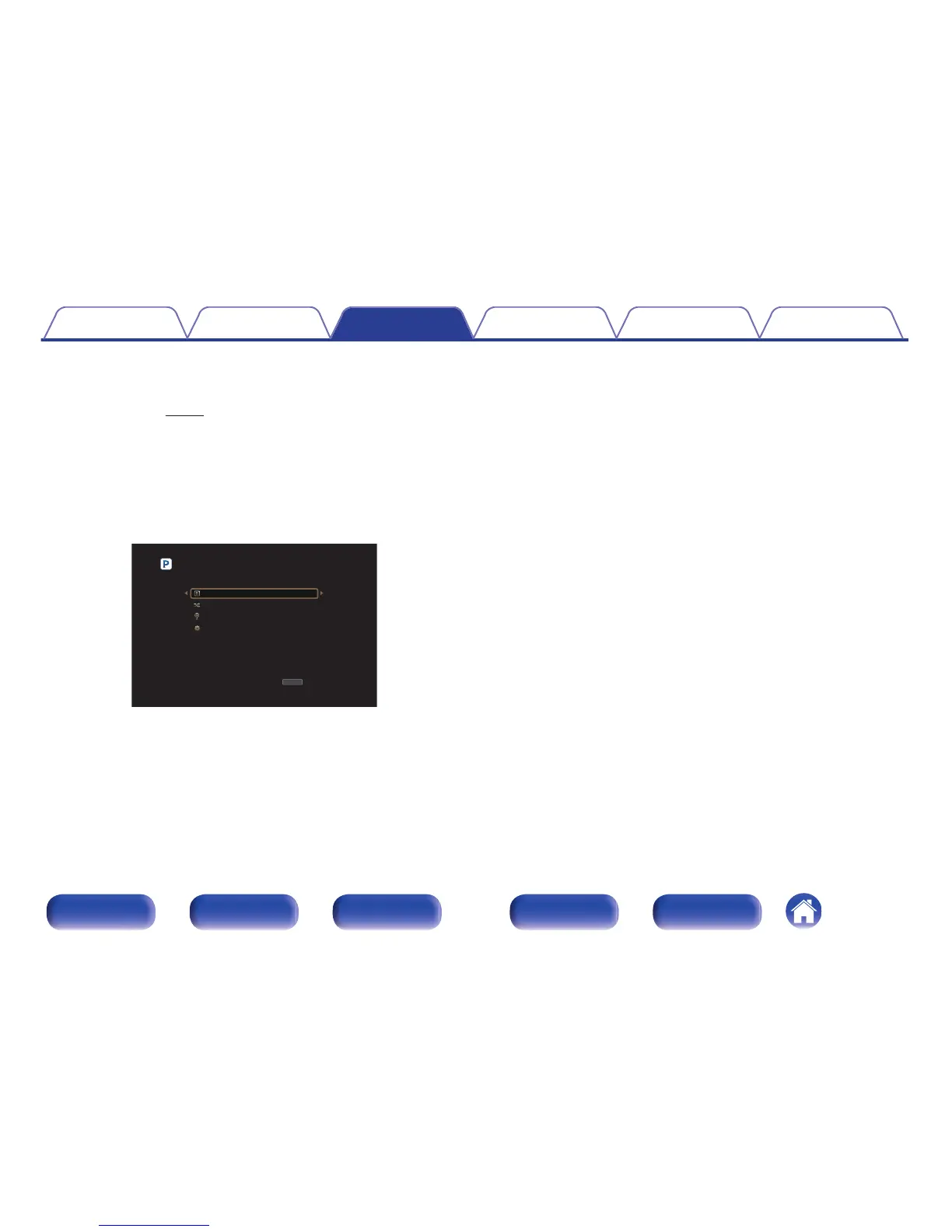
If the “Email address” and “Password” match, the top menu for
Pandora is displayed.
.

OPTION
OPTION
My Station [1/4]
Option
New Station
Shuffle
Music1 Radio
Sign Out
Contents Connections Playback Settings Tips Appendix
114
Front panel Display Rear panel Remote Index

Other manuals for Marantz AV7702

Related product manuals