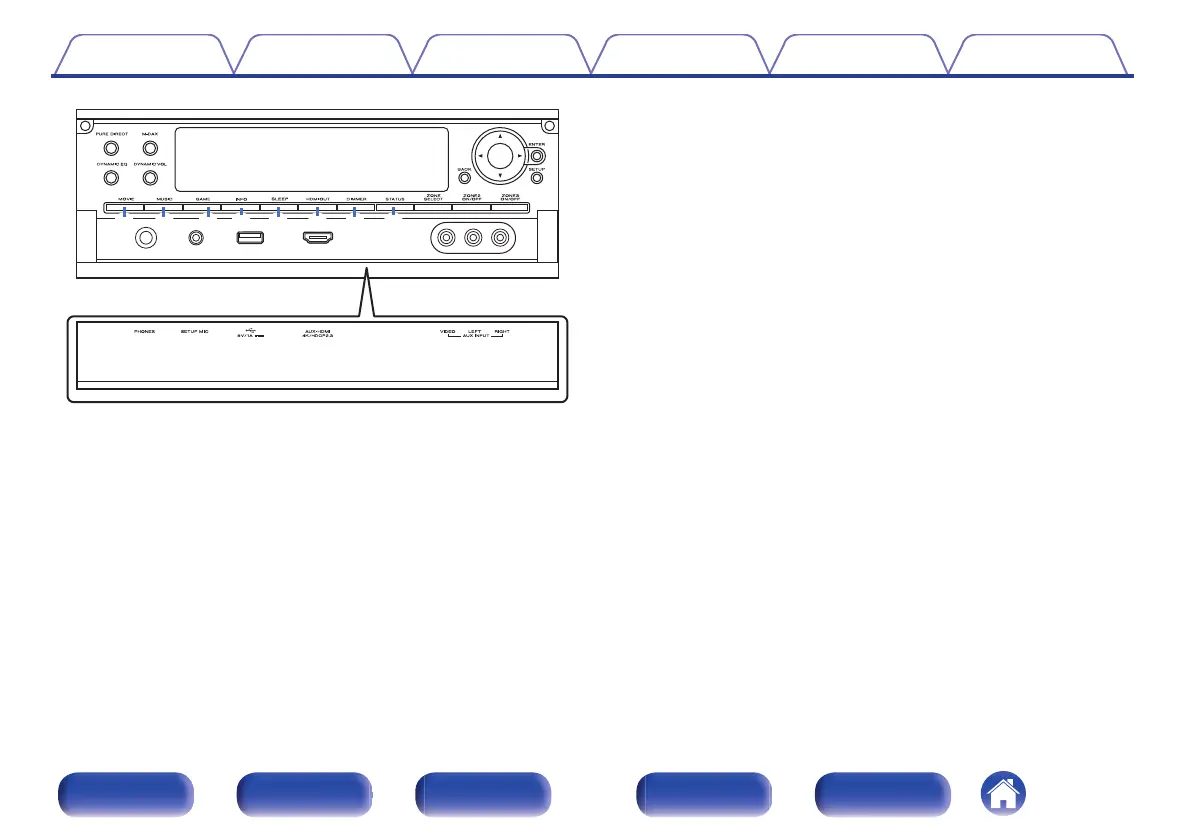
.
J
MOVIE button
This switches the sound mode to “Movie”. (v p. 132)
K
MUSIC button
This switches the sound mode to “Music”. (v p. 132)
L
GAME button
This switches the sound mode to “Game”. (v p. 132)
M
Information button (INFO)
This displays the status information on the TV screen. (v p. 255)
N
SLEEP button
This sets the sleep timer. (v p. 148)
O
HDMI OUT button
This sets the HDMI monitor output. (v p. 186)
P
DIMMER button
Each press of this switches the brightness of the display. (v p. 250)
Q
STATUS button
Each press of this switches the status information that is shown on the
display.
Contents Connections Playback Settings Tips Appendix
21
Front panel Display Rear panel Remote Index



 To Next Page