ADDITIONAL FUNCTIONS
9
Selecting a track during CD play
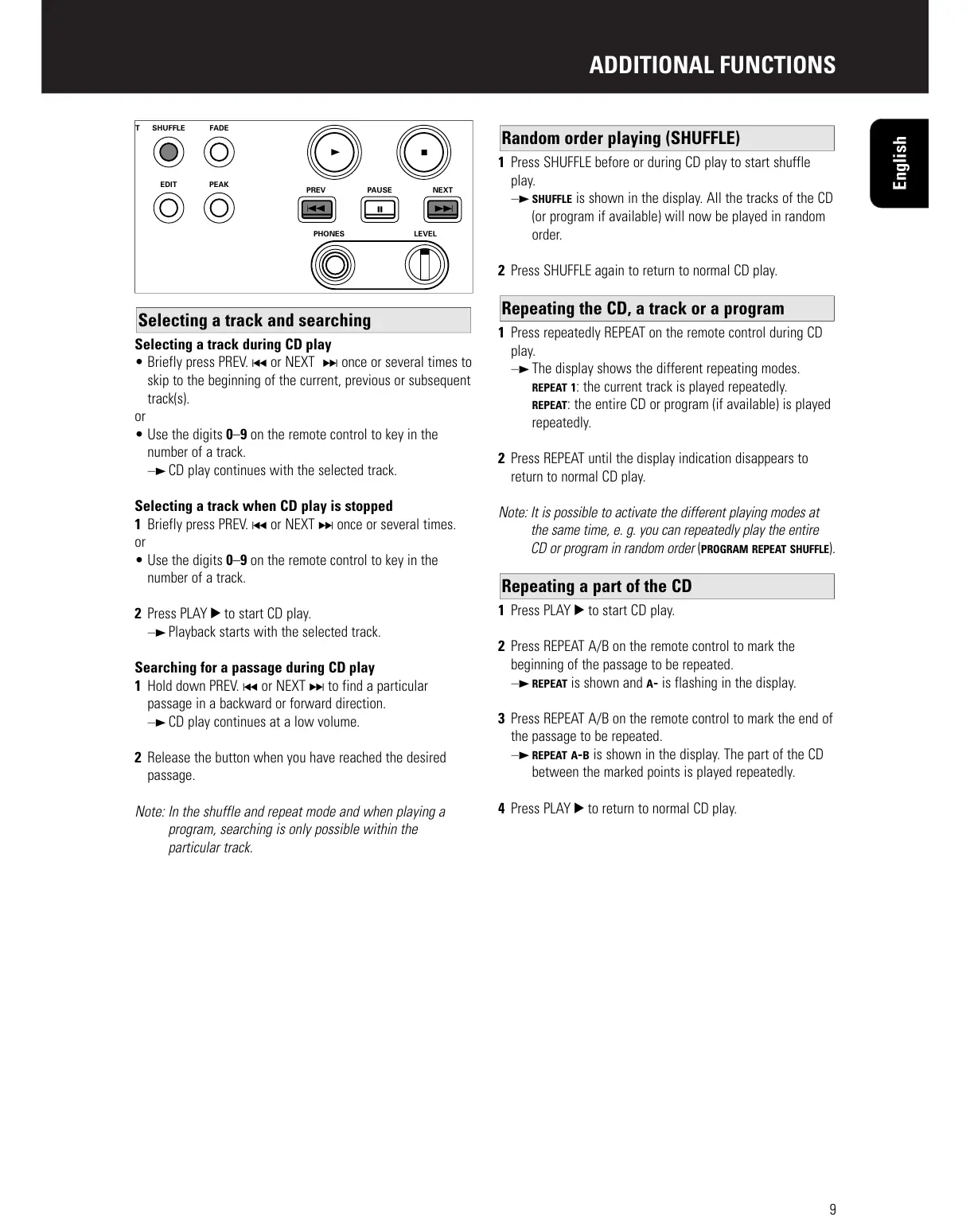
• Briefly press PREV. ∞ or NEXT § once or several times to
skip to the beginning of the current, previous or subsequent
track(s).
or
• Use the digits 0–9 on the remote control to key in the
number of a track.
y CD play continues with the selected track.
Selecting a track when CD play is stopped
1 Briefly press PREV. ∞ or NEXT § once or several times.
or
• Use the digits 0–9 on the remote control to key in the
number of a track.
2 Press PLAY 2 to start CD play.
y Playback starts with the selected track.
Searching for a passage during CD play
1 Hold down PREV. ∞ or NEXT § to find a particular
passage in a backward or forward direction.
y CD play continues at a low volume.
2 Release the button when you have reached the desired
passage.
Note: In the shuffle and repeat mode and when playing a
program, searching is only possible within the
particular track.
1 Press SHUFFLE before or during CD play to start shuffle
play.
y SHUFFLE is shown in the display. All the tracks of the CD
(or program if available) will now be played in random
order.
2 Press SHUFFLE again to return to normal CD play.
1 Press repeatedly REPEAT on the remote control during CD
play.
y The display shows the different repeating modes.
REPEAT 1: the current track is played repeatedly.
REPEAT: the entire CD or program (if available) is played
repeatedly.
2 Press REPEAT until the display indication disappears to
return to normal CD play.
Note: It is possible to activate the different playing modes at
the same time, e. g. you can repeatedly play the entire
CD or program in random order (PROGRAM REPEAT SHUFFLE).
1 Press PLAY 2 to start CD play.
2 Press REPEAT A/B on the remote control to mark the
beginning of the passage to be repeated.
y REPEAT is shown and A- is flashing in the display.
3 Press REPEAT A/B on the remote control to mark the end of
the passage to be repeated.
y REPEAT A-B is shown in the display. The part of the CD
between the marked points is played repeatedly.
4 Press PLAY 2 to return to normal CD play.
Repeating a part of the CD
Repeating the CD, a track or a program
Random order playing (SHUFFLE)
Selecting a track and searching
English



 To Next Page