E
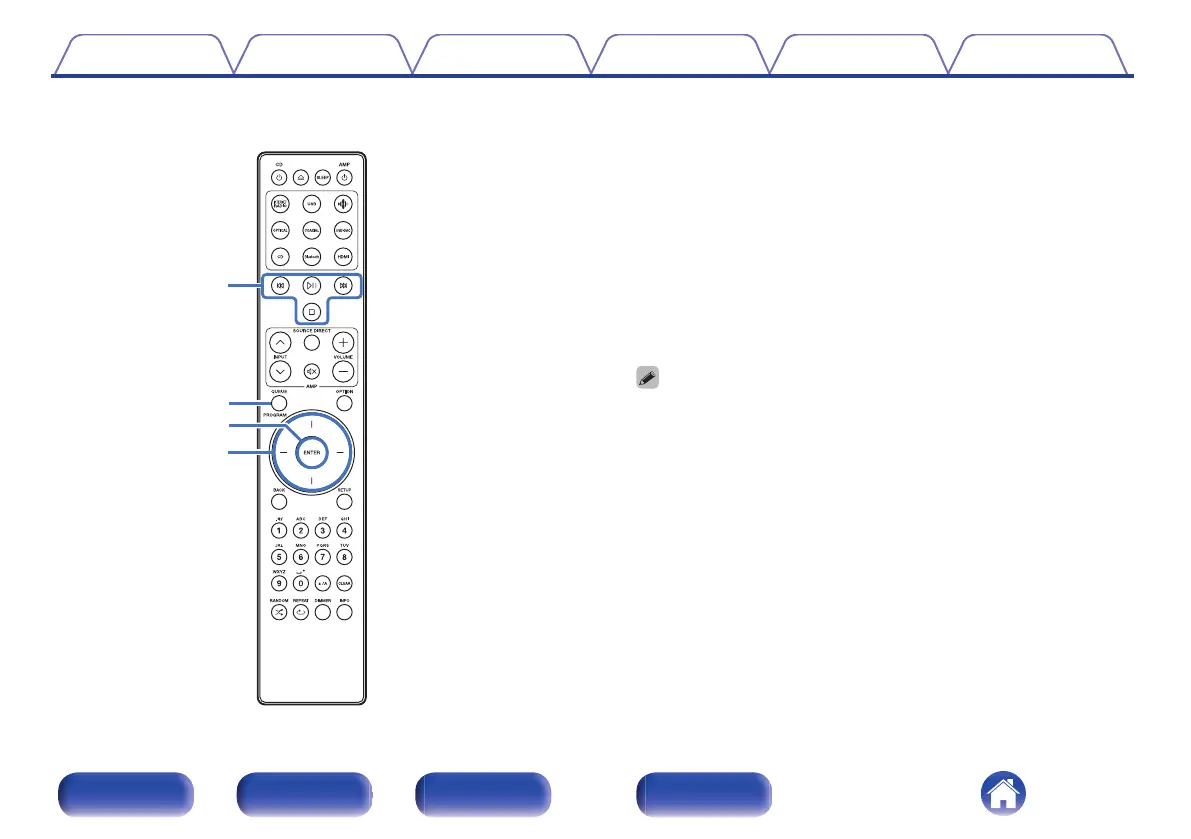
System buttons
These perform playback related operations.
0
Play/Pause button (p)
Press this button to pause during playback. If pressed while paused
or stopped, resumes playback from the last track played.
0
Forward-skip button (j)
Press this button during playback to play the next track.
0
Reverse-skip button (k)
Press this button during playback to restart the current track or play
the previous track.
0
Stop button (i)
Press this button to stop during playback.
0
Depending on the input source and online service, the operation cannot be
performed.
F
QUEUE button
This displays the queue.
0
“Listening to Internet Radio” (v p. 39)
0
“Playing back files stored on PC or NAS” (v p. 41)
0
“Playing a USB flash drive” (v p. 44)
PROGRAM button
This sets program playback. (v p. 67)
G
ENTER button
This determines the selection.
H
Cursor buttons
These select items.
Contents
Connections Playback Settings Tips Appendix
16
Front panel Rear panel
Remote control
unit
Index



 To Next Page