O
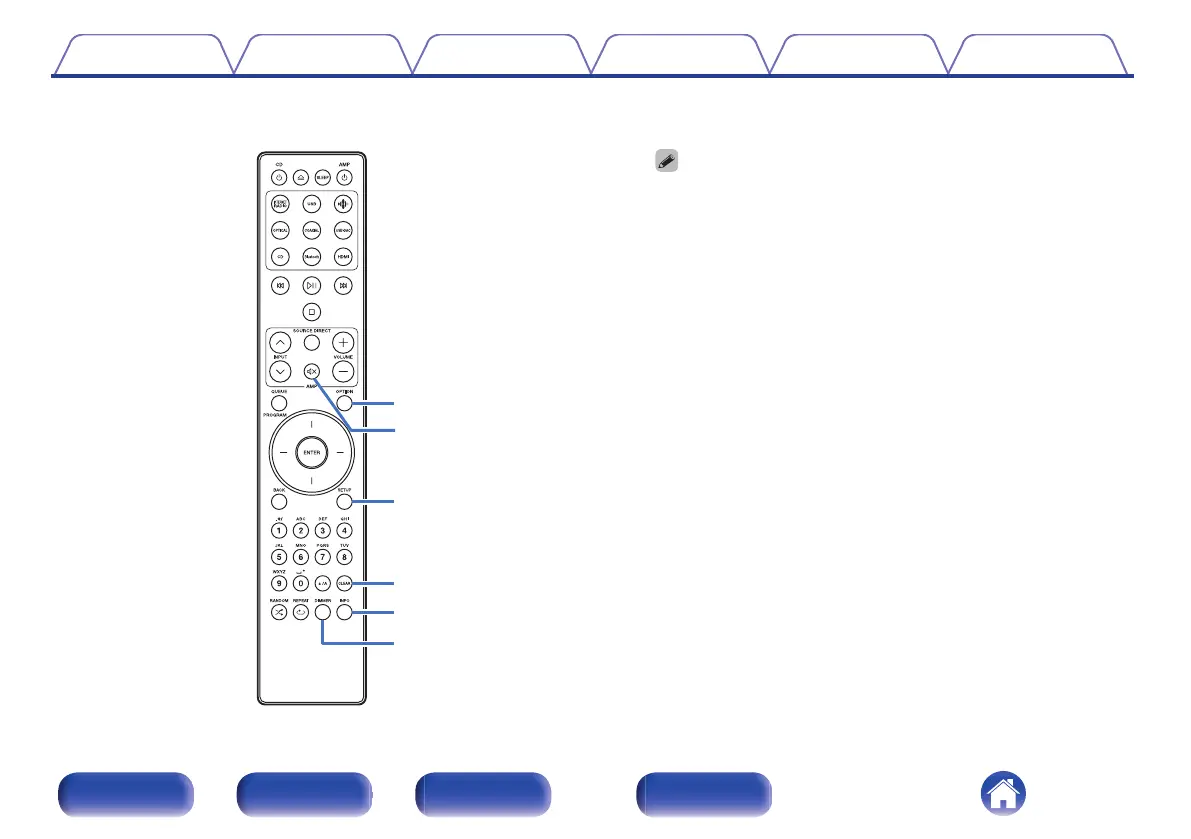
OPTION button
0
This displays the option menu on the display.
0
An option menu is not displayed for some input sources.
0
This switches the playback range on a data CD. (v p. 70)
P
MUTE button (:)
This mutes the audio signal output from the analog audio output
terminals (VARIABLE) of this unit. This function is enabled when the
volume control mode of the remote control is network CD player control
mode. (v p. 109)
Q
SETUP button
The setting menu is displayed on the display. (v p. 93)
R
CLEAR button
This cancels the settings.
S
Information button (INFO)
This switches the track information shown in the display during
playback.
T
DIMMER button
Adjust the display brightness of this unit. (v p. 89)
Contents
Connections Playback Settings Tips Appendix
18
Front panel Rear panel
Remote control
unit
Index



 To Next Page