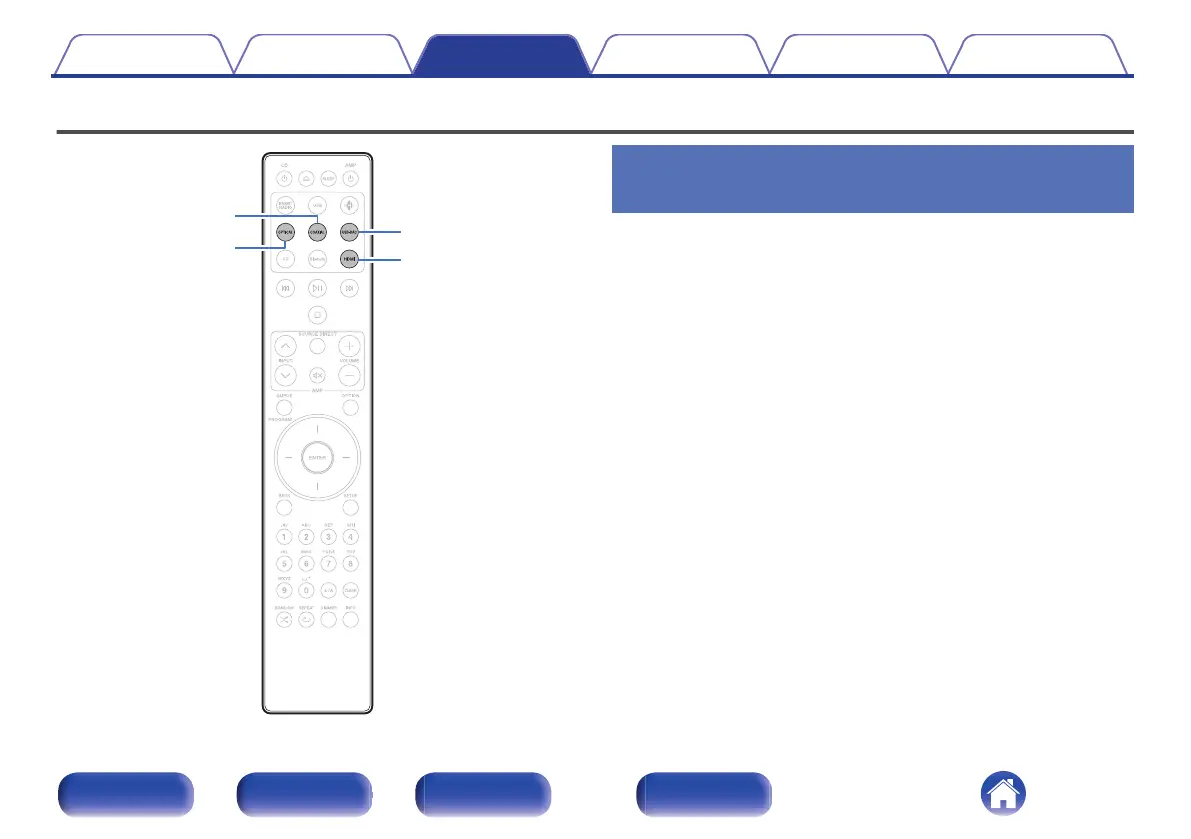
Playing digital input
USB-DAC
HDMI
OPTICAL
COAXIAL
Connecting and playing back from a TV
or digital device (HDMI/Coaxial/Optical)
1
Prepare for playback.
Check the connection, then turn on this units. (“Connecting a
TV” (v p. 22), “Connecting to a device with digital audio output
connectors” (v p. 27))
2
Press HDMI, COAXIAL or OPTICAL to switch the input
source to “HDMI”, “Coaxial” or “Optical”.
3
Play the component connected to this unit.
0
If the sampling frequency cannot be detected, “Signal Unlock” will
be displayed.
0
“Unsupported” is displayed when audio signals that are not
supported by this unit are input.
Contents Connections Playback Settings Tips Appendix
71
Front panel Rear panel
Remote control
unit
Index



 To Next Page