G
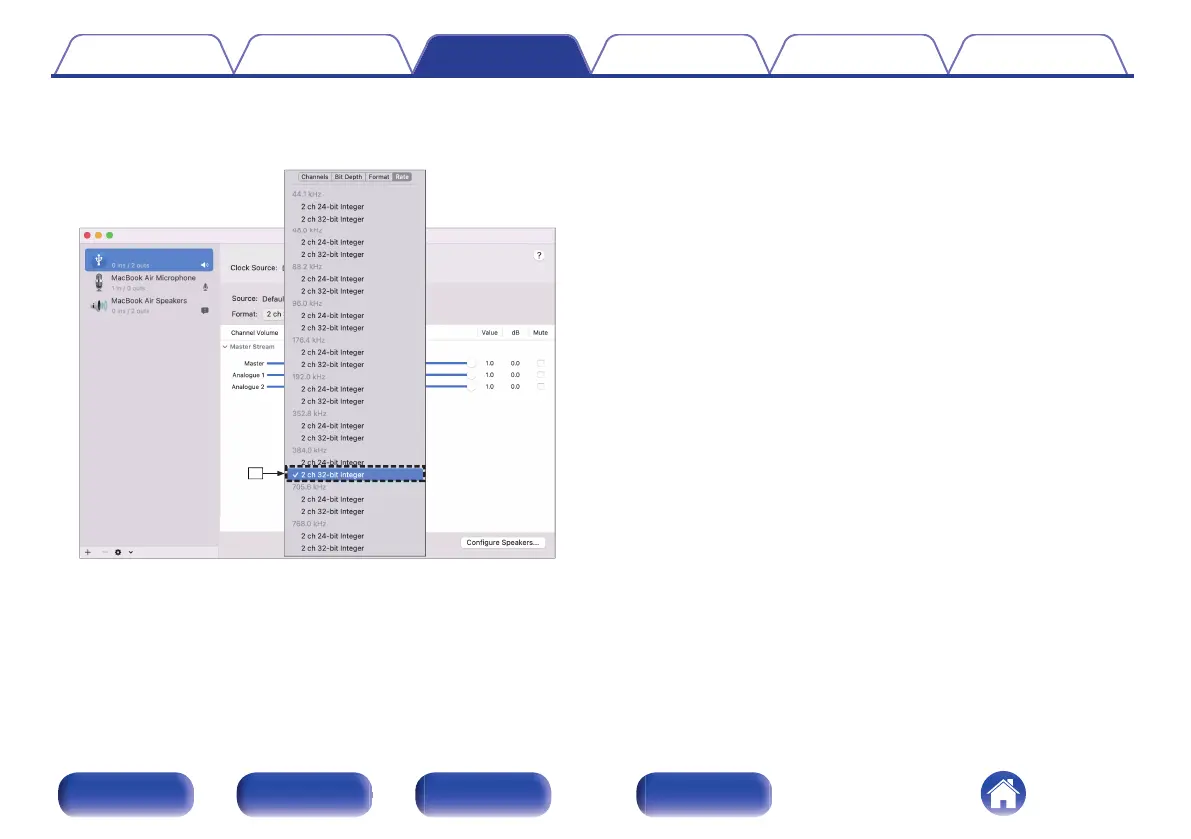
Select the “CD 50n” format.
0
It is normally recommended to set the format to “2 ch 32-bit Integer
384.0 kHz”.
H
Quit Audio MIDI Setup.
o
Playback
Install the desired player software on your computer beforehand.
Use the rear panel USB-DAC port to connect this unit to a computer.
(v p. 28)
1
Press USB-DAC to switch the input source to “USB-
DAC”.
Start playback on the computer’s player software.
0
If the sampling frequency cannot be detected, “Signal Unlock” will
be displayed.
0
“Unsupported” is displayed when audio signals that are not
supported by this unit are input.
Contents Connections Playback Settings Tips Appendix
81
Front panel Rear panel
Remote control
unit
Index



 To Next Page