5 – Recording—Fade-in/out
27
ENGLISH
Fade-in/out
When recording, you can fade-in the input signal
from silence to the specified level, or fade-out from
the current level to silence. The fade-in/out times can
be specified independently.
1 As described in “Basic operation in Menu
mode” (→ p.12), access the “FADE IN?”
menu item and press the ENTER button.
The display will indicate “Fade In> XXs” (you
can select 1–30).
Here you can specify the fade-in time.
2
Turn the MULTI JOG dial to specify the fade-
in time.
3
Press the MENU button to return from menu
mode to normal mode.
By selecting the “FADE OUT?” menu item in
step 1, you can specify the fade-out time in the
same way.
4
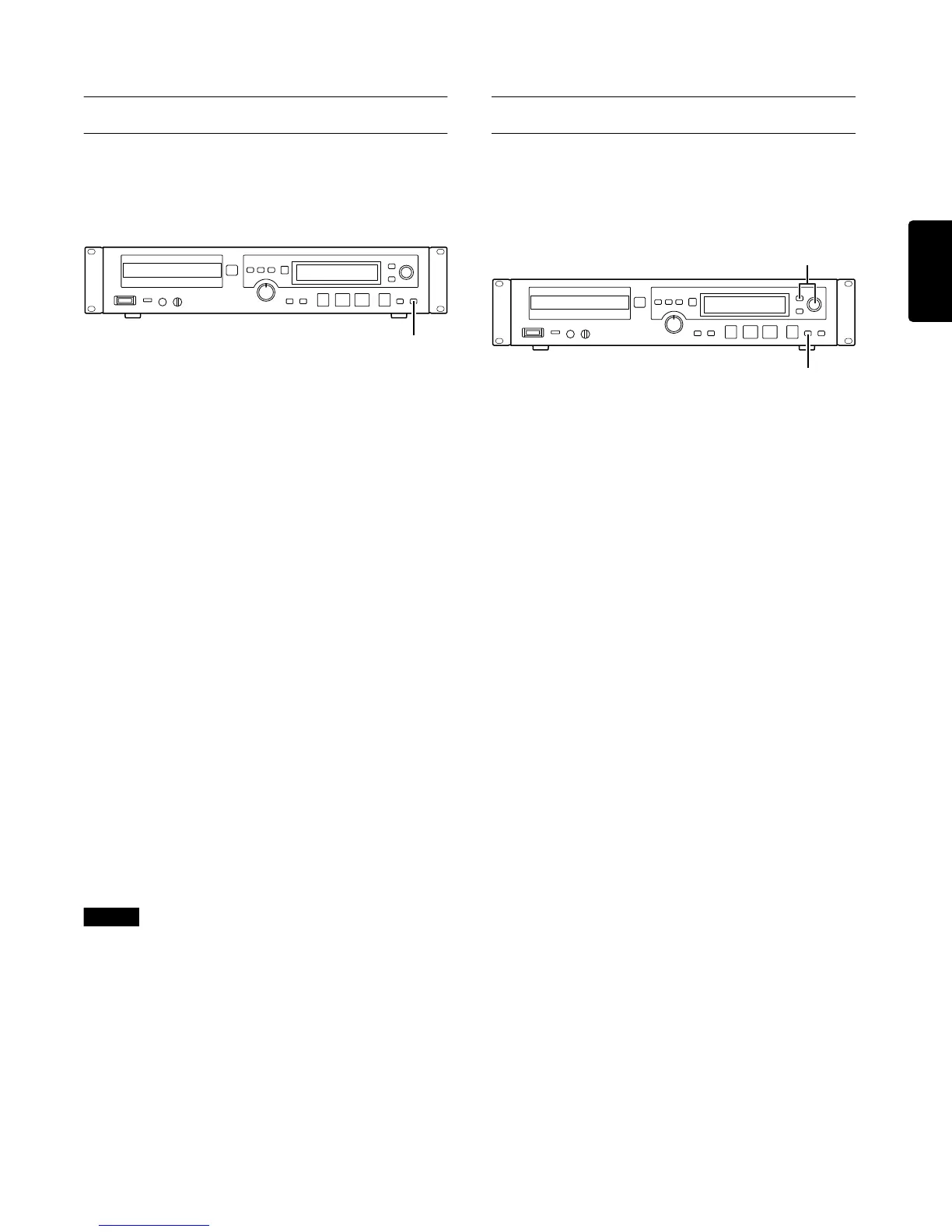
To execute a fade-in, press the FADER but-
ton on the front panel (or the remote control
unit) from record-ready mode.
Recording will begin at the same time as the fade-
in, and the display will indicate “Fade In”.
5
To execute a fade-out, press the FADER but-
ton on the front panel (or the remote control
unit) during recording.
The fade-out will begin, and recording will stop
when the fade reaches silence. The display will
indicate “Fade Out” while the fade-out is occur-
ring.
Note
You are able to operate fade-out during a fade-in, or fade-
in during a fade-out.
Sync recording
Sync recording makes recording begin automatically
when the input signal exceeds a specified level (the
sync level) and end automatically when silence is
detected at the end.
1
After entering record-ready mode (
→
p.25), press the SYNC REC button repeat-
edly to select “Sync ALL” or “Sync 1”.
Each time you press the button, the display will
cycle through the following settings: “Sync ALL”
(repeatedly sync-record the input source) →
“Sync 1” (sync-record only once) → “Sync
OFF” (sync-record is off).
If “Sync ALL” is selected, the [SYNC] indicator
in the display will light, and the CDR632 will be
ready to sync-record.
If “Sync 1” is selected, the [SYNC] indicator in
the display will blink, and the CDR632 will be
ready to sync-record.
2
If necessary, you can adjust the sync level
as follows.
1 As described in “Basic operation in Menu
mode” (→ p.12), access the “SYNC
LEVEL?” menu item and press the MULTI
JOG dial.
The display will indicate “S_LEV> XXXdB”.
2 Turn the MULTI JOG dial to set the sync
level. The range is –24 dB to –72 dB (6 dB
steps).
3 Press the MENU button or ENTER button
to exit menu mode.
FADER button
1, 4
2



 To Next Page