30
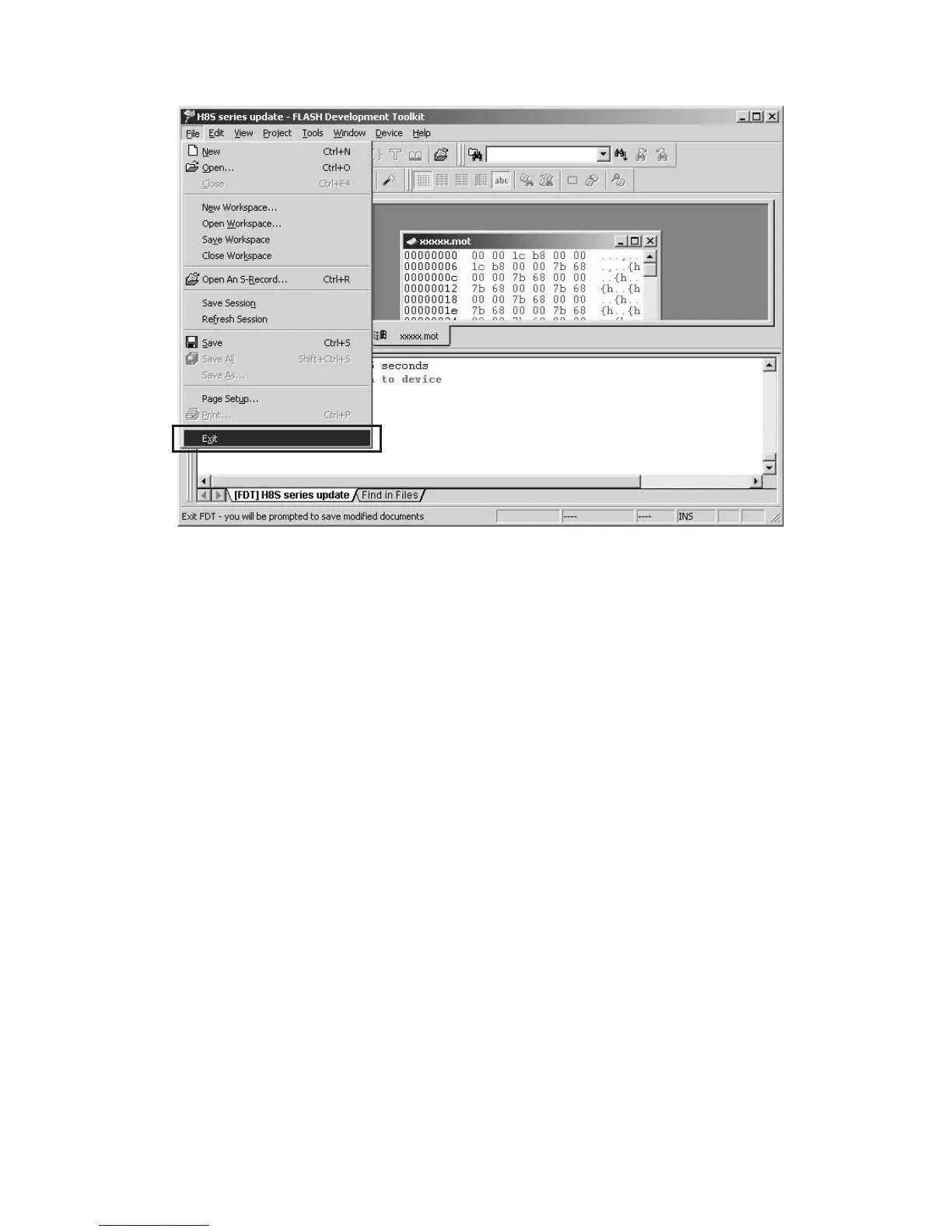
Click File in the menu bar and select Exit. File から Exit をクリックして書き込みソフトウェアを終
了します。
Turn off by the POWER switch in the front panel of DVD
Player.
After The DVD Player’s STANDBY (red) and DISPLAY OFF
(blue) indicators turn off lights, Insert a thin rod to the hole
near the RS-232C Port and push the switch inside to turn
off the switch.
Disconnect RS-232C cable of the DVD Player and Serial
Port of windows PC.
DVDPlayerのFrontPanelにある電源スイッチを押して
電源を切ります。
STANDBY,DISPLAYOFF のランプが消灯したら RS-
232C の右横の穴からスイッチを押し書き込みモードを
解除します。
RS-232C のケーブルを外します。



 To Next Page